Este es el sitio web de GAT Labs for Education. Ir a GAT Labs for Enterprise soluciones aquí
ARTIFICIAL INTELLIGENCE IN SCHOOLS

Manage AI Tools Usage in Google Workspace for Education

Monitor how AI tools are used across your domain, see what data they can access, and enforce school policies with real-time visibility and audit reporting.
Today’s Problem with AI in Education:

How Can AI Tools Be Used Safely in Schools?

Thousands of students and school staff across Google Workspace are currently using AI tools. However, most schools lack full visibility into how, where, and with what level of risk they are being used.

New technologies mean new challenges for school leaders and administrators:

Common AI Risks in Education

Our solutions, tailored for Google Workspace and Chromebooks, offer versatile AI usage monitoring to encourage fair use of artificial intelligence while protecting users’ private data that might be shared with AI apps.

For IT Teams

Personal Data Exposure

Third-party AI apps can access Google user accounts, student data, and school devices, whether users intentionally share their sensitive data with them or not. That can lead to data leaks and further cyberattacks, especially when unauthorized apps are involved.

For School Leadership

Compliance Violations

Unclear AI app policies may allow the storage and processing of users’ private information without their consent, violating COPPA, FERPA, and GDPR requirements. Uncontrolled access to AI-generated inappropriate content makes schools non-compliant with the CIPA regulations.

Exposure to Inappropriate GenAI Content

Without AI-related online activity monitoring, students may access or generate AI-generated content that violates safeguarding policies.

For Teachers

Plagiarism and AI Cheating

Using AI-generated content directly in assignments and exams as students’ own work undermines their creativity, independent work, and learning integrity.

Misinformation

AI chatbots may provide untrue, biased, or outdated information. Inaccurate and misleading data affects students’ trust and their view of the world.

Gain Granular Oversight of Artificial Intelligence Usage Across Your Google Workspace Domain.

Secure AI Apps, Safe Student Data, Intentional Learning

The GAT Labs Solution: Monitor AI Tools Usage in School

Reduce exposure to AI risks and embrace what new technologies offer to education. GAT Labs provides a comprehensive toolset to ensure a safe AI experience in Google Workspace. One multifunctional platform that maximizes admin efficiency and centralizes security oversight.

IT TEAM

Third-Party AI Apps Under Control

PREVENT DATA LOSS, MITIGATE RISKS

Problema
Unauthorized or overlooked third-party AI apps installed in the domain, which can access user data and exploit it.

Our Solution

GAT+ enables complete visibility and assessment of third-party apps in the entire school domain. Customizable access policies for user groups secure their data and devices by restricting or blocking specific apps.

GAT Shield shows all downloads across the domain in real-time and detects suspicious online activity and potentially dangerous files.

IT TEAM

Safe Browsing for AI Tools

EVIDENCE ONLINE SAFETY, STAY COMPLIANT

Problema
AI-powered apps that are fully accessible via a browser may collect users’ personal data, resulting in non-compliance with school security policies and key data privacy regulations for educational institutions.

Our Solution

GAT Shield monitors every user’s online activity, including browsing for URLs of specific AI apps and suspicious software websites. It operates on managed Chrome devices within the Google Workspace domain. Unsafe, unofficial, or unauthorized tools can be fully blocked, their access restricted, or just tracked for further learning evaluation.

SCHOOL LEADERSHIP & IT TEAM

Inappropriate AI Content Restriction

SAFEGUARD CHILDREN ONLINE, KEEP TRUST

Problema
Artificial intelligence makes it easy to search for and generate explicit and age-inappropriate visual materials that are harmful to children’s well-being.

Our Solution

GAT Shield stops students from searching AI deepfake nude sites and other illicit pages to ensure CIPA compliance. Customized keyword search detection disables them from generating such content with AI tools. Real-time alerts notify the admin when a student is trying to break a rule.

TEACHERS

AI Content in Student Assignments Monitoring

TRACK STUDENT WORK, MAINTAIN INTEGRITY

Problema
AI assistants can create content within seconds, leading to increased plagiarism in student assignments and cheating on exams.

Our Solution

Taskmaster analyses student schoolwork in Google Classroom, detecting content generated by AI and large segments of text pasted to the file. The AI-driven Active ID algorithm identifies typing patterns and the true author of the text.

Teacher Assist allows teachers to block students’ screens during exams so they can’t access AI chatbots for help.

Why Schools Need AI Oversight Now?

Artificial intelligence is increasingly impacting the world of education. School leaders agree there is no future for e-learning without AI support.
92%

of students

use AI tools to do their school assignments.
87%

of educators

have used AI at least once for school-related purposes.
Educational institutions need to control, audit, and manage the use of artificial intelligence to avoid data security, compliance, and online safety risks.
GAT Labs can do that for them.

So.... we thought we could live without GAT..... we may have been wrong!”

Frequently Asked Questions: AI Safety in School

What is Shadow AI in education, and how can admins prevent it?

Shadow AI refers to unapproved AI applications used without admin visibility. Domain-wide app monitoring, access auditing, and policy enforcement reduce this risk. GAT Labs manages both third-party and browser-based AI apps.

AI apps can collect sensitive student information in different ways: when users log in with Google accounts, which gives them access to Gmail, Drive, and other account data; when users install an AI app from a suspicious source; when a student shares personal data with an AI chatbot seeking information or advice, etc. Each of these cases increases the risk of unauthorized data disclosure and non-compliance.
Access blocking, restricting, or monitoring of user interaction with ChatGPT is possible with GAT Shield. Admins can set up an alert rule that notifies them when a student submits a file on the AI chatbot website. We recommend activity monitoring and education on responsible AI use rather than a complete ban on ChatGPT.
Domain-wide monitoring and auditing tools, such as the GAT Labs Suite, control all user activity across Chrome, Gmail, Drive, and other Google apps. GAT provides visibility into AI-related user activity: file downloads, browsing history, Docs editing, etc., and notifies admins about potentially risky events.
To reduce AI misuse in student work, schools need trustworthy solutions that can recognize AI-generated and copied-and-pasted content without providing too many “false positive” results. Taskmaster, GAT Labs’s auditing tool for the writing process, provides this and additional analysis of personal typing patterns through a dedicated AI algorithm.

Learn how to audit and manage AI app access in Google Workspace to ensure data security and a safe AI experience for your school.

Learn how to audit and manage AI app access in Google Workspace to ensure data security and a safe AI experience for your school.

Learn More about AI in Education
Dive deeper into the AI-related challenges and solutions for school admins that we explored on our blog:
how to face ai at school

From Misinformation to Scams, Cyberbullying, and Plagiarism. How to Face AI in Schools?

Más información
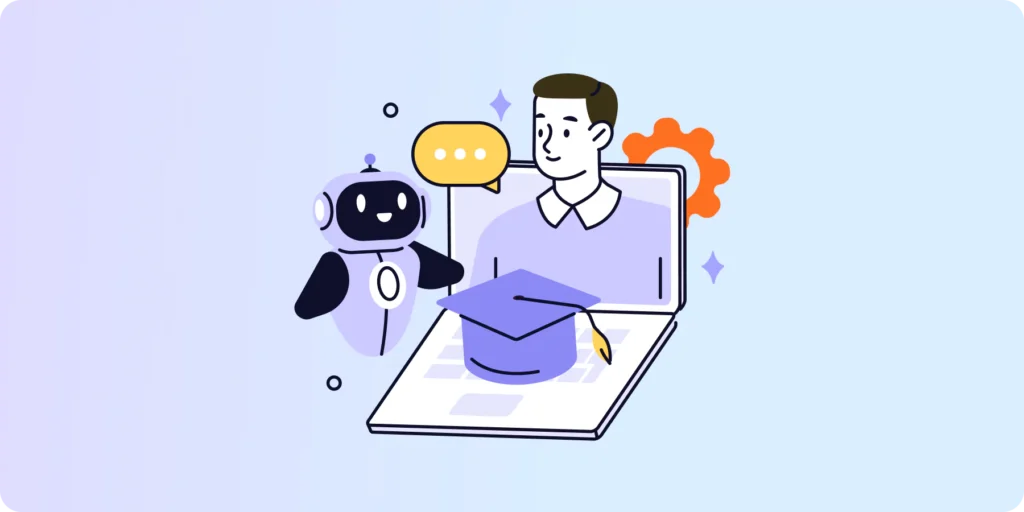
Google Workspace for Education AI management

Google Workspace for Education AI Management: What Admins Need to Know

Más información
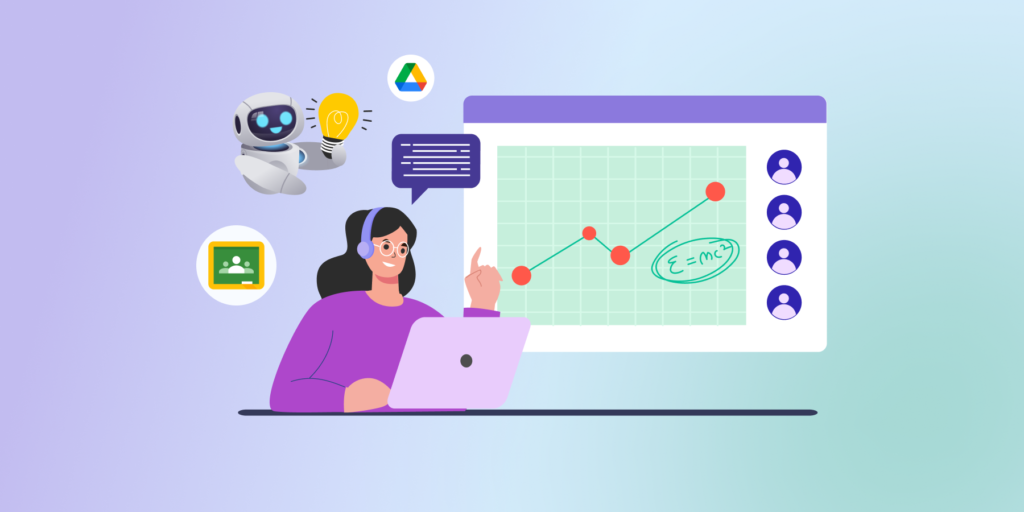
Addressing Teachers’ Top AI Concerns

Addressing Teachers’ Top AI Concerns: Practical Strategies for the Modern Classroom

Más información

The Future of Google Classroom in AI-driven World [Comprehensive Guide for School Admins]

Más información
Preguntas que esta página puede ayudar a responder:
  1. What are the core benefits and risks of integrating Artificial Intelligence into a modern K-12 classroom environment?
  2. How can AI-driven tools improve accessibility and inclusivity for students with special educational needs (SEND)?
  3. What are the specific data privacy concerns school admins should address when students use unapproved AI chatbots?
  4. How does GAT Shield provide real-time oversight to prevent accidental data leaks or the use of inappropriate AI content?
  5. What strategies can educators use to move from a "block-all" mentality to a responsible AI usage policy?
  6. In what ways can AI help reduce teacher workload, specifically in areas like lesson planning and personalized feedback?
  7. How do tools like Taskmaster enable teachers to maintain academic integrity without discouraging the ethical use of AI assistants?
  8. Outline a checklist for a school leader to evaluate the ethical compliance of a new AI application before domain-wide rollout.

Regain Control Over AI in Your School

AI is already embedded in modern learning workflows. The difference between controlled use and unmanaged risk is visibility and policy enforcement. See how GAT provides domain-level AI oversight inside Google Workspace.