GAT Labs Solutions
Take Control of Google Drive Security and Access
See every file, permission, external share, and ownership change across your Google Workspace. Identify risks faster and respond before they become security incidents.
Google Drive Security and Auditing for Admins
Professional-Grade Drive Management
for Your Organization
GAT Labs gives IT Admins a clear path to managing security. Gain full visibility over files, folders, and sharing permissions, including Shared Drives and external access. All of this is managed through a focused, data-driven platform.
Your data stays secure because GAT+ is hosted on the Google Cloud Platform, uses AES-256 encryption, and is SOC 2 certified. Since we analyze only metadata, your file content remains strictly private. This ensures reliable compliance and data integrity at scale.
-
Comprehensive VisibilityAudit MyDrive and Shared Drives with detailed, granular access reports.
-
Proactive ControlIdentify and manage external sharing to keep your domain secure and organized.
-
Timely InsightsMonitor high-risk activity across users, groups, and Drives
-
Ownership ManagementQuickly transition externally owned files into internal Drive ownership for better oversight.
Trusted Worldwide
Used by 2,000+ organizations across finance, media, healthcare, and education.
Processing over 50M+
events per day
10+ years of
Workspace expertise
SOC 2 Certified
ADA Casa Tier-3
Unlock Total Visibility into Your Google Drive Security
01
Smarter Collaboration
Oversight
- Understand how users interact with Google Drive in real time. GAT+ gives Admins advanced insights into file activity, sharing behaviour, and user engagement.
- Track usage patterns, detect unusual access, and generate reports for compliance and governance.
- Access full historical logs across all timelines, supporting audits, investigations, and policy enforcement.
02
Drive Auditing and
Bulk Management
- Manage access rights, file ownership, and folder structures in bulk. Copy, view, or reassign Drive files silently with full control and audit logs.
- Pre-approved access roles allow designated users to manage Drive content securely without compromising compliance.
03
Custom Alerts for
Risky Activity
- Get notified of suspicious behaviour like excessive downloads or risky link sharing within a 24-hour period.
- Use RegEx-powered rules to automatically flag and remove unauthorised shares, protecting sensitive data.
02
Automated File Management for
User Lifecycle Events
- Simplify onboarding, offboarding, and file transfers with event-based workflows.
- GAT Flow handles automated Drive actions for new hires, role changes, or account deactivation, reducing manual workload and minimizing risk.
Learn How to Solve Google Drive Security Problems
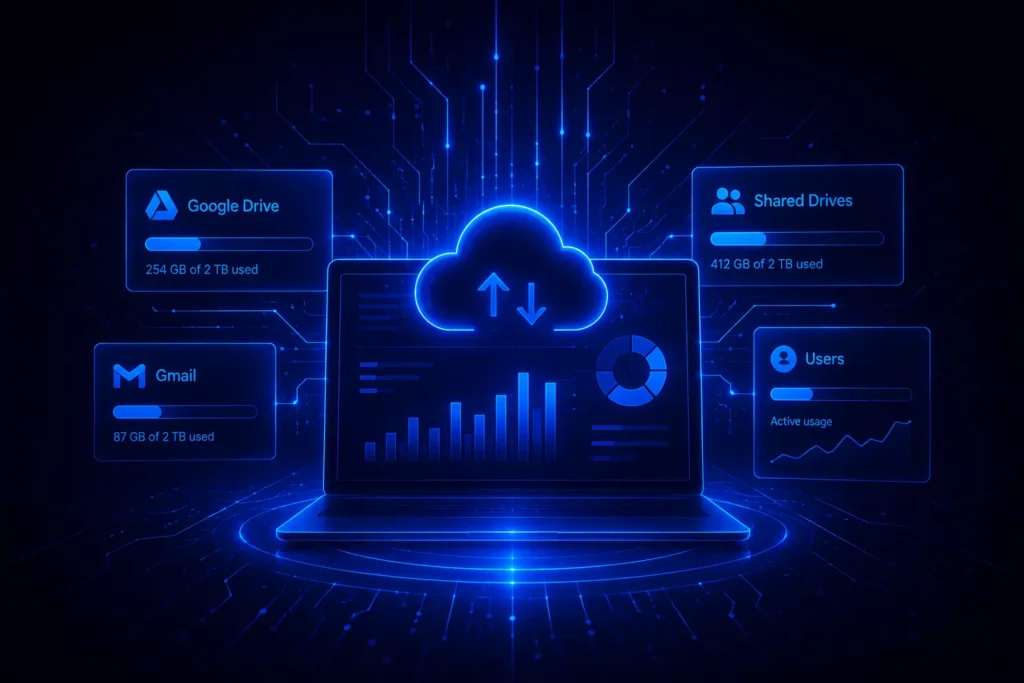
Reduce Drive and Gmail Storage Across Your Domain
Read the blog
Google Drive Security:
7 Best Practices for Enterprises
Read the blog 
Best Practices for Google Drive File Sharing and Permissions
Read the blog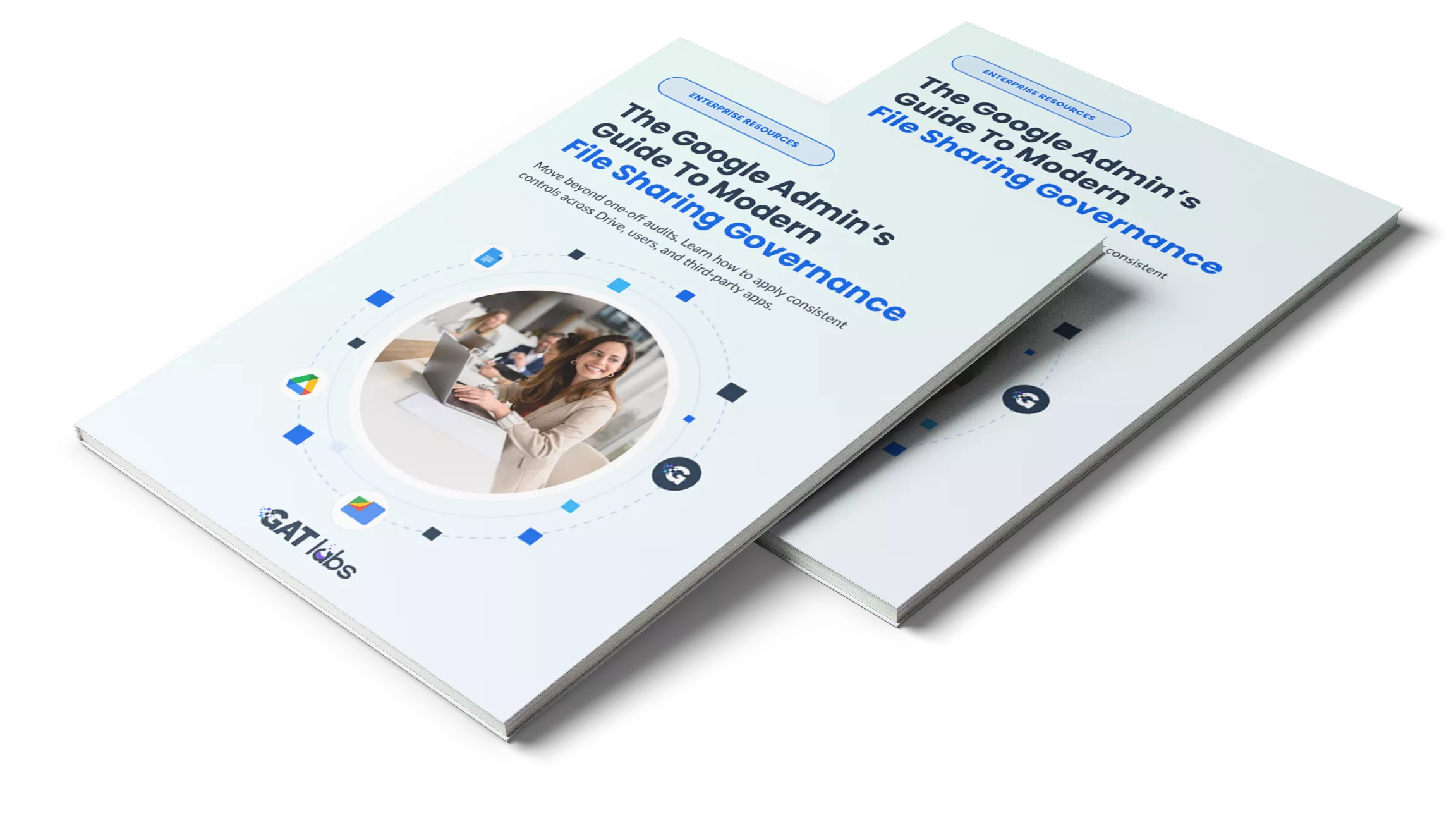
The Google Admin’s Guide to Modern File Sharing Governance
For Google Workspace admins, safety depends on how data flows, who owns it, and which apps can access it. Download the guide to learn how to apply consistent file sharing governance without slowing collaboration.
Frequently Asked Questions
Google Drive Security
& Auditing
How does GAT+ differ from native audit logs in Google Admin Console?
While the Google Admin Console provides basic activity logs, GAT+ offers deep metadata analysis and bulk remediation. Unlike native tools, GAT+ allows admins to see “Shared-In” files (externally owned files shared with your users), perform bulk ownership transfers across the entire domain, and set up multi-party approval workflows (GAT Unlock) to ensure no single admin has unchecked access to sensitive data.
Can I identify and revoke "Ghost Shares" and public links at scale?
Yes. GAT+ identifies “Ghost Shares” files with legacy public or external links that are no longer needed. Admins can use RegEx-powered rules to automatically flag these risks and revoke access in bulk across thousands of MyDrive and Shared Drive folders simultaneously.
Does GAT Labs see the actual content of my organization’s files?
No. GAT+ is designed with a privacy-first architecture. It analyzes only file metadata (file names, sharing permissions, timestamps, and access events). Your actual file content remains private and encrypted via AES-256, hosted securely on the Google Cloud Platform (SOC 2 Certified).
Can I automate Drive file transfers during employee offboarding?
Yes. Through integration with GAT Flow, you can automate user lifecycle events. When an employee leaves, GAT Flow can transfer their Drive ownership to a manager or service account, helping preserve file access, maintain folder structures, and reduce the risk of data loss without manual IT intervention.
Is GAT Labs compliant with global security standards?
GAT Labs is SOC 2 certified and has achieved ADA CASA Tier 3 status, meeting strict security and data protection requirements. The platform supports organizations working toward compliance with frameworks such as GDPR and HIPAA by providing deep audit visibility, access control, and customizable reporting across Google Workspace environments, helping IT and security teams manage risk and demonstrate compliance without relying solely on native tools.
Get Full Visibility and Control
Over Your Google Drive
Start auditing file access, external sharing, and permissions across your domain today. Identify risks faster and take action at scale with GAT+.