
Automated DSAR Fulfillment for Google Workspace
DSARs have a deadline. Your response process should have a workflow.
GAT Labs gives security and compliance teams the visibility, access controls, and automation needed to locate personal data, review it securely, and respond on time, without relying on manual Vault work for every step.


Trusted by Thousands of Organizations and Protecting Millions of Users

ADA Casa Tier 3
DSAR Requests in Google Workspace Are Time-Consuming
- No DSAR-specific workflows
- No automation or approval routing
- Limited search filters
- No file previews before export
- Manual, time-consuming reviews
A Structured Way to Handle Google Workspace DSARs
GAT Labs gives Google Workspace admins, DPOs, and compliance officers a complete toolkit for handling access requests: securely, efficiently, and with a full audit trail.
Search Across Your Entire Google Workspace
Find all personal data across Gmail, Drive, Calendar, Contacts, and more.
All from one interface.
Use advanced filters to narrow by:
- File type, label, or folder path
- Ownership or shared status
- Time range or keyword
- External vs internal access
Preview Before You Export
Request Secure Access with Approval
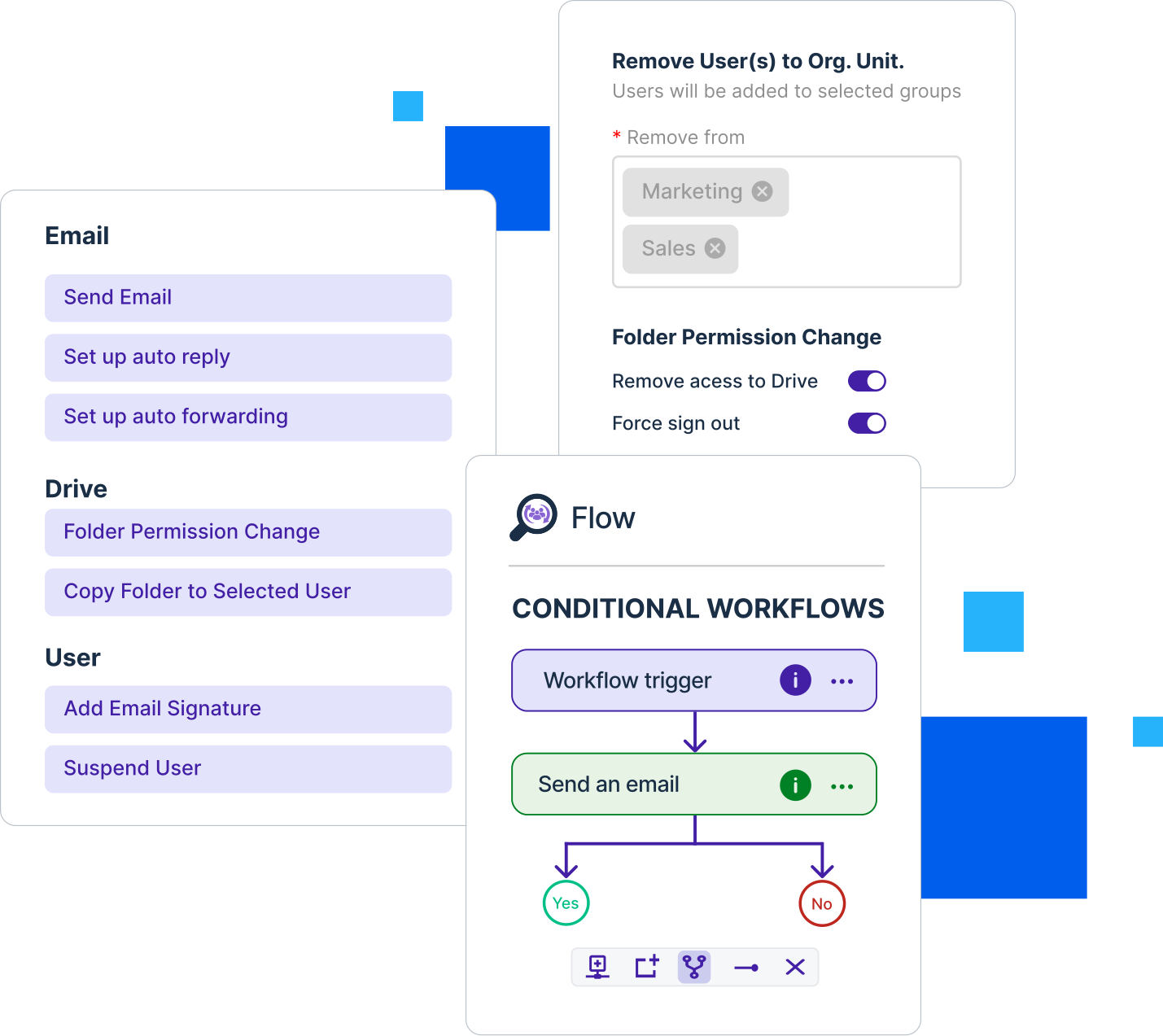
Use GAT Unlock to request access to restricted data. All with built-in approval workflows, logging, and DPO review.
Export Only What You Need
Built for Security and Compliance
Every action is logged. Every export is controlled. GAT Labs provides
- Immutable audit trails
- Role-based access controls
- Approval workflows for sensitive content
- Full compatibility with your privacy policies and legal obligations
GAT Labs vs Google Vault for DSARs
|
Features
|
GAT Labs
|
Google Vault
|
|---|---|---|
|
Full Workspace Search
|
|
Limited
|
|
Preview Before Export
|
|
|
|
Approval Workflow
|
|
|
|
Audit Logs
|
Granular
|
Basic
|
|
Automation
|
Scoped
|
|
Enterprise resources
Don't Just Compare.
Get prepared.
You’ve seen the gaps in a manual Data Subject Access Request (DSAR) process. Now take the next step.
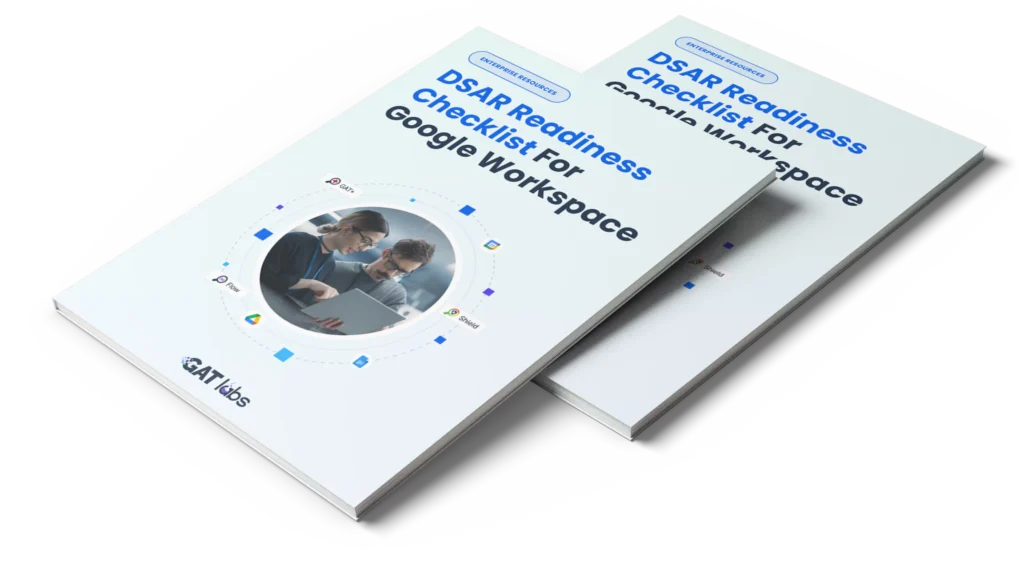
Download our checklist to assess your team’s readiness and stay prepared for every request.
Solve Your DSAR Challenges:
Expert Guides for Google Admins

Beyond the Basics: Automating DSARs and Google Vault with GAT Flow
Read the blog
DSAR in Google Workspace? Here’s How to Handle It Without Panicking
Read the blogDSAR in
Google Workspace
What is a DSAR in Google Workspace?
A Data Subject Access Request (DSAR) is a GDPR privacy request that allows individuals to ask organizations for access to their personal data. In Google Workspace, this can include files, emails, sharing activity, calendars, and account-related information stored across the domain.
What data can be audited during a DSAR investigation?
DSAR investigations may involve auditing files, emails, calendars, sharing permissions, third party app access, login activity, and user interactions across Google Workspace. GAT+ helps centralize this visibility for security and compliance teams.
Can Google Workspace admins audit external sharing for GDPR compliance?
Yes. Google Workspace admins can monitor sharing activity, but advanced auditing tools like GAT+ provide deeper visibility into externally shared files, shared-in content, user access patterns, and potential data exposure risks across the domain.
Can GAT Labs fulfill DSARs without Super Admin permissions?
Yes. GAT Labs supports delegated auditing workflows, allowing approved users such as compliance officers or HR teams to access only the data and audit capabilities required for specific investigations. This helps organizations maintain least privilege access while supporting DSAR and compliance processes.
What is the difference between Google Vault and automated DSAR tools?
Google Vault is designed primarily for retention, legal hold, and eDiscovery workflows. Tools like GAT+ extend visibility across Google Workspace with additional auditing, sharing analysis, delegated access controls, and reporting features that can help organizations manage DSAR and privacy related investigations more efficiently.
Your DSAR Solution is
One Click Away.
Don't let compliance be a source of stress. Join thousands of Google Admins who are already saving time and ensuring data privacy with our automated workflows.
