
- In the technology-driven reality, schools should shift to smart screen time management and monitoring that audits its impact on learning rather than following strict screen time and AI bans.
- Tools like GAT Labs help admins audit and set up dynamic, real-time policies that give students safe online access to digital learning resources.
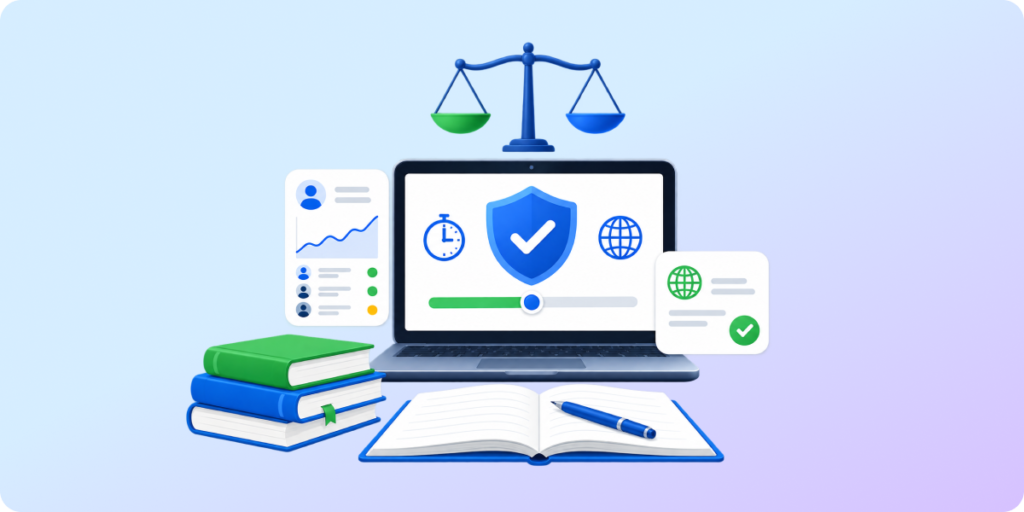
- Effective usage of classroom technology requires balancing reasonable student screen-time restrictions with the benefits of digital tools.
Starting this September, many schools must begin limiting student screen time. Other institutions wonder whether they should follow the same approach or if there is another way to manage student digital activity safely.
The question is how to measure and evaluate the quality of screen time in the classroom, rather than imposing strict time caps.
Let’s explore why it’s worth it.
NYC and Other Districts Ban AI & Screens This School Year. What’s Next?
Recently announced guidance for public schools in New York City limits artificial intelligence use from elementary to middle school, affecting 600K students. Students at all levels won’t be allowed to use companion chatbots. The new policy also restricts screen time for the youngest students.
The latest regulations enacted for the Los Angeles school district blocked YouTube and other social media channels, set specific screen-time limits for each grade level, and disallowed taking school devices home.
The direction is clear: less screen time and AI usage in the classrooms.
On the other side of the debate are those who see technology’s value firsthand:
Teachers who use it daily to stimulate classroom brainstorming and build digital literacy.
Children with disabilities who leverage text-to-speech or translation tools.
Students keen to learn the latest AI features to stay competitive in the job market.
Instead of throwing the baby out with the bathwater, schools should preserve the undeniable benefits of AI use and screen time. How? By shifting from total-ban policies to purposeful, monitored classroom technology use.
Quality Screen Time that Educates and Protects Students
Everyone knows that quality wins over quantity. That’s true for AI and screen time limits at school, too. The same amount of time spent on an activity on a digital device in the classroom shouldn’t count equally.
Scrolling social media for 30 minutes doesn’t benefit as much as doing essay research during that time. Talking to an AI companion doesn’t equal learning how to use an AI-powered design tool.
Since digital devices were introduced to classrooms, they have been considered a great added value for learning.
Now, schools that want to keep it need to closely review the real benefits of the technology they’re using, including AI, for students:
- Does it engage students in thinking and creating?
- Does it help students with learning limitations?
- Does it let teachers personalize learning approaches?
- Does it support social interactions instead of replacing them?
- Does it clearly improve learning results or distract students?
What Screen Time Bans Miss and How to Protect E-Learning
The screen time discussion started with good reasons, but switching devices off completely misses the point.
The goal every school would need to consider should be this:
Don’t track screen time—track its impact on learning.
Strict screen time limits keep students free from harmful excessive screen exposure, online distractions, and threats to well-being.
However, inflexible policies may undermine existing hybrid learning outcomes, decrease opportunities for vulnerable students, and limit chances for future-oriented education.
Consider this comparison of how a screen time ban policy and smart screen time management affect IT work and school performance. Although costs and admin effort are comparable for both approaches, modern screen time management brings more long-term benefits for students.
| Screen Time Ban Policies | Smart Screen Time Management | |
|---|---|---|
| Deployment | Admins need to push daily screen time limits and content restrictions to school devices at the start of the term | Requires regular, detailed analysis of student online activity to adjust age-aligned policies accordingly |
| IT Effort | One-time setup, no further admin action | Once set, the management tool monitors student activity, runs filtering rules, audits, and alerts automatically |
| Cost | Medium/high, depending on the software | Medium/high, depending on the software (i.e., see the GAT Labs pricing here) |
| Learning Outcome | Students can’t access AI or websites at all, or they have strict time caps. In the long term, they can’t develop digital skills and learn using online resources | Students can access education-related online resources and use digital tools to learn under the school’s supervision |
| Student Safeguarding | As students can’t access the browser or have limited time online, they stay safe from virtual threats | Students are protected from evolving well-being risks with dynamic online safety policies. Admins can proactively detect emerging threats, update policies accordingly, and inform educators and guardians about them |
How GAT Labs Helps Schools Create Future-Oriented Google Classrooms
At GAT Labs, we believe that secure, successful modern education doesn’t start with rigid screen limits, but with smart management of virtual classrooms.
Let us guide you through Google Workspace improvements you can implement for more purposeful digital learning:
- Oversee student online activity continuously
- Monitor online safety policies in real time
- Audit classroom browsing in detail
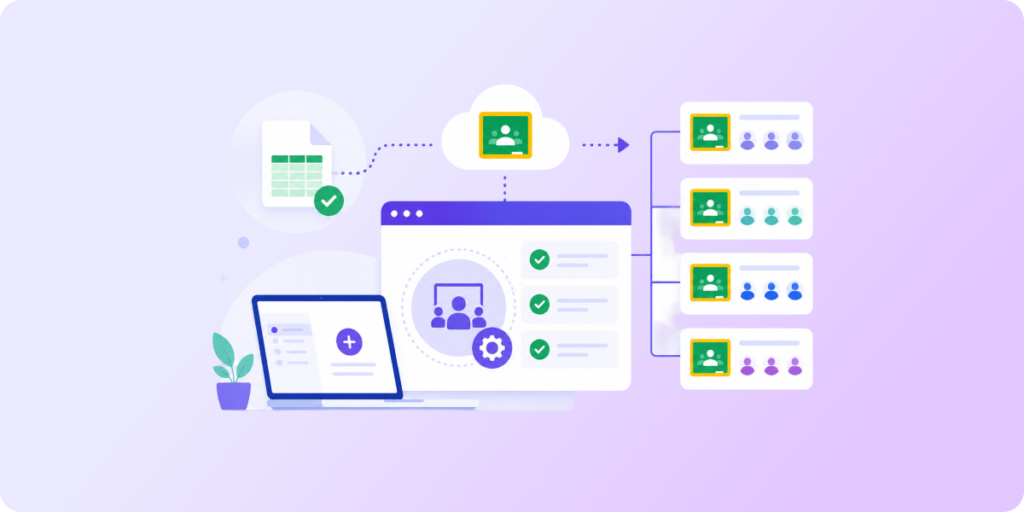
- Manage Google Classroom sessions proactively
- Supervise student devices
The future starts now, and schools need to face it responsibly. We help them understand what matters most for students in the technology-driven world and navigate it safely.