All-in-One Solution for Google Workspace for Education
Domain Auditing, Security Monitoring, Classroom Management
GAT Labs is the only “full-stack” platform for managing, auditing, and securing Google Workspace in the educational market.
Gain complete visibility into your domain. Monitor student online activity in real time. Protect them from cyber threats. Manage your classrooms, users, and devices. Automate admin tasks in bulk. And much more.
Safety, Control, and Productivity
in Google Workspace for Education
Building on the daily challenges faced by school IT teams worldwide, we develop our multi-layered, no-code products that go beyond standard Google admin tools. We aim to streamline your workflows, protect sensitive data, and ensure robust security of your school’s digital environment.
Google Admin’s Challenge
Lack of Domain Visibility
The extensive Google Workspace environment requires continuous control to ensure data and user safety. Without detailed insights and real-time activity monitoring, security and safety risks can be easily overlooked.
Admin Overload
Manual management of the entire domain can be overwhelming, specifically for small IT teams in large schools and districts. That increases the risk of human errors and security gaps.
Unmonitored Classrooms
Without classroom oversight and monitoring of students’ screens, their safety and productivity are left vulnerable. It also affects teachers who must manually oversee students rather than focus on instruction.
GAT Labs’ Solution
Full Domain Oversight
Audit and manage all users and Drive files across the domain. Implement user online behavior monitoring, advanced web filtering, and automated, keyword-based alerting. Protect your students and their personal data and ensure compliance at all times.
Task Automation
Automate your repetitive admin tasks with customizable workflows that trigger a set of actions on users, OUs, and groups. Streamline your onboarding and offboarding, saving thousands of working hours.
Classroom Auditing
Gain a complete view of all classrooms and their members. Manage, archive, and copy them, report student attendance and engagement. Monitor student browsing in the classroom and control AI usage on homework.
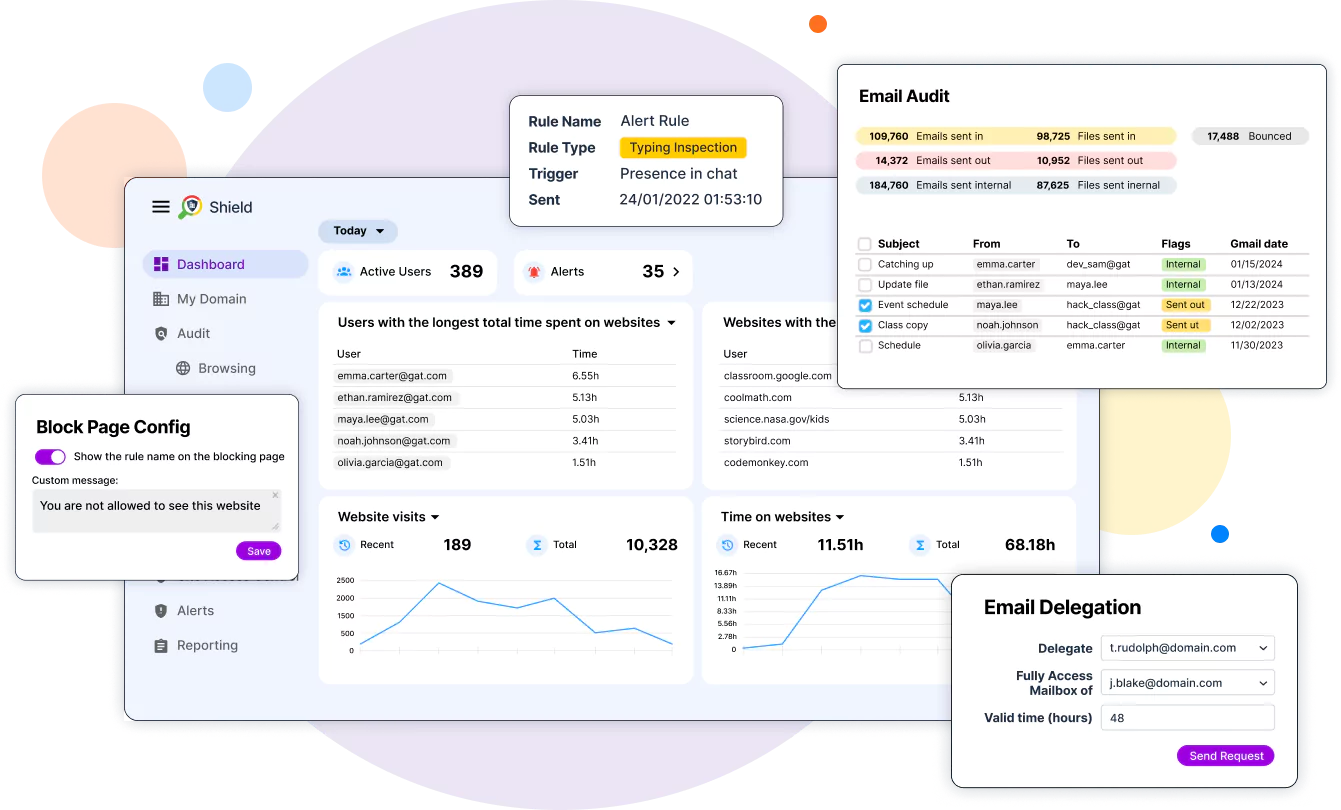
360° view Across Your Google Domain and Beyond
- Google Workspace for Education helps schools collaborate, work, and teach online quickly and conveniently in a secure learning environment.
- Meanwhile, GAT Suite enables admins to monitor user activity by the minute and generate accurate, detailed reports for school management.
- It covers all essential aspects of e-learning in a single, fully integrated Google Workspace toolbox, reducing excessive workload and making life easier for every school admin.
ChromeOS Management and Security in One Place
Implement Online Safety Policies
Maintain School Compliance
Control Student Online Activity
Stay Alerted on Risks
Track and Protect Chromebooks
Developed for Google Admins, Teachers, and School Leaders
our solutions support everyone’s daily tasks in educational institutions.

For School Admins
- View all user activity, Drives, Gmail, apps, and file sharing
- Monitor user browsing in real time to detect security and safety risks
- Automate onboarding, offboarding, and user account modifications

For Teachers
- Control student screens in the classroom to decrease distractions
- Manage the classroom session, seamlessly sharing online resources
- Track AI tools usage and student assignments progress

For School Leaders
- Oversee the entire school’s performance
- Get in-depth insights into every classroom, teacher, and student's work
- Gain evidence on compliance with safety policies and data protection laws
How GAT Labs Supports
School Daily Operations
- Google Workspace for Education Auditing
- Ransomware Attacks Prevention
- Web Filtering & Safe Browsing
- Chromebook Security & Monitoring
- FERPA & COPPA Compliance
- Google Workspace for Education Costs Optimization
- Academic Integrity & AI Oversight
- Safe Artificial Intelligence in Schools
- Classroom Focus & Monitoring
What Our Customers Think about GAT Labs
Millions of users are managed and protected using GAT's robust auditing and security capabilities.
This comprehensive set of tools provides solutions to every admin problem.
“I have found this to be useful to monitor students within our education domain. Whenever I’ve had questions or issues, I have received quick and thorough help from the chat assistance.”
Christina Brown
“The support is pretty spectacular and that’s definitely a differentiator in the industry.
Another thing is GAT’s focus on security and data. Our metadata is stored in a safe and secure way and our users are protected. GAT has a really grounded approach and best practice management that not a lot of other vendors have.”
David M.
Network Engineer
“If you are in Education, this will save so much time and resolve so many headaches!!!
From provisioning to deprovisioning, to keeping an eye on what your students are downloading to their Google Drive to grabbing that email that your principal needs! I haven’t even begun to scratch the surface of how useful this tool is!”
Christine Shock
“The absolute essential must have Swiss Army multi-tool for the GSuite EDU Admin!
Can’t say enough about the tools, support, and available training! Thanks so much for a great product!”
Ron Jansonius
Jamie B.
IT Coordinator
Hugo Flores
IT Lead
Jurt S.
Network Administrator
Being a Google School, with 1-to-1 chromebooks for students, GAT+ is like Google’s other foot. We use GAT+, GAT Shield, GAT Flow and Teacher Assist, and each has become indispensable for us. As long as we’re a Google school, we’ll have GAT+. The support is outstanding, the products, though sometimes a little complex, work very well, and it’s a must have complement to Google Workspace.
Olger Diekstra
Meet the Powerful GAT Suite
The most advanced toolset for auditing, security, and automation in Google Workspace for Education.



Continue Learning with GAT Labs
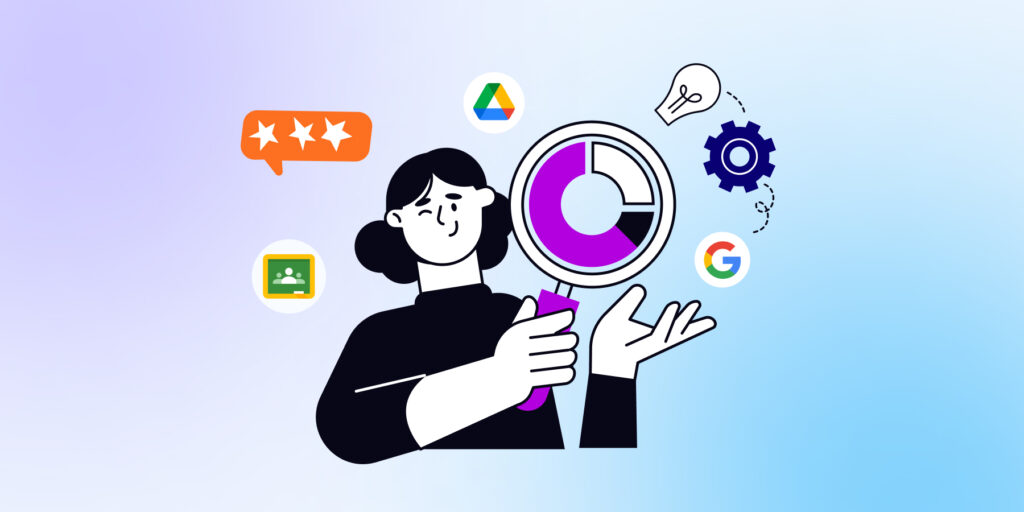
Discover the Best Google Workspace for Education Management Tools for your School
Learn More
How to Automate Student Onboarding in Google Classroom? [School Admin Tips]
Learn More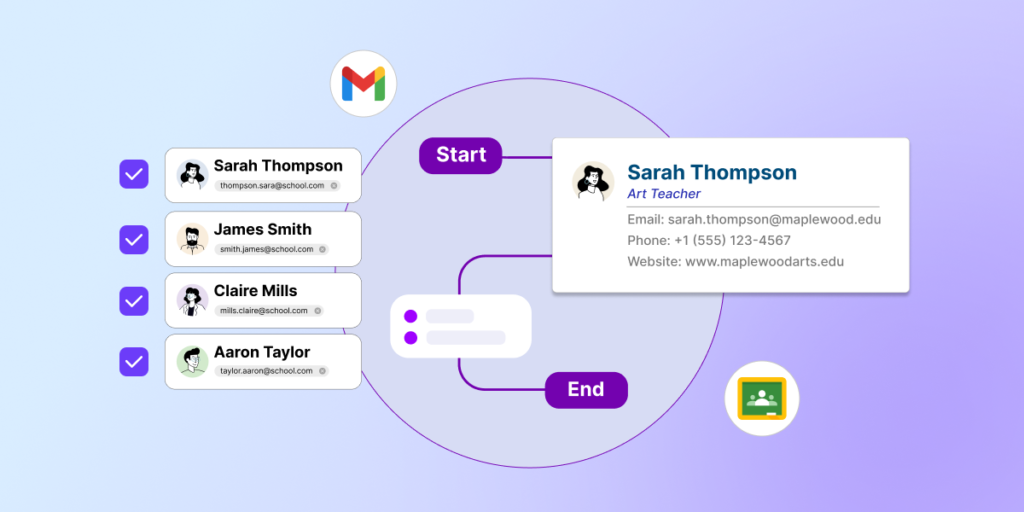
Automate your Email Signature Management in Google Workspace for Education
Learn More