This is the GAT Labs for Enterprise website. Go to the GAT Labs for Education solutions here.
Technology & AI solutions

Protect Your Source Code, AI Models, and Proprietary IP in
Google Workspace

Gain visibility into external file sharing, contractor access, and browser-level AI tool usage without slowing down your engineering teams.

SOC 2 Type II Certified
Google Workspace Marketplace
4.9/5 Rating
★★★★★
15+ Years Google Workspace Expertise
AI & TECHNOLOGY Protected Workspace
Monitored
AI
Engineering Environment Google Workspace
Sensitive Data Activity visible
AI Tool Usage Uploads monitored
External Access Partners reviewed
GAT Labs Visibility across sensitive activity
Why Google Workspace Security
Is Different for AI & Technology Companies

AI and technology companies build, test, and share valuable intellectual property every day. 

Source code, proprietary research, product roadmaps, customer information, and confidential project documentation move quickly between internal teams and external collaborators.

Maintaining visibility over who has access to sensitive projects, how information is shared, and when permissions change is essential to protecting intellectual property and reducing security risks.

Can you quickly answer questions like:

Engineering
Product
Research
Contractors
Customers
Google Workspace

Every project introduces new collaborators, shared documents, and permissions that need to be managed.

Industry Challenges

High Collaboration, High Exposure

AI and technology companies need to balance rapid innovation with strong security controls. Protecting intellectual property while supporting collaboration requires visibility across users, data, and external access.

Protect Intellectual Property

Monitor access to product roadmaps, proprietary research, customer information, AI documentation, and sensitive project files.

Manage Contractor and Third-Party Access

Review permissions for contractors, vendors, and external collaborators, and remove unnecessary access when projects end.

Reduce Data Leakage Risk

Identify externally shared files, public links, and permission changes before confidential information is exposed.

Investigate Security Incidents

Review activity timelines, sharing history, administrator actions, and file access to understand what happened during a security incident.

In practice

How Organizations Use GAT Labs

01

Audit User Activity

Review activity across Google Drive, Gmail, Shared Drives, Chrome, Calendar, and administrator actions.

02

Monitor Sharing and Permissions

Identify external sharing, review permissions, and maintain visibility over sensitive projects and intellectual property.

03

Investigate Security Incidents

Understand exactly what happened using detailed activity timelines and audit logs.

04

Automate Administration

Simplify onboarding, offboarding, ownership transfers, and user management with secure approval workflows.

Common Use Cases

Protect Intellectual Property

Monitor access to source code, product plans, research, models, and other sensitive company data.

Monitor AI Tool Usage

Gain visibility into AI tools used across the organization and identify activity that could expose sensitive data.

Manage Contractor & Developer Access

Review access for contractors, developers, and external teams, and remove permissions when projects end.

Control Third-Party Apps

Review connected applications, OAuth access, and permissions that can provide third-party services with access to Google Workspace data.
the gat suite ecosystem

One Platform.
Powerful Solutions.

Core Product

Audit and control your entire Google Workspace domain.

GAT+ gives admins the power to audit, monitor, and analyze user activity, file sharing, email interactions, and domain-wide configurations.
GAT Shield

Monitor user activity and stop risky behavior at the browser level.

GAT Shield delivers a 360° security layer, tracking browser interactions, web activity, and policy compliance, ensuring full transparency for admins.
Shield +

Continuous identity verification for Google Workspace.

Shield+ extends GAT Shield with advanced browser security, helping organizations go beyond passwords, passkeys, and MFA by continuously verifying the active user throughout every session.
GAT Flow

Automate onboarding, offboarding, and bulk admin tasks at scale.

GAT Flow eliminates repetitive tasks, letting you build workflows to manage users, email signatures, Drive access, and more, without coding.
GAT UNLOCK

Enforce secure access with multi-party approval.

GAT Unlock is a Multi-Party Approval system that enforces zero-trust security. File access changes, ownership transfers, and email delegation can only be completed with approval from both an admin and a designated Security Officer.
SOC2

GAT Labs continuously evolves with Google Workspace, delivering new capabilities that strengthen security, improve visibility, and simplify administration.

Built for Google Workspace

See How Your Most Valuable Data Moves Across Google Workspace

AI tools, contractors, and third-party apps can all interact with sensitive product, research, and company data. GAT Labs gives IT teams visibility into access, sharing, and activity across Google Workspace and Chrome.

Source code

Sensitive file activity

Access and sharing reviewed

AI tools

AI usage detected

File upload identified

External access

Contractor access

New permission identified

OAuth apps

Third-party access

Drive permissions reviewed

✓
Activity connected across Workspace Review access, sharing, and security activity from one place.
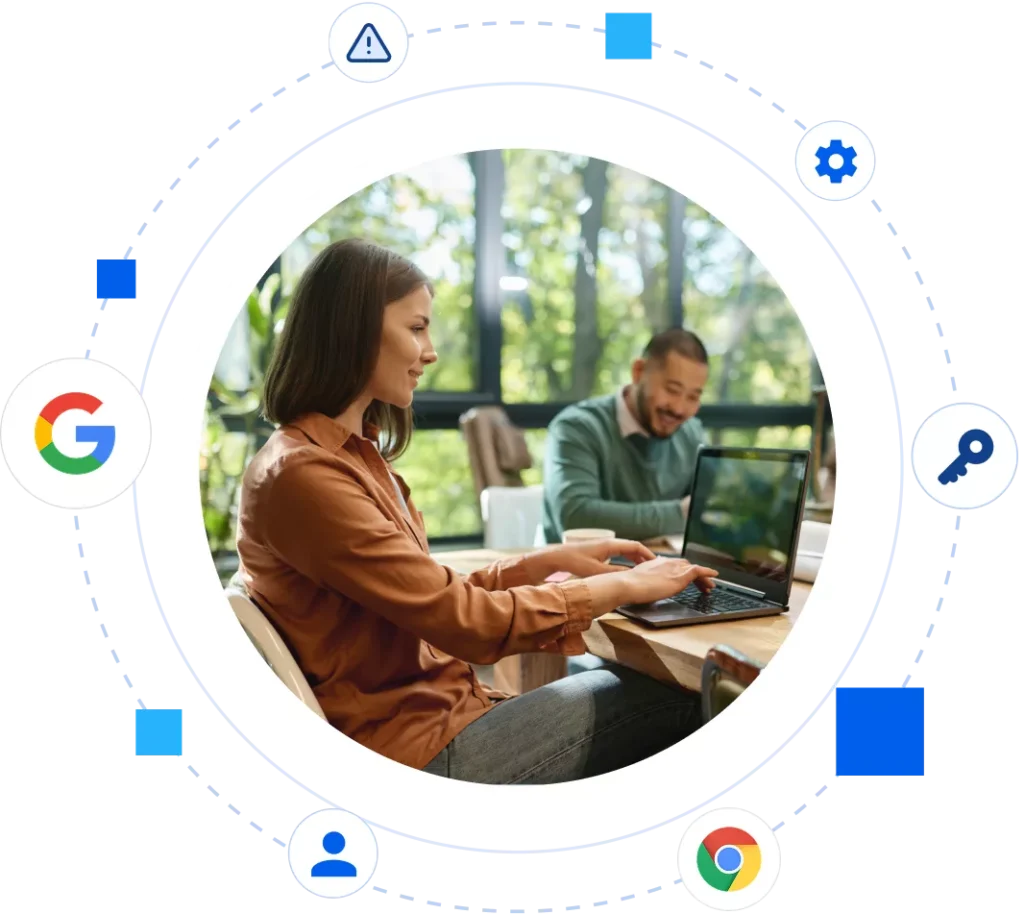
GAT Labs gives administrators visibility across users, files, browser activity, and connected applications, helping technology teams protect intellectual property while maintaining the flexibility they need to innovate.

Frequently Asked Questions

Protecting intellectual property in Google Workspace starts with understanding who can access sensitive files and how that data is being used. GAT Labs helps administrators monitor access, external sharing, downloads, ownership, and permission changes across Google Drive and Shared Drives, making it easier to protect source code, research, product plans, and other sensitive business data.

GAT Labs helps administrators gain visibility into AI tool usage and browser activity, including uploads that could expose sensitive company data. This can help technology teams identify risky AI usage and investigate how users interact with external AI platforms.

GAT Labs helps Google Workspace administrators identify externally shared files, public links, external users, and permission changes across Google Drive and Shared Drives. This makes it easier to find intellectual property and sensitive business data that may be accessible outside the organization and review whether that access is still required.

Contractors, developers, consultants, and external partners often need temporary access to sensitive projects. GAT Labs helps administrators review external access and permissions across Google Workspace, while GAT Flow can automate access changes and offboarding when projects or contracts end.

GAT Flow helps automate Google Workspace onboarding and offboarding through predefined workflows. Organizations can manage tasks such as licenses, group membership, organizational units, file ownership transfers, and account suspension while applying controlled approval processes where required.

Secure Your AI & Tech Operations Today

Secure Your AI & Tech Operations Today Scale your technology without losing control of your intellectual property. See how GAT Labs delivers complete visibility and automated administration for Google Workspace.

Browser security Chrome