

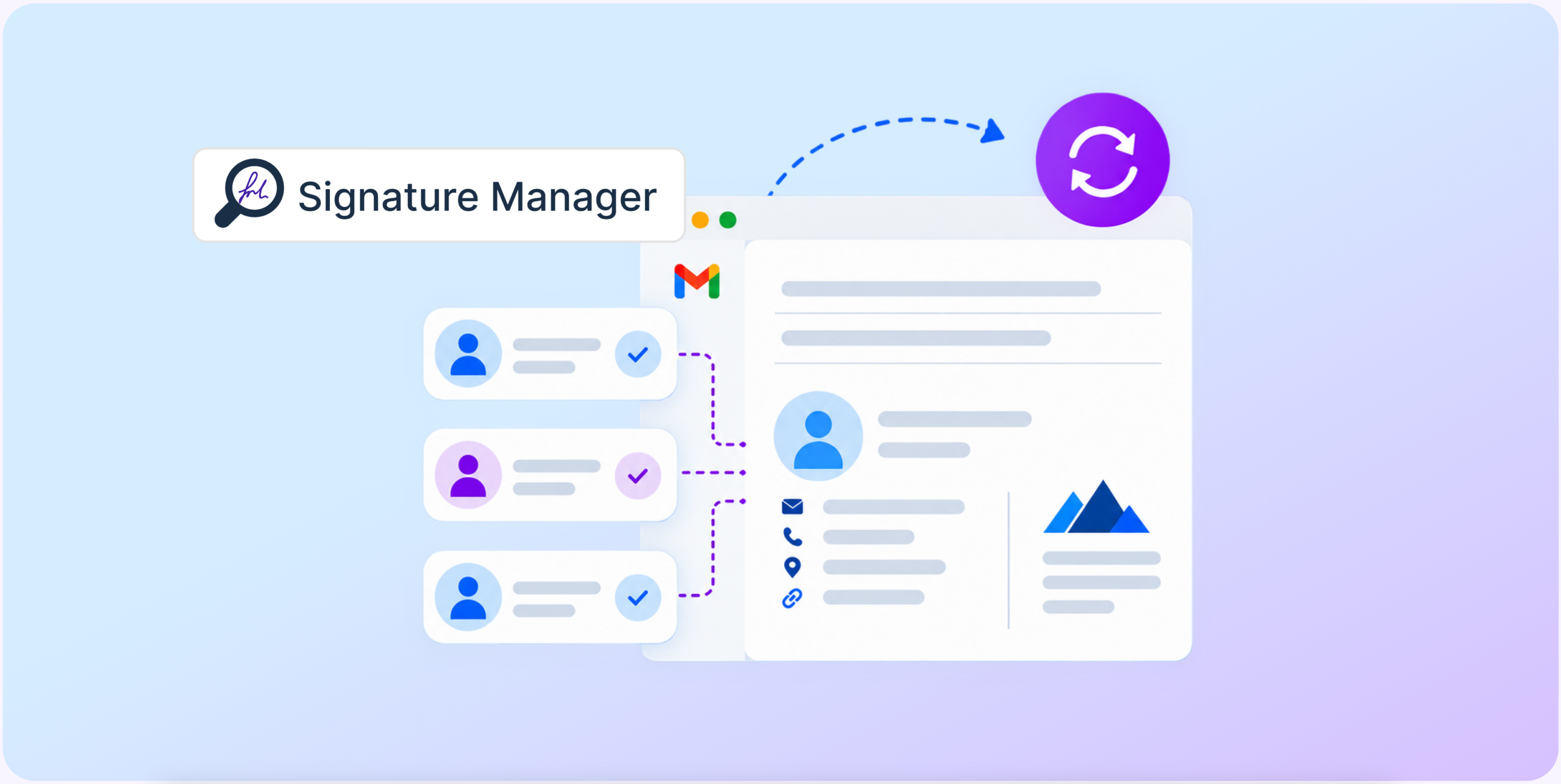
- Email Signature Manager from GAT Labs ensures accurate, consistent, and personalized email signatures across the school domain, far beyond the Google Admin Console capabilities.
- The new tool lets Google admins create and update Gmail signatures automatically, with low effort and high customization for different user groups.
- Accurate, up-to-date email signatures improve internal communication, strengthen school branding, and reduce data privacy risks.
Imagine a new policy requires all school staff to include a compliance disclaimer or a format-specific profile picture in their email signature.
I bet if every single person at your school were in charge of updating their signature, you could still find an old footer in the inbox months later.
What if you can create and customize email signatures centrally for specific people or groups? Once set up, everything stays under control and updates automatically, without involving admins or users anymore.
Meet Email Signature Manager, now available free of charge for all GAT Labs educational customers.
Why Accurate Gmail Signatures Matter for Schools
Although many school staff don’t prioritize them, up-to-date, consistent email signatures improve everyone’s daily performance. School leadership, teachers, students, and IT teams benefit from keeping email footers accurate and identically formatted.
Boost Internal Communication
Whether for educational or operational purposes, up-to-date email signatures streamline quick direct contact with the right person. Accurate signatures reduce misdirected messages, making internal communication more efficient. Particularly, new staff members settle in and learn to collaborate faster when they know who’s emailing them.
Protect Data Privacy
With outdated email signatures, schools risk exposing sensitive internal data daily. Especially during the first weeks of school, new staff and students may inadvertently share personal information with unauthorized recipients while trying to reach the right person. Customizable signatures can also include compliance information that, for example, warns users not to share sensitive data hastily via email.
Build School Reputation
School-wide consistent signatures create a professional institutional image for parents and the local community. Using the same template with complete information builds trust and supports clear external communication between the school and its partners.
The Right Signature for Everyone. Your Solution: Automation
Experienced Google admins agree that achieving Gmail signature consistency across the domain manually is challenging.
When users manage their own email signatures, it fails because of the human factor: lack of time, attention, and motivation.
When email signature maintenance becomes another IT task, the manual work often overwhelms admins in large institutions.
The most time-efficient way to keep control over email signatures while ensuring accuracy and customization is automated bulk management.
With this solution in place, you won’t need to ask school staff or students to update them or do it yourself one by one. Centralized signature management means you and teachers have one less administrative task on your to-do list.
Gmail Signature Management: Google Admin Console vs. GAT Labs
Native Google features let admins manage email signatures at a basic level, but they offer only two options: individual and default domain-wide setup. The first increases the risk of inconsistency, while the second doesn’t allow you to diversify across user groups.
GAT Labs addresses these challenges for school admins with features in GAT Flow and Email Signature Manager.
| Google Admin Console | GAT Labs (GAT Flow & Email Signature Manager) | |
|---|---|---|
| Email Signature Personalization | You can create a default, static email signature for all domain users | You can personalize email signatures for each OU and team in bulk |
| Bulk Customization | You can’t diversify email signatures across the domain with templates or HTML | You can use templates or custom HTML for each group, saving hours of work |
| Email Signature Accuracy | Relying on individual users to set their signature may result in inconsistent or outdated information | You can automatically create an accurate email signature for each user during the onboarding workflow |
| User Data Updates | With default signatures, users can’t include personal information. Manual signature updates depend on the individual user reporting | Dynamic email signatures are modified automatically based on Workspace profile attribute changes |
| User Picture in Email Signature | Users can add any image from Drive to their individual signature manually | The user’s account picture can be dynamically inserted into each email signature |
How to Manage Google Workspace Email Signatures with GAT Labs
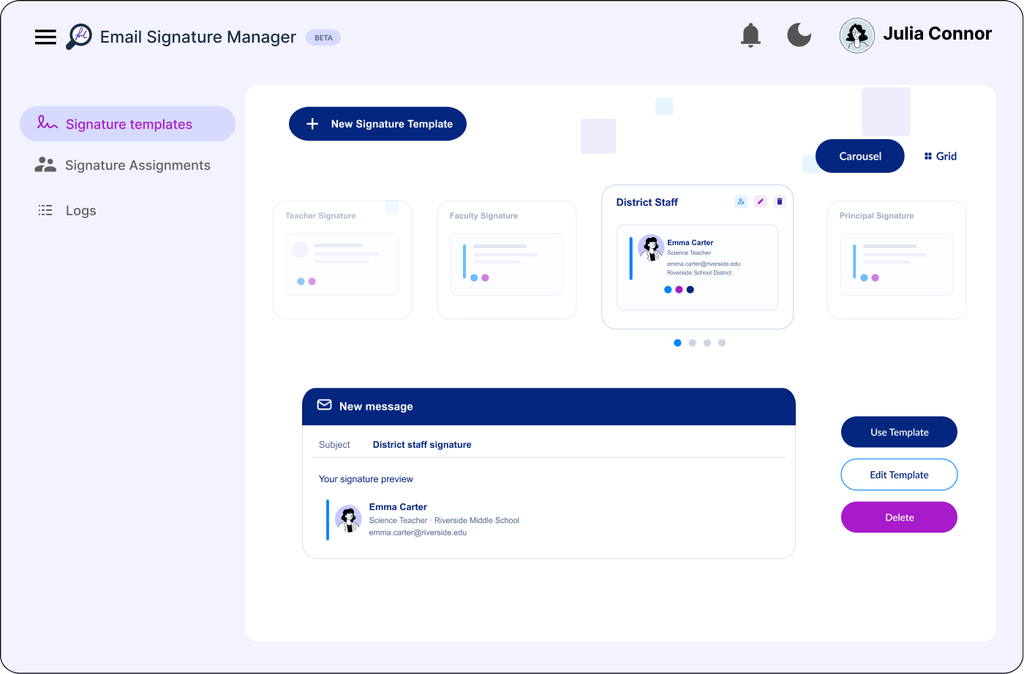
Email Signature Manager lets admins generate and personalize consistent signatures across the Google domain in three simple steps:
1. Create Your Email Signatures
Choose one of the predefined signature templates or generate one based on your HTML. You can customize it with the school logo, colors, social media and website links, and user custom attributes.
2. Assign Signatures to Users
Decide which signatures to use for specific teachers, teams, Google groups, and OUs. You can assign different signatures to the same users and apply priority rules to select the right signature for a specific assignment.
3. Let it Be Applied Automatically
From now on, Email Signature Manager will enforce the correct signatures for assigned users. You no longer need to approve or review them; they’re updated automatically every day.
That’s not all from our side. You can also fully automate signature creation for new users during onboarding with GAT Flow, so no one is missed. Check out this blog post for more details.
School-Scale Email Signature Consistency with a Few Clicks
Bulk email signature management improves your school’s efficiency and keeps branding consistent without adding to your daily admin burden. Once set up, they support efficient internal and external communication with automated content updates.
Are you already our educational customer? Learn more about the new functionality for your domain in the Knowledge Base.
Looking to manage email signatures in bulk across your school’s Gmail? Book a demo to see in action why schools choose GAT Labs.