Updated Nov 2026
Your Google Workspace security policies may look good on paper. But are employees actually following them?
An employee shares a confidential file with the wrong person. Another approves a suspicious application’s access request. A third ignores a phishing warning.
These situations highlight an important gap: security settings alone cannot address every user-related risk.
In Part 8 of our Google Workspace Auditing Series, we’ll explain how to review your security policies, identify risky user behavior, and assess whether employee training is addressing the right threats.
Quick Answer: How Do You Audit Google Workspace Security Policies and Training?
Review your organization’s Google Workspace security policies and compare them with actual configurations and user activity. Check file sharing, third-party application access, authentication, and data protection rules. Then assess employee training coverage, identify recurring security mistakes, and update policies or training where gaps appear.
What Is a Google Workspace Policy Audit?
A policy audit checks whether your organization’s security rules are correctly configured, consistently applied, and followed by users.
For Google Admins, this means comparing three things:
- – Documented policies: What employees and administrators are expected to do.
- – Google Workspace settings: The technical controls configured to support those policies.
- – User activity: What employees are actually doing.
Example: Your organization prohibits sharing confidential documents outside approved domains, but an audit reveals files shared with unauthorized external accounts.
The problem could involve an incorrect sharing configuration, an approved exception, or a user who needs additional guidance.
A policy audit helps your team determine which issue needs attention.
How to Audit Google Workspace Security Policies
Focus on four areas where policy gaps can create unnecessary risk.
| Audit Area | What to Check |
|---|---|
| File sharing | External sharing permissions and access to sensitive documents |
| Authentication | MFA requirements, administrator access, and exceptions |
| Third-party applications | Approved apps, OAuth permissions, and unnecessary access |
| Data protection | Gmail and Drive DLP settings, policy exceptions, and relevant activity |
For each area, compare your documented policy with the configured controls and available audit evidence.
When you identify a difference, determine whether it requires a configuration change, an approved policy exception, or employee training.
How to Evaluate Employee Security Training
Training audits should answer a simple question: Are employees prepared to recognize and respond to the security risks they encounter?
Start by reviewing whether employees receive training on:
- – Phishing: Recognizing suspicious emails, links, and login requests.
- – File sharing: Checking recipients and permissions before sharing sensitive information.
- – Third-party apps: Understanding OAuth consent requests and reporting unfamiliar applications.
- – Account security: Using MFA and reporting suspicious account activity.
- – Data handling: Following organizational policies for confidential information.
Next, examine training completion records, assessment results, phishing simulation outcomes where available, and recurring security incidents.
For example, if employees repeatedly share sensitive files with personal Gmail accounts, your team may need to review both sharing restrictions and the training provided on approved collaboration methods.
Training completion alone does not demonstrate that employees understand or follow security policies.
Connect Policy Findings to Training Improvements
Policy audits and employee training are most useful when they inform each other.
| Audit Finding | Recommended Response |
|---|---|
| Employees repeatedly share files externally | Review sharing controls and provide targeted file-sharing training |
| Users approve unfamiliar OAuth applications | Review app access policies and explain OAuth consent risks |
| Employees report phishing emails too late | Reinforce phishing identification and reporting procedures |
| Users misunderstand sensitive data handling | Clarify DLP policies and provide practical examples |
How GAT Labs Supports Policy Audits
GAT Labs gives Google Admins additional visibility into activity that can reveal gaps between security policies and actual behavior.
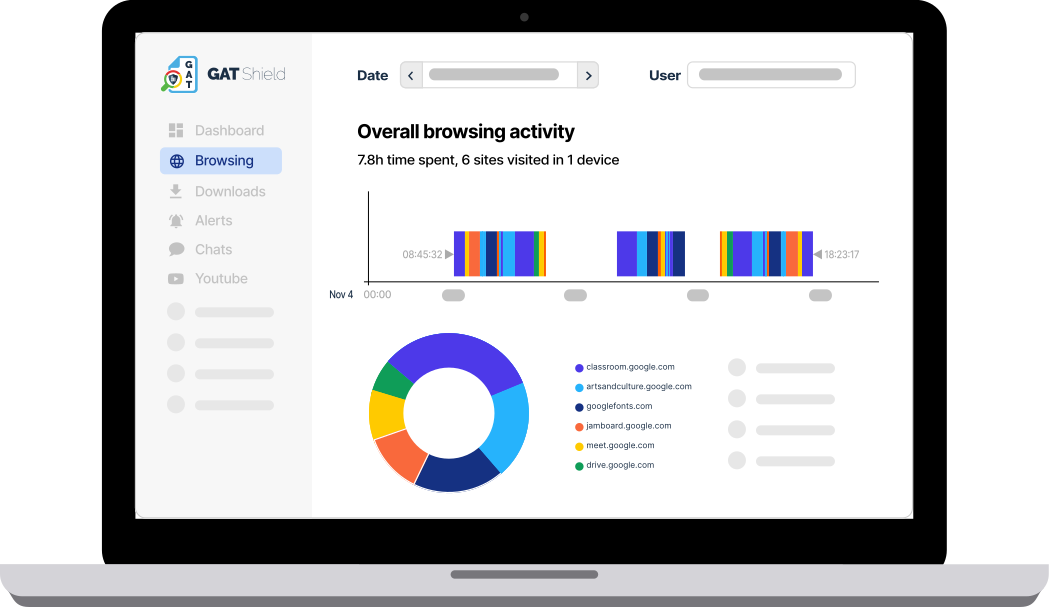
With GAT+, administrators can audit external file sharing, user permissions, and third-party application access. GAT Shield provides Chrome browser activity monitoring and data protection controls for activities such as uploads, downloads, and copy-and-paste.
These tools can help identify where policies need attention. Employee training completion and effectiveness should be assessed through your organization’s training records and evaluation processes.
Keep Security Policies Relevant
Google Workspace configurations change, employees adopt new applications, and collaboration practices evolve.
Regular policy reviews help administrators identify outdated rules and recurring security mistakes. Employee training can then address the specific risks those reviews reveal.
The goal is simple: security policies employees understand, supported by controls that administrators can verify.
Insights That Matter. In Your Inbox.
Join our newsletter for practical tips on managing, securing, and getting the most out of Google Workspace, designed with Admins and IT teams in mind.