Center Moriches School District
Context
About the School District
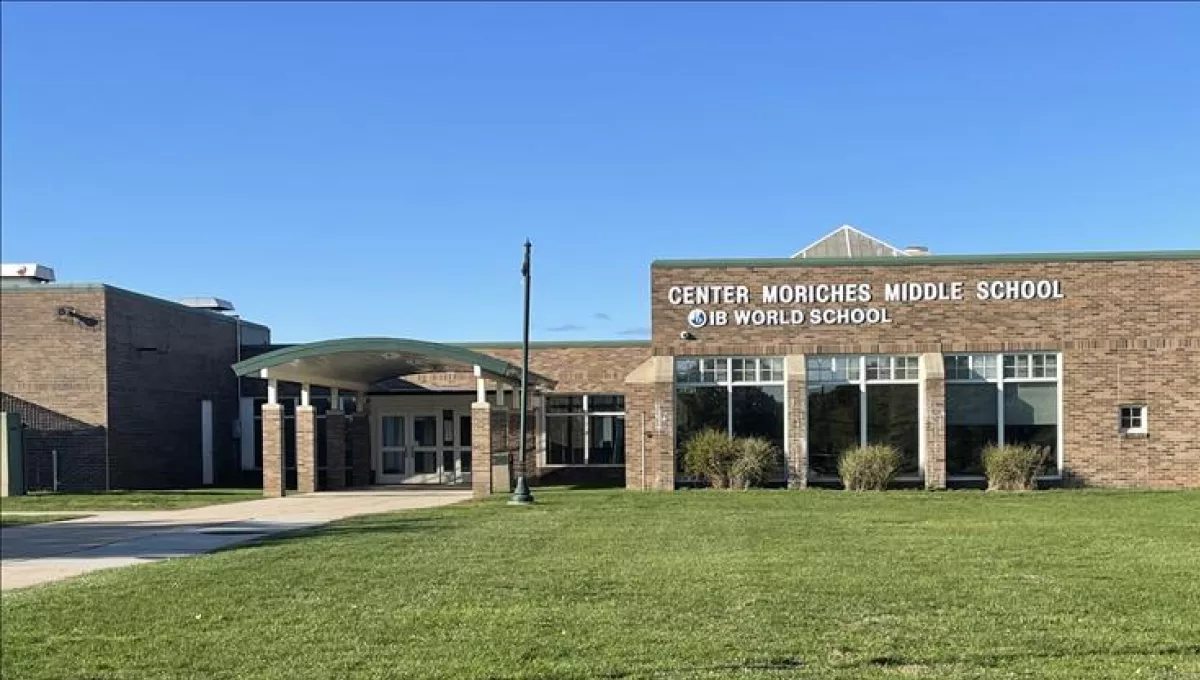
Center Moriches Union Free School District, located in Suffolk County, Long Island, New York, serves approximately 1,500 K-12 students. The district includes three institutions: Clayton Huey Elementary School, Center Moriches Middle School, and Center Moriches High School.
As an International Baccalaureate (IB) World District, CMSD is committed to fostering inquisitive, compassionate learners. With a 1:1 Chromebook initiative, technology is the backbone of this mission.
Vigilant+ Plan Includes:
Challenge
Gaps in Visibility, Safety, and Instructional Control
For the IT leadership and teaching staff, providing a digital device to every student meant finding a way to balance open exploration with the strict necessity of “bell-to-bell” instructional focus, a lack of which was costing teachers an estimated 45–50 instructional minutes every week.
The core problem was systemic: without unified tools, CMSD suffered from widespread blind spots that created both operational risk for IT and significant inefficiency for educators.
Before implementing the Vigilant+ products suite, CMSD faced core challenges that impacted the quality of the school day:
- Asset Location Gap: The IT team lacked accurate, real-time data on the locations of their Chromebooks, hindering efficient management and loss recovery.
- Data Visibility Deficit: The existing tools lacked crucial reporting capabilities and failed to provide the necessary visibility into students’ online activity for effective safety and instructional oversight.
- Vendor Support Deficit: When issues arose, the existing vendor provided inconsistent technical support, often leaving the district’s IT team stranded and forcing them to solve complex problems independently.
- Instructional Friction: Teachers were losing valuable time at the start of every period just ensuring students were on the correct URL and hadn’t drifted to gaming or social sites.
- Monitoring Burnout: Educators felt forced to constantly patrol the classroom to monitor students’ screens, which limited their ability to provide individualized instruction.
- Shadow Communication: Students were exploiting internal, collaborative Google Workspace tools as unmonitored communication channels, leading to in-class distractions and potential safety concerns.
The Solution
Precision Tools for the Modern Educator
Center Moriches recognized that disparate tools were creating systemic failures. By deploying the Vigilant+ Plan, they implemented a unified platform designed to directly address these pain points by providing the precise tools needed to safeguard students, manage assets, and turn Chromebooks back into dedicated learning tools. The implementation was structured across two strategic phases:
Phase 1: IT & Operational Empowerment
1. Comprehensive Asset Management with GAT+
To address the critical need for asset oversight, GAT Shield provides the IT team with the necessary visibility and granular control over their Google Workspace environment. This includes real-time location tracking of 1:1 devices and comprehensive, customizable reports on device usage and user activity, ensuring full asset life-cycle management and audit compliance.
2. Real-Time Guardrails with GAT Shield
While students collaborate in Google Workspace, GAT Shield acts as a proactive safety layer. By monitoring for sentiment and high-risk keywords during and outside of school hours. Shield delivers immediate alerts to administration if concerning behavior is detected, allowing for rapid interventions.
“The Vigilant+ Plan has fundamentally changed how we manage our 1:1 environment. From an IT perspective, the transparency is unparalleled. We aren’t just looking at logs after the fact; we are providing our teachers with live, actionable tools to keep their classrooms focused. GAT Shield has filled the blind spots in our Google Workspace that traditional web filters simply couldn’t touch.”
William J. Nofi,
Network & Systems Coordinator, CMSD
Phase 2: Instructional Control & Focus
3. Orchestrating the Lesson with Teacher Assist
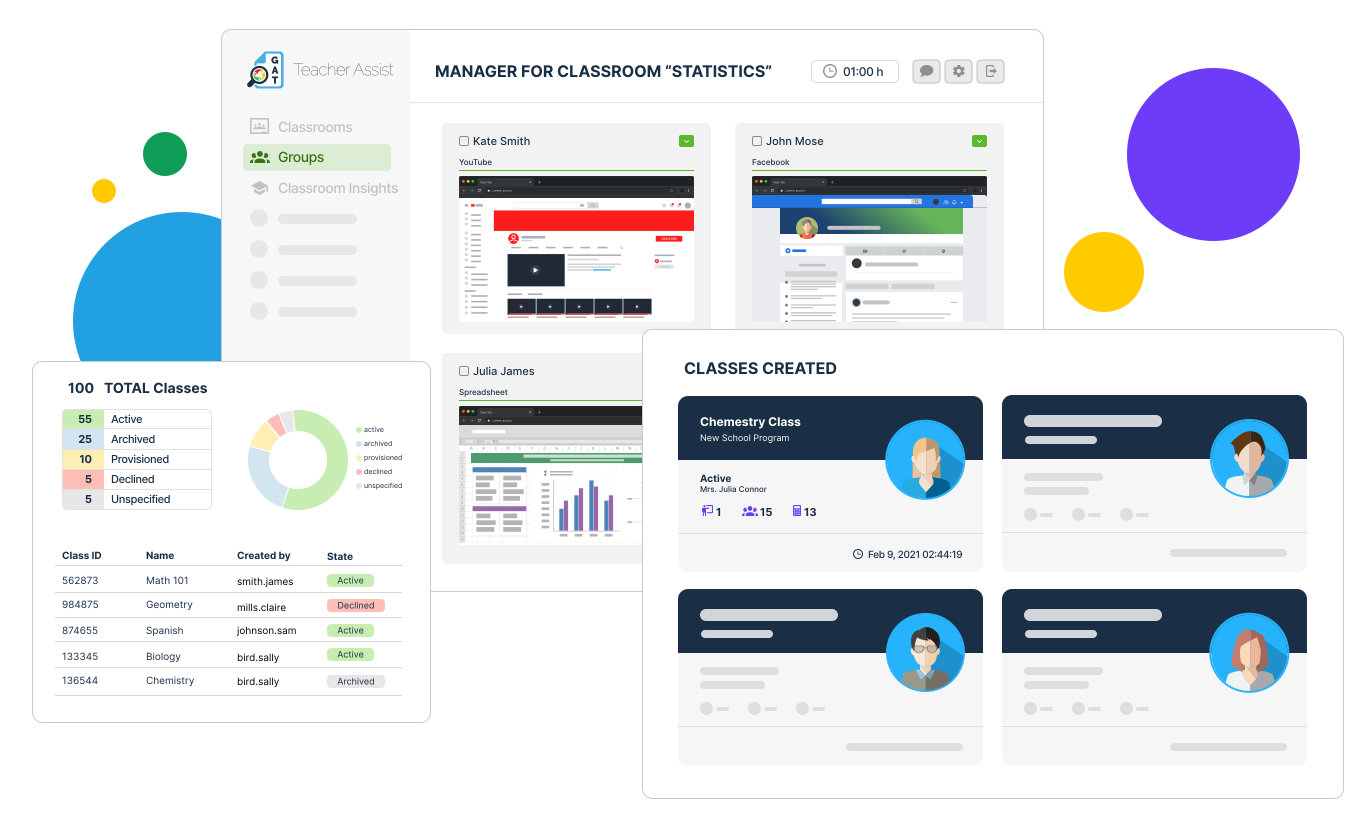
CMSD teachers now use Teacher Assist to take command of the classroom. Instead of waiting for students to type long URLs, teachers use the Push URL feature to instantly sync every Chromebook screen to the day’s lesson. During focused writing sessions, teachers can “lock” the browser to specific tabs, ensuring students remain on task.
The RESULT
How GAT Labs Impacts CMSD’s Safety & Teaching
The GAT Suite immediately resulted in measurable gains across the district, demonstrating clear ROI in two critical areas: regaining instructional time for teachers and establishing a proactive, real-time safety net for administrators.
An estimated 45-50 minutes reclaimed per teacher, per week, totaling over 27 hours of additional learning time annually per teacher.
100% real-time screen oversight for teachers via Teacher Assist.
William J. Nofi,
Network & Systems Coordinator, CMSD
Looking Ahead
An Ongoing Partnership in Digital Excellence
With the Vigilant+ Plan now the core safety and instructional platform, CMSD is equipped to manage its 1:1 program efficiently, ensure student well-being, and maximize valuable instructional time.
The solution successfully addresses the operational needs of IT while supporting CMSD’s mission as an IB World District, proving that security and instructional innovation can, and should, coexist in the modern digital classroom.
Ready to achieve beyond the bell focus and proactive student safety in your school district?
Schedule a Demo of the Vigilant+ Plan
- How does Center Moriches School District use GAT Labs to overcome the challenges of being "plugged-in" or short-staffed?
- What specific technical support advantages does the district experience when dealing with the human-led GAT Labs support team compared to standard automated responses?
- How does the district utilize GAT's administrative tools to monitor student safety and Google Workspace domain data simultaneously?
- In what ways does GAT Labs provide better domain-wide visibility over native Google Admin tools for a smaller public school district?
- How can the features highlighted in the Center Moriches success story help an educational institution reduce its response time during an urgent cybersecurity event?