Web Filtering for Schools That Goes Beyond Blocking Websites
Create customized school online safety policies and web filters that really work. Gain complete insights into real-time student browsing and report on it easily. Reduce student exposure to harmful content, get automated alerts, and respond fast to online well-being risks in Chrome.
Live browsing activity
Why Traditional Web Filtering Is Getting Harder for Schools
New AI Tools Appear Faster Than Policies Can Adapt
Keeping Filtering Rules Current Takes Time
Too Many Alerts Can Hide the Ones That Matter
Students Find New Ways Around Restrictions
Learning Doesn't Stop at the School Network
From Blocking Websites to Understanding What Happens Online
- Gap-free Student Safeguarding. Constantly track each student’s browsing to identify and restrict popular but inappropriate websites, new harmful online trends, and other damaging content.
- AI Threats Protection. Control what AI-related online services students use and address Shadow AI with third-party app audits. Block deepfake generators and untrusted chatbots.
- Easy School Policies Customization. Tailor your online safety policies to be tight and efficient. Save time with preconfigured categories of blocked or allowed sites and personalize web filters at scale.
- Continuous Audit Readiness. Always be ready to report on student online safety and web filtering performance with accessible, detailed insights on each student and classroom.
- Maintain Your Visibility across the Browser: Disable opening a new incognito window where web filters wouldn’t work. Avoid visibility blind spots and security risks for students and their data.
- Track Students and Devices Closely: Monitor student and device geolocation. See exactly where your ChromeOS devices and browsers are being used. Get alerted when it’s detected outside the approved area.
- Cover Student Browsing on Any Device: Assign student Google Workspace licenses to specific devices. Protect students in Chrome when using school-issued or their own devices in the BYOD model.
Support Your Internet Safety Policies and CIPA Requirements
Web filtering is one part of a school’s wider approach to online safety. GAT Shield helps schools implement filtering policies, monitor student browsing activity, maintain records, and respond when defined rules are triggered.
For U.S. schools subject to CIPA, these capabilities can support the technology protection and monitoring requirements within a broader CIPA compliance program.
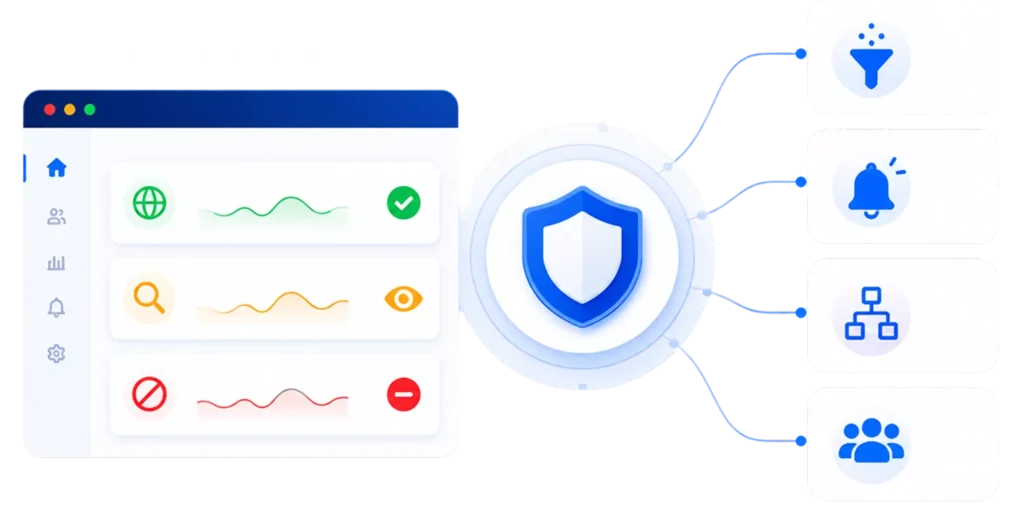
Preconfigured CIPA Filtering Category
Alerts for Concerning Online Activity
Automate Routine Responses
Apply Policies at Scale
TESTIMONIALS
What Schools Think about GAT Labs
Millions of users are managed and protected through GAT’s advanced web filtering and security solutions for schools. Our comprehensive toolset helps solve real admin challenges, enhancing online safety and productivity across educational environments.
Site access control was a huge thing for us, and even though we ended up having another content filtering solution on top of it, GAT Shield allowed us to catch a lot of content that the other content filter did not pick up on.
Jeffrey St. Aime,
Enterprise Platforms Coordinator & Google Administrator for Henry County Schools, Georgia, US
I enjoy using GAT with my school and am very happy with the updates and upgrades over the past two years! I appreciate all that your company does. In the past two years of being an education customer, you have already added so many useful features and have been amazing to work with for any support questions!
Donovan Waege,
Technology Director, St. Peter Lutheran School, Wisconsin, US
If I have a question or if I have a problem, I can get an answer very quickly from y’all! Your online documentation is excellent. I really like that you follow up to ensure that our problem has been solved. Also, your new features emails are welcome and show us what could be done with GAT. Although don’t take advantage of that as much as we’d like, only because we're a small team.
Bryan G.,
Chief Technology Officer
Frequently Asked Questions: Web Filtering for Schools
Can GAT Shield be customized to meet our school's specific needs?
What kind of support and resources are available for users of GAT Shield?
GAT Shield provides comprehensive support, including the Knowledge Base, the blog, video tutorials, and responsive customer support. Users have access to resources that help them maximize the platform’s benefits and address any questions they may have.
How can we get started with GAT Shield?
Getting started with GAT Shield is easy. You can begin by scheduling a demo or starting a 15-day trial to experience its features firsthand. Our team is here to assist you throughout the onboarding process. Note that GAT Shield requires GAT+ to be installed to unlock its full potential.
How does GAT Shield handle student privacy and data security?
Schools remain in control of their student data. GAT Labs processes student metadata to provide the auditing, management, and safeguarding capabilities configured by the school. Admins can review our Student Data Privacy Policy for details on data collection, control, retention, and protection.
Why is web filtering important for K-12 Schools?
Web filtering helps schools reduce student exposure to inappropriate or harmful online content and enforce their Internet safety policies. When combined with monitoring and reporting, it also gives IT and safeguarding teams greater context when potentially concerning activity occurs.