Protect Every Browser Session
Browser Security &
Data Loss Prevention for Google Workspace
Most work in Google Workspace happens inside the browser. Protecting sensitive data now requires visibility into browser activity, stronger data protection controls, and continuous monitoring beyond login.


Trusted Worldwide
Used by 2,000+ organizations across finance, media, healthcare, and education.
Processing over 50M+
events per day
10+ years of
Workspace expertise
SOC 2 Certified
ADA Casa Tier-3
Why Browser Security Deserves More Attention
Google Workspace provides strong security controls across Gmail, Drive, and other Workspace services. But as work increasingly happens inside the browser, organizations need greater visibility into how users interact with websites, cloud applications, AI tools, and sensitive data throughout the day.
01
Security Doesn't Stop at Gmail and Drive
Google Workspace helps protect data stored within its services. But employees also interact with third-party websites, AI tools, SaaS applications, and browser extensions that can introduce additional security risks.
02
Browser Activity Creates New Risks
Most uploads, downloads, copy and paste actions, and web activity happen inside the browser. Without visibility into these actions, it becomes harder to detect data exposure, phishing, or unusual user behavior.
03
A Layered Security Strategy
Protecting modern organizations requires more than a single security control. Combining browser monitoring, data protection, continuous identity verification, and real-time alerts helps extend visibility beyond the login and reduce browser-based risk.
EXTEND GOOGLE WORKSPACE SECURITY
Extend Security Beyond Google Workspace
Google Workspace provides strong security controls across Gmail, Drive, and other Workspace services. GAT Shield extends that protection into the browser, helping administrators monitor browser activity, strengthen data protection, and detect browser-based threats before they become incidents.
GAT Shield is deployed through the Google Admin console as a Chrome extension. It gives administrators greater visibility into browser activity while helping enforce security policies, investigate incidents, and protect sensitive data beyond Gmail and Drive.
01
Browser Visibility & Protection
- Monitor browser activity across users, devices, and organizational units.
- Detect suspicious behavior with real-time alerts and automated responses.
- Protect sensitive data with download controls, URL filtering, and browser security policies.
02
Reduce Browser-Based Data Loss
- Monitor uploads, downloads, copy and paste activity, and interactions with AI tools or external websites to help identify potential data exposure before it becomes a security incident.
03
Faster Investigations
- Browser audit trails provide additional context during security investigations, helping administrators understand browser activity, identify unusual behavior, and respond more quickly.
Browser Security Beyond
Native Google Workspace Controls
Google Workspace provides powerful security controls. GAT Shield extends that visibility into the browser, helping administrators monitor browser activity, protect sensitive data, and investigate browser-based threats.
|
Capability
|
Google Workspace
|
GAT Shield
|
|---|---|---|
|
Browser Visibility
|
Limited
|
Browser activity, uploads, downloads, visited websites
|
|
AI & Web Activity
|
Limited
|
Monitor AI tools and external websites
|
|
Copy & Paste Activity
|
Not available
|
Audit and control copy & paste
|
|
Downloads
|
Basic controls
|
Monitor and alert by user, website, and file
|
|
Browser Extensions
|
Limited
|
Audit installed Chrome extensions
|
|
Geolocation
|
Not Available
|
Monitor browser activity by location
|
|
Audit Reporting
|
Workspace activity
|
Browser activity with detailed reports
|
Browser Security by Role
Common Browser Security Responsibilities

Google Workspace Admins
Google Admins need visibility into how users interact with the browser every day.
- Monitor browser activity across managed users and devices.
- Enforce browser security and data protection policies.
- Investigate browser-based incidents from a centralized dashboard.

IT Security Teams
Security teams need context when responding to potential threats.
- Detect unusual browser activity, downloads, uploads, and interactions with external websites.
- Improve investigations with detailed browser audit logs and real-time alerts.

Compliance & Risk Teams
Compliance teams need evidence that security controls are working.
- Support regulatory requirements with browser audit logs and reporting.
- Improve visibility into browser-based activity for governance and compliance reviews.


Browser Security for Every Layer
Whether you’re managing Google Workspace, investigating security incidents, or meeting compliance requirements, browser visibility plays an important role in protecting your organization’s data.
GAT Shield helps you monitor browser activity, control data transfers, and detect potential security risks. For enterprises using Chrome that need additional protection, Shield+ adds premium security capabilities, including continuous identity verification, advanced phishing protection, and real-time threat monitoring.
Frequently Asked Questions
Browser Security &
Data Protection
What is browser security?
Browser security protects users, browser sessions, and sensitive data while employees access Google Workspace, AI tools, SaaS applications, and external websites through the browser. It combines monitoring, data protection, threat detection, and security controls to reduce browser-based risks.
What is browser-based Data Loss Prevention (DLP)?
Browser-based Data Loss Prevention (DLP) helps organizations monitor and control how sensitive data is uploaded, downloaded, copied, pasted, or shared through web browsers such as Google Chrome.
How does continuous identity verification improve browser security?
Passwords, passkeys, and multi-factor authentication verify users when they sign in. Continuous identity verification helps confirm that the authenticated user remains the active user throughout the browser session, reducing the risk of unauthorized access after login.
Can browser extensions create security risks?
Yes. Some browser extensions request broad permissions that may allow access to sensitive data, browsing activity, or Google Workspace content. Organizations should regularly review extension permissions and monitor high risk applications across managed users and devices.
Related Reading & Resources

How Shadow AI Is Changing Data Loss Risks for Google Workspace Admins
Read the blog
Beyond the Login: Continuous Identity Verification for Google Workspace
Read the blog
How to Detect Indicators of Compromise (IOCs) in Google Workspace
Read the blog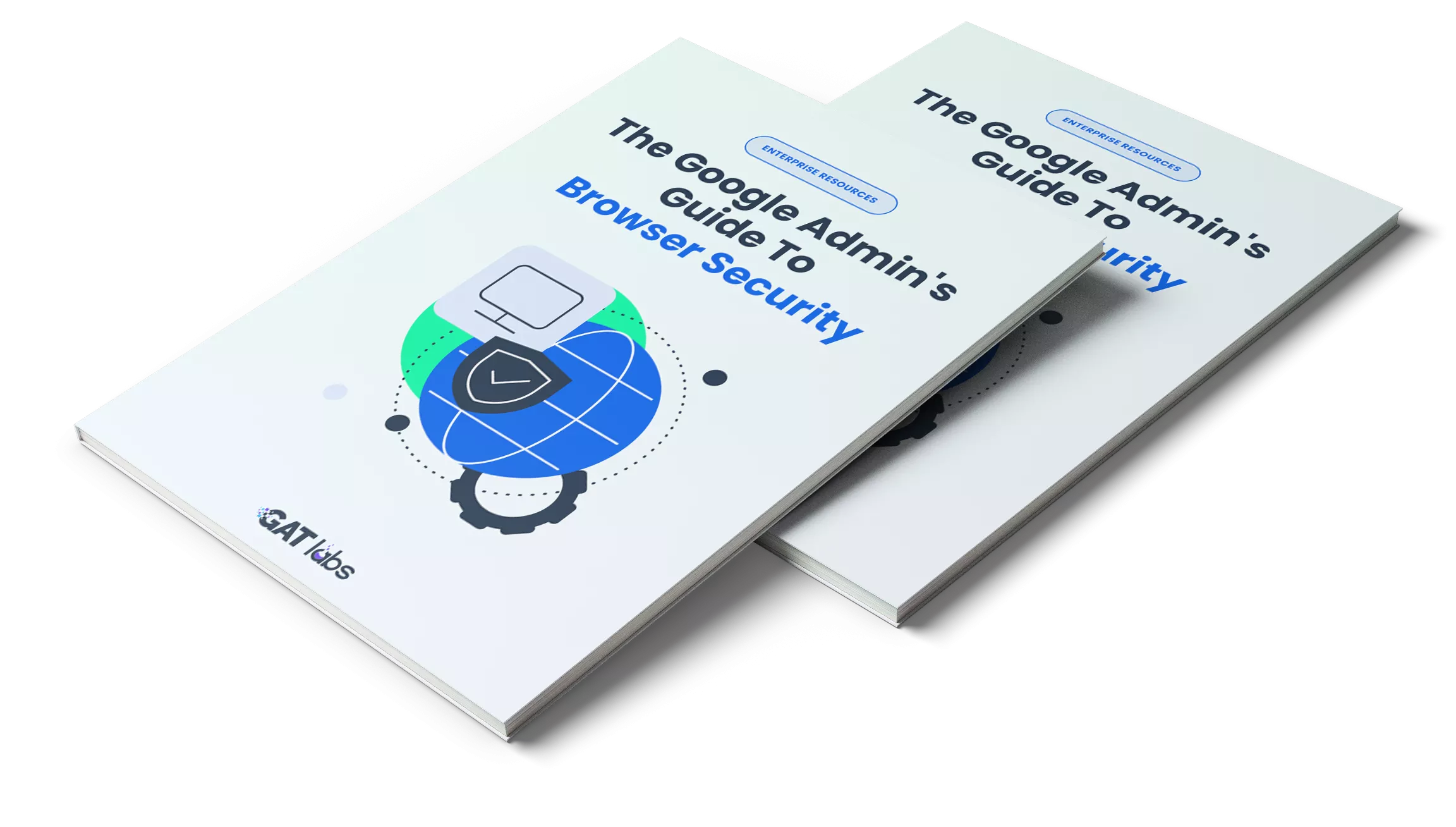
The Google Admin's Guide to Browser Security
Learn how to identify and manage Shadow AI in Google Workspace. This guide explains the security risks associated with AI tools, browser extensions, and unapproved applications, and shares practical strategies to improve browser visibility, protect sensitive data, and support a stronger security posture.
Strengthen Browser Security Across Google Workspace
Browser security has become an essential part of protecting modern organizations. Whether you're looking to improve visibility, reduce data loss, investigate browser activity, or extend security beyond login, a layered browser security strategy can help reduce risk while supporting your existing Google Workspace security controls.