
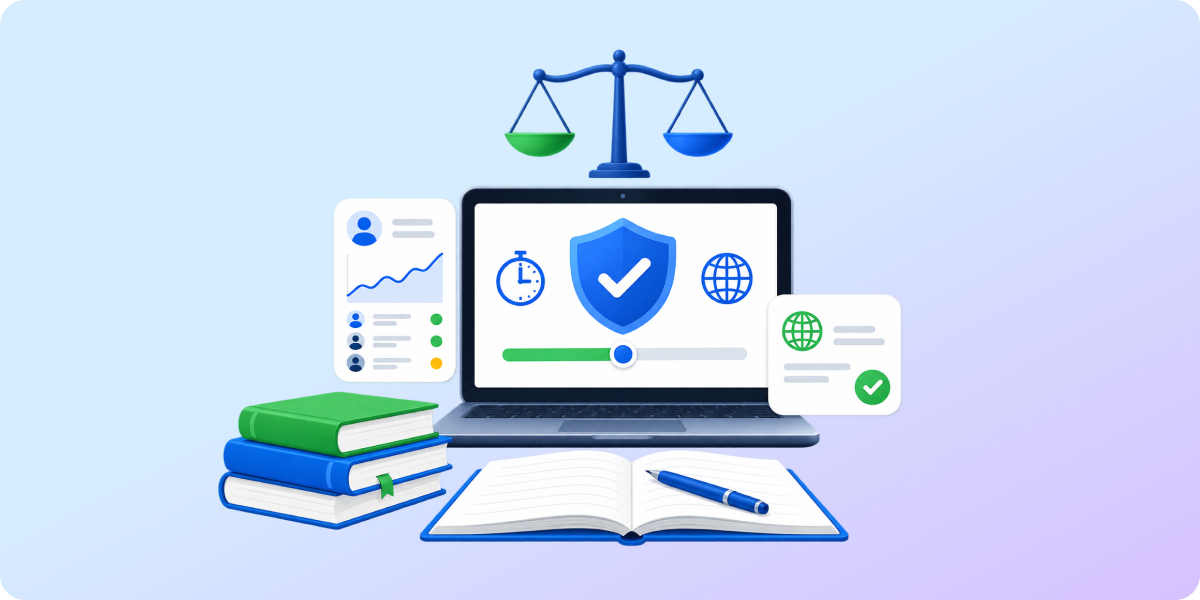
- Effective usage of classroom technology requires balancing reasonable student screen-time restrictions with the benefits of digital tools.
- Technology overuse and lack of monitoring affect student well-being, social development, attention, and classroom learning.
- Admins and teachers need to manage student digital activity in real time with adequate screen-time limits, web-filtering policies, device oversight, and regular audits.
Get rid of all the screens. They are NOT helping students learn. They ARE damaging cognition and learning. Sweden has just gone back to books, pen, and paper, a teacher argues.
In modern education, we often hear about two extreme approaches: uncontrolled, harmful (over) use of technology in the classroom vs. strict screen-time bans for students.
The truth is, there are more than two alternatives. Let’s talk about what’s in between.
There is No Harm in Purposeful Screen Time
Schools began introducing technology to classrooms to streamline teaching, engage students, and diversify learning methods. In an increasingly tech-led world, building and leveraging digital skills became a must.
Until recently, most US public schools had implemented the 1:1 program, where students use school-issued devices daily. In the last few years, artificial intelligence has become a popular digital tool among both students and teachers, and many schools have crafted policies to ensure responsible AI usage.
Screen time can be safe and productive when schools monitor and control students’ digital activity, like in this institution:
Even if students found a video or a game on one of the approved apps, they are still learning something. A lot of our tests are online (…). They also have online independent programs for reading and math, and admin and specialists encourage daily use. We are one-to-one iPads. I’d say about 90% of their usage is education-based.
However, too much screen time, no matter the purpose, can negatively affect students and their learning performance.
Screen-Related Challenges in the Classroom
Research shows that overreliance on technology can be counterproductive. Instead of expected improvements in learning, students show lower engagement and outcomes in the classroom:
More online distractions mean shorter attention spans
88% of teachers noticed their students’ attention spans shorten. They struggle to stay focused on high-effort activities and assignments that don’t give them an instant reward. Uncontrolled online connection gives them continuous access to entertainment content, such as videos and games, making the classwork tedious and unattractive.
Technology-based learning is less effective than traditional methods
Excessive use of digital devices leads to lower academic performance. Classrooms that completely give up on paper and pencil often don’t perform as well as traditional ones. Typing instead of handwriting doesn’t support memorization and affects reading comprehension and concentration.
Inappropriate online content at a few clicks affects student safety
70% of teenagers have seen real-world violence on social media. Without strict web filtering, students can easily access disturbing and age-inappropriate materials. This may affect their social-emotional development and incite compulsive and harmful behavior against peers, such as cyberbullying.
Too much screen time translates into health conditions
Current digital habits make young people’s well-being more vulnerable than ever. Due to screen overuse, they are prone to sleep deprivation, obesity, eye, and posture issues. Excessive screen time may also affect their mental health, provoking depression and anxiety related to missing out on online updates (FOMO).
How to Manage Screen Time for Students (and Make it More Productive)
As a school admin, you can’t eliminate all challenges technology creates for your students. This is even harder because they are often immersed in the digital world outside school too.
What you can do is supervise its use when logged in to school accounts to create the safest e-learning environment possible.
With thoughtful policies, real-time monitoring, and effective management tailored to your school’s needs, you safeguard your students and keep screen time purposeful:
- You limit screen time according to student age and grade level
- Students browse for educational purposes only
- Students can’t access inappropriate and distracting online content
- You monitor current student online activity and get instantly alerted to concerning online behavior
- You can report detailed insights on student digital activity at any time
- Teachers see and manage student real-time online activity in the classroom
- You monitor the security of devices students use for learning
Here’s Your Admin Roadmap to Achieve This.
* The following actions are available with GAT Shield and Teacher Assist.
1. Monitor Student Screen Time and Activity
School Admin Actions:
- Review student browsing history
- Allow access to online learning resources only
- Restrict access to non-educational sites during school hours
- Set up automated alerts on web filter bypassing attempts
- Monitor student online activity continuously
2. Protect Student Online Safety in Real Time
School Admin Actions:
- Ban harmful and distracting websites
- Restrict inappropriate online content based on specific keywords
- Employ instant notifications on disturbing online behavior
- Review student browsing regularly to identify new safety threats
3. Become Audit-Ready with Detailed Insights
School Admin Actions:
- Make sure you can audit student online activity at any time
- Automate reporting on compliance with school policies and children’s online safety regulations
4. Manage Digital Classrooms along with Teachers
School Admin Actions:
- Provide teachers with tools to manage student screens during the class in real time
- Enable teachers to block distracting URLs in the classroom
- Analyze student online behavior in the classrooms to update web filters
5. Control Student Device Usage
School Admin Actions:
- Keep your inventory of devices and users assigned to them updated
- Disallow students from logging into somebody else’s device
- Monitor all devices’ locations in real time
Looking for more detailed instructions? You’re in the right place.
We’ve crafted a school admin’s guide for those who want to make student screen time safer and more productive using the GAT Labs toolset.
School Screen-Time Balance Is in Your Hands
In modern education, there is space for screen time and offline activities. The school’s mission is to prepare students for the future with essential skills like digital literacy while protecting their well-being.
At GAT Labs, we understand concerns about excessive screen use and its negative effects. We support teachers and Google admins in creating balanced hybrid classrooms where students can safely learn using online tools and resources.
Whether you want to review your current policies or update them to align with new screen-time legislation, our solutions are here to help.