

Lorem ipsum dolor sit amet, consectetur adipiscing elit. Ut elit tellus, luctus nec ullamcorper mattis, pulvinar dapibus leo.
- Creating and updating classrooms with students is one of the most time-consuming tasks when done manually, particularly for large educational institutions at the start of the new school year.
- Google Admin Console doesn’t support classroom management or control; hence, admins need a third-party solution to streamline routine tasks and gain classroom visibility.
- No-code automation tools integrated with Google Workspace, such as GAT Flow, enable secure bulk classroom creation and modifications with low administrative effort and zero error risk.
500 new classrooms. Doesn’t it sound like quite an arduous task to do manually?
A school admin in this situation would need to start creating new classrooms and assigning students to them at least a few days before back-to-school. And with so much on his plate, a million other emergencies surely will get in the way.
Unfortunately, the Google Admin Console doesn’t offer a solution for that. Teachers themselves can duplicate classrooms in Google Classroom, but without the admin’s oversight, it can only clutter the domain and blur visibility.
On the other hand, GAM (Google Apps Manager) enables bulk classroom generation, but requires hours of coding and carries a high risk of error if you’re not a command-line expert.
The solution? A no-code automated management tool that reduces heavy lifting, giving you peace of mind and freeing up plenty of time.
Learn on to find out how to create Google Classrooms in bulk with GAT Flow and easily achieve your zero-day readiness.
Why Do I Need Bulk Google Classroom Creation?
You might be wondering whether creating all classrooms manually is the safest way to assign every student and teacher to the right place. You control every step, from creating a classroom to adding every single user to it.
But what if your school serves thousands of K12 students, which means dozens of classrooms at each grade level? Add classrooms for after-school activities, training sessions, or student projects. That creates a complex job that may take long hours (or days) of work.
Automating bulk classroom creation benefits school IT teams at many levels:
- Reduce workload so you can focus on priority tasks: Automation greatly saves the time required to create classrooms and assign students. Focus on cybersecurity or teacher support instead of wasting time on tedious tasks.
- Runs instantly, so you don’t need to monitor it all the time: To automate the generation or modification of multiple classrooms, schedule the task only once; the rest runs automatically in the background.
- Reduces human error, so you avoid learning disruptions: Assigning students to the wrong classrooms or missing some of them delays starting or continuing the class and means doing your work twice (or more times).
- Minimize the number of classrooms to keep your data under control: Creating only the necessary classrooms limits exposure of sensitive student data and helps maintain compliance with data protection laws.
Classroom Management: Google Admin Console vs GAT Labs.
In busy school digital environments, what matters is tool integration and how quickly they work. Automated, real-time classroom management is a functionality a Google Admin Console user can’t count on.
See the table below for the differences between the Admin Console and GAT Labs features for managing Google Classroom.
| Google Admin Console | GAT Labs | |
|---|---|---|
| Automation | Manual setup | Customizable workflows for student and classroom bulk creation, user allocation, and management triggered automatically by specific events.
GAT Flow |
| Classroom Insights | General overview of classrooms, active users, and school policies | Full visibility into all classrooms across the domain, student engagement, assignment submission summaries, student grades, and class metrics.
GAT+ Teacher Assist |
| Real-time Classroom Management | Not available | Student screen live monitoring, Chrome browsing oversight, student online activity management (open, close, push tabs, etc.)
Teacher Assist |
How to Create New Classrooms with Students in Bulk with GAT Flow?
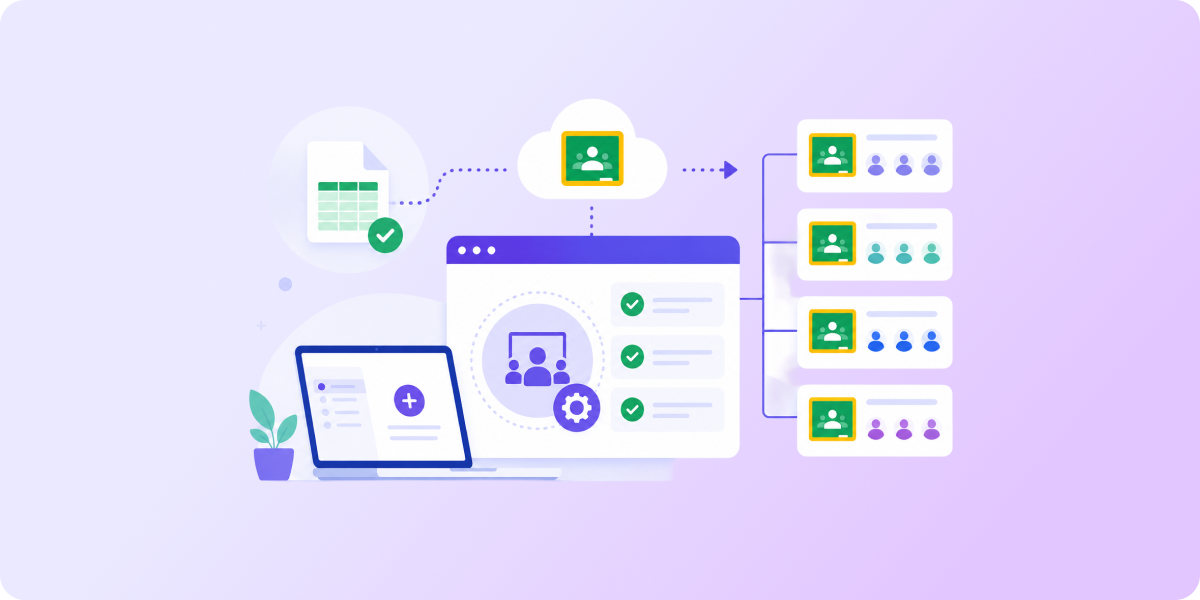
Effective bulk classroom creation takes just a few minutes using GAT Flow. Once set up, it automatically creates a classroom and adds many students at once. Result? You stay hands-free and ready to handle other tasks.
- Create a Workflow. Name it accordingly (e.g., “Create a new classroom and assign multiple students at once”) and choose “Modify” as the workflow type.
- Select Student Roster. Choose students you want to enroll in the new classroom:
- Add students individually
- Add an existing student group
- Add a whole student Organizational Unit (OU)
- Add an existing classroom which students are already assigned to
- Add students from existing emails
- Create Classroom. Choose “Create Classroom” as the next step in your workflow. Name the class, add the description, and assign ownership to a teacher.
- Submit for Security Officer’s Approval. Request verification from your domain’s Security Officer. You can view and edit the workflow details anytime and save it as an action set for future workflows.
- Result: Once approved, when the workflow is triggered, it creates a new classroom and populates it with multiple students.
Check out this Knowledge Base article for detailed technical instructions.
Next Step: Update Your Existing Classrooms Automatically
You have already created all classrooms for the multiple students and teachers you need this school year. Getting them built for day one is only half the battle. Then comes something every admin needs to expect and deal with: modifications.
A student joins the school a few weeks later. A couple of students decide to change their track to humanities. Another one realizes that your institution isn’t their dream school and decides to transfer after the first week of classes.
Whenever it happens, you will be expected to quickly update the specific classrooms and their members to avoid privacy issues and to maintain continuity of learning.
Since it can occur at any time, you will not always be able to prioritize this task. It’s when an automated event-triggered workflow will do it for you.
- Create an Event Workflow. Name it accordingly, choose “Modify” as the workflow type, and “Pre-approved” for quicker user modifications.
- Select the Event. Choose the event that will trigger the workflow. It can start when a student, for example:
- Is moved or removed from an OU
- Is added or removed from a Google Group
- Is created or suspended
- Choose the Action. Decide the next step in your workflow:
- Add the student to the classroom
- Remove the student from the classroom
- Submit for Security Officer’s Approval. The Officer must verify the workflow, but the actions can run without approval.
- Result: Once approved, your workflow will run when the specific event affects a student.
Check out this Knowledge Base article to learn more about event workflows.
To Conclude… and to Start the New School Year with Peace of Mind
Whether you need to create all new classrooms from scratch or just update students and teachers in them, automation is your solution. Why get frustrated with every extra classroom and user when tools like GAT Flow can schedule those modifications in bulk? Beyond reducing workload, it gives you full visibility into classrooms and student data security across the Google Workspace domain.
Try GAT Labs today to see how it streamlines school admin tasks daily and saves hours of work effortlessly.
Join our newsletter for practical tips on managing, securing, and getting the most out of Google Workspace, designed with Admins and IT teams in mind.