| KEY TAKEAWAYS FOR SCHOOL ADMINS |
▪️ Personalized web filtering in schools streamlines the daily work of admins, students, and teachers. It boosts productivity, strengthens cybersecurity, and helps to stay CIPA and COPPA-compliant. ▪️ GAT Shield helps school admins customize web filters by bundling multiple categories into a single rule. ▪️ They can mix & match predefined filters and school-specific web restrictions and apply them to specific groups of users in Google Workspace for Education. |
Filtering online content plays a crucial role in making digital classrooms thrive. Finding the right balance between loosening and tightening school web filtering is essential. The secret lies in adjusting it to your users’ needs.
However, school web filtering policies often miss this mark, frequently leaning toward being either too liberal or too restrictive.
Here, you’ll find out how to quickly customize them with GAT Shield’s new feature.
Why Personalizing Web Filters Matters
School admins who implement new web filtering solutions at the early stage face several challenges.
Teachers request day by day unblocking additional sites “for educational purposes.”
Students disagree with the policy restricting access to AI chatbots.
School leaders would like to block all online content that may entertain students to avoid distractions in the classroom.
It might seem impossible to please all parties with a single clear online safety policy.
It’s when personalized web filtering comes into play. Tailoring internet access restrictions to different users, groups, times, and purposes:
- Increase Admin Productivity: Facilitate IT teams’ work so they don’t have to manually filter each user’s online activity and can reallocate time to priorities.
- Support Compliance Requirements: Help schools meet legal requirements of ensuring age-based levels of internet access and online activity monitoring.
- Enhance Online Security: Protect sensitive data from unauthorized access and safeguard student safety and well-being.
- Boosts Motivation: Providing all students and teachers with adequate access to online content streamlines their daily work and prevents frustration.
When Web Filtering Meets Compliance
School admins need to employ web filtering to comply with child protection regulations for educational institutions. Ensuring online monitoring and restricting access to certain content are fundamental to the student’s safety and well-being.
Web Filtering for CIPA Compliance
The Children’s Internet Protection Act requires schools to use customized web filtering to protect children from harmful content. It should cover explicit pictures and videos available online. Additionally, to be CIPA-compliant, schools need to monitor children’s internet access and online activity when using school devices.
Web Filtering for COPPA Compliance
The Children’s Online Privacy Protection Act of 1998 aims to protect children and their personal data on the internet. To comply with COPPA, schools must monitor students’ online activity and implement web-filtering rules. They might restrict access to inappropriate and risky content online.
Explore how GAT Labs supports schools in achieving compliance with key regulations for US-based schools:
New Web Filtering Feature: Mix & Match Multiple Categories in One Rule with GAT Shield
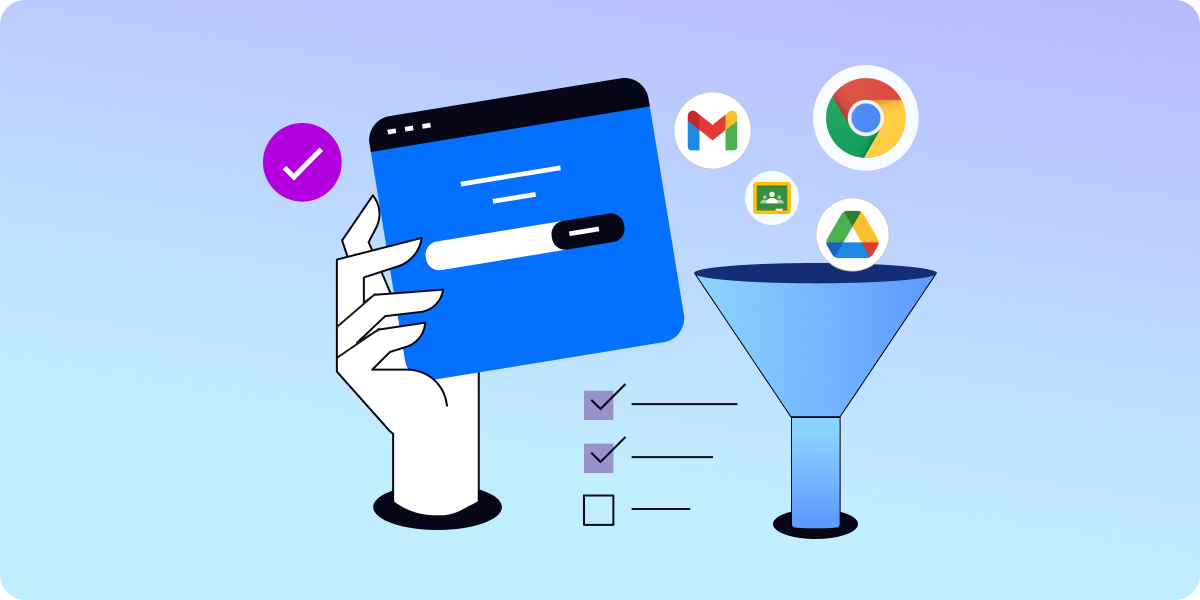
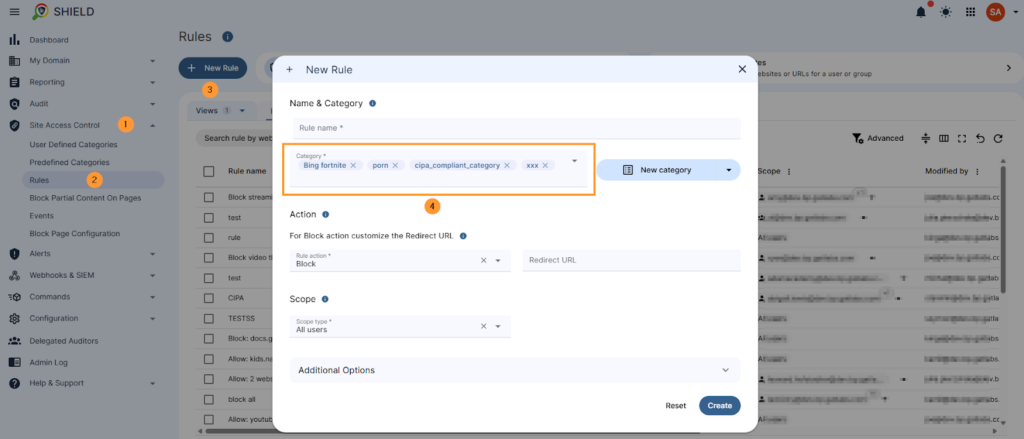
Now, GAT Shield enables Google Admins to bundle multiple web filtering categories into a single policy, rather than blocking specific websites one by one.
Before, admins had to set up multiple separate rules to restrict access to various websites.
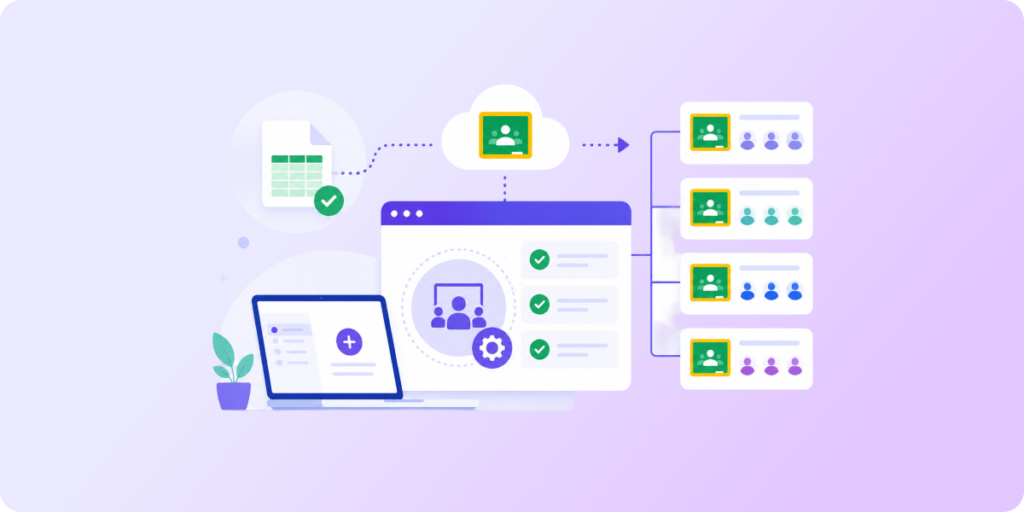
The new feature in Site Access Control allows you to create a customized bundle of several categories and apply it all at once as a single rule to specific users, classrooms, or groups.
GAT Shield provides predefined categories of potentially harmful websites to block and allows admins to add their own specific pages. These categories include common types of websites that school admins usually want blocked for their users:
- Advertisements: All advertising websites
- Artificial Intelligence: Browser-based AI tools (Chat GPT, Claude, Gemini)
- Pornography: Websites including explicit content
- CIPA Compliance Category: Includes over 8 million websites that children shouldn’t have access to according to the CIPA requirements.
Benefits of the Multi-Category Web Filtering Feature
Web filtering setup in GAT Shield is now easier than ever, less prone to human error, and time-consuming.
- Mix & Match: Admins can flexibly combine their custom lists of sites with any predefined categories (e.g., AI apps or adult-content websites).
- Time-Saving: Instead of creating 10 different rules manually for each group of students or school staff, you can incorporate them into a single rule.
- Instant Filtering: Predefined, automatically updated categories in your web filtering policy strengthen your students’ online safety immediately.
How to Bundle Multiple Categories in One Rule
To find out how to create a combined rule and apply it to specific users, go to this Knowledge Base article.
Discover how GAT Labs automates tailoring web filtering to your school’s policies.
Book a live demo or a free trial to see it in action.