
Google Workspace User Management for HR Teams
Delegate onboarding, offboarding, employee changes, and organizational updates to HR without giving them Google Admin access. IT defines the workflows and controls. HR handles the day-to-day changes.
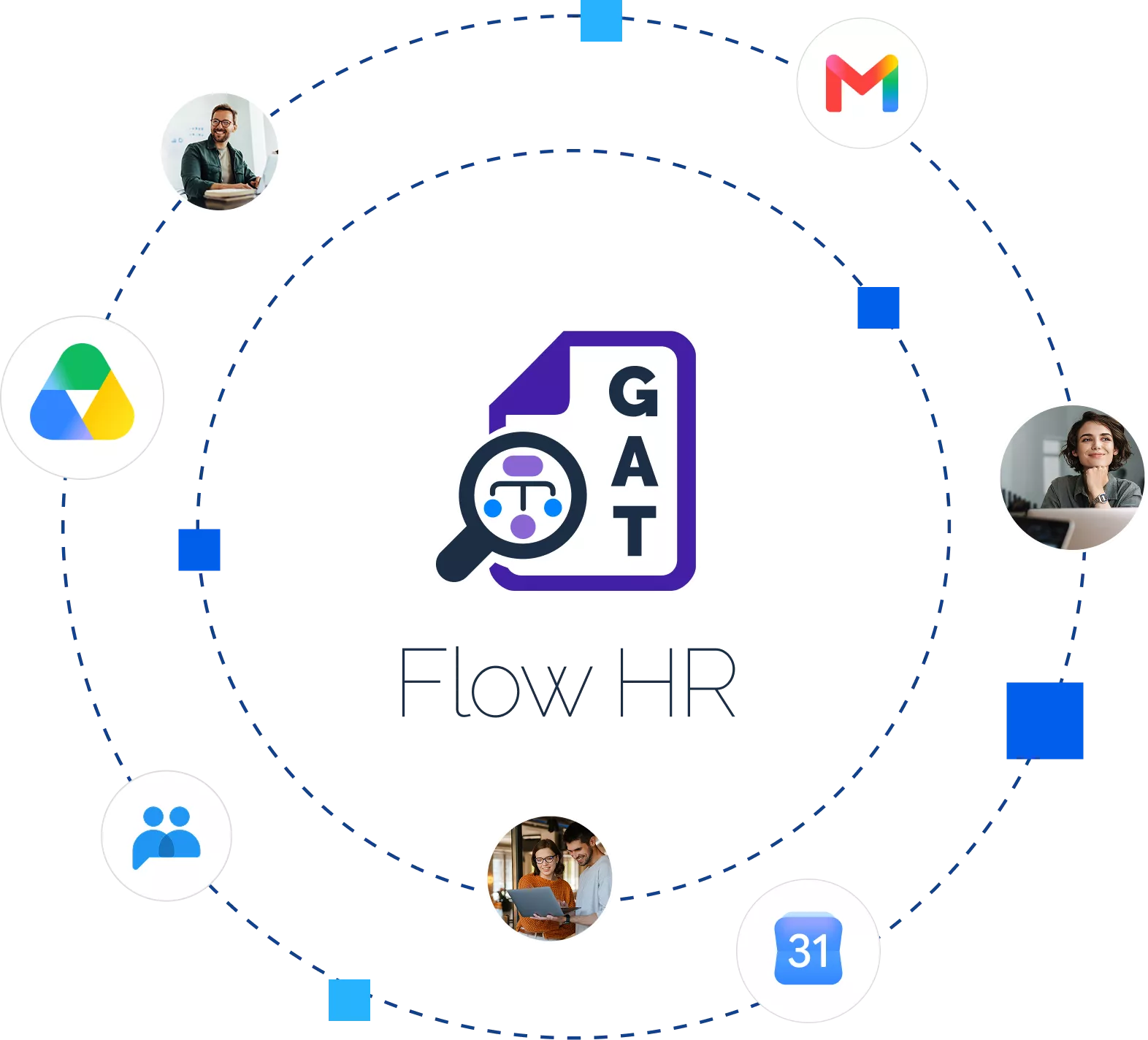
THE PRoblem
Every employee change becomes another task for IT
New employee
IT ticket
Manual admin task
Waiting
A BETTER HANDOFF
IT sets the controls. HR manages the employee.
Reduce the back-and-forth between HR and IT while keeping Google Workspace changes controlled.
IT Defines
Set the boundaries
Flow HR
Applies the approved changes
HR manages
Manage employee changes
EMPLOYEE LIFECYCLE
Every employee change creates work in Google Workspace
while IT controls how those changes are applied.
Onboard
New hire starting Monday?
IT shouldn’t hear about it Friday.
Let HR initiate onboarding as soon as a hire is confirmed, from creating the user to applying the required Google Workspace setup.
Update
Small employee changes create repetitive Admin work.
Roles, managers, departments, titles, and other user details change constantly. Give HR a controlled way to keep employee information current without sending every update to IT.
Move
A department move can affect more than a profile field.
When employees change teams, roles, or locations, HR can initiate the move while predefined workflows handle the associated Workspace changes, such as OUs and groups.
Offboard
HR knows when someone leaves.
IT needs to act on it.
Start the departure process when HR records the change, reducing the gap between an employee leaving and the required Google Workspace actions beginning.
See your organization from the structure that matters
View employees by Organizational Unit, reporting hierarchy, department, location, cost center, or custom attributes. Then manage employee details and moves directly from the visual structure.
Built for growing organizations
Flow HR is designed for organizations with 100 to 5,000 employees, where HR teams manage frequent onboarding, offboarding, role changes, and internal moves.
Whether HR is centralized or distributed across regions, teams can manage approved employee changes while IT retains control over Google Workspace.
FLOW HR CAPABILITIES
Give HR the tools to manage employee changes

Manage the employee information and organizational changes that keep Google Workspace aligned with your workforce
Manage employee account details, contact information, email settings, group memberships, and custom attributes from one place.
Create and manage Organizational Units and Google Groups, update memberships, and keep employees aligned with the right teams and structures.
View employees by reporting structure, department, Organizational Unit, location, cost center, or custom attributes, and manage changes from the organizational view.
Give HR access to the employee management tasks they need without giving them Google Admin privileges. IT determines what HR can access and change.
“Great system for monitoring and managing your G Suite environment.
Great tool for locating and correcting external shares. Really good for detailed Chrome user reporting. The ability to set firewall type rules in a centralized fashion for any chrome browser is very useful. Support has been very good as well.”
Greg Langham
“Gat+ has proved invaluable in the management of the Google estate.
Love the new interface and looking forward further development in the functionality as the importance of access controls, audit and standard processes expand. Very helpful support staff always available and able to assist.”
Chris Carney
“GAT is an excellent tool to work with and is indispensable to the daily operations of our organization.
It makes it very easy to pull the data that we need to make our reports. Support is always extremely responsive on any issues or questions that we may have. Great auditing and reporting tool!”
Adam Klesitz
“Gat+ has proved invaluable in the management of the Google estate.
Love the new interface and looking forward further development in the functionality as the importance of access controls, audit and standard processes expand. Very helpful support staff always available and able to assist.”
Chris Carney
Meet the powerful GAT Suite
The most powerful toolset yet developed for Google Workspace.
Meet the GAT Suite
The most advanced toolset for auditing, security, and automation in Google Workspace.
Experience GAT Labs Today!
Automate, secure, and simplify Google Workspace management. Start your free trial or book a quick demo to see GAT Labs in action.
No commitment, just smarter management.