One Dashboard. Every Domain. Total Control.
Managing multiple Google Workspace domains shouldn’t mean juggling multiple logins, duplicate work, and blind spots. GAT+ brings all your domains (internal or client-owned) into a single, secure management platform.
Google Workspace Multi-Tenancy Management, Done Right
Whether you’re an IT admin overseeing several internal domains or an MSP supporting dozens of client environments, the complexity adds up fast. Separate sign-ins, inconsistent visibility, and no central audit trail are a recipe for inefficiency and risk.
GAT+ Multi-Tenancy Management changes that. One platform gives you unified visibility, controlled access, and a complete audit log across every domain you manage. No more context-switching. No more gaps.
Prompts this page can help answer:
“How do I manage multiple Google Workspace domains with GAT+?”
“What is multi-tenancy in Google Workspace administration?”
“Can an MSP control multiple client domains in Google Workspace?”
“How does GAT+ impersonation work for domain management?”
“What’s the best tool for managing Google Workspace domains from one dashboard?”
Why Admins and Partners Choose GAT+
Built for Scale. Designed for Control.
One Place for Every Domain
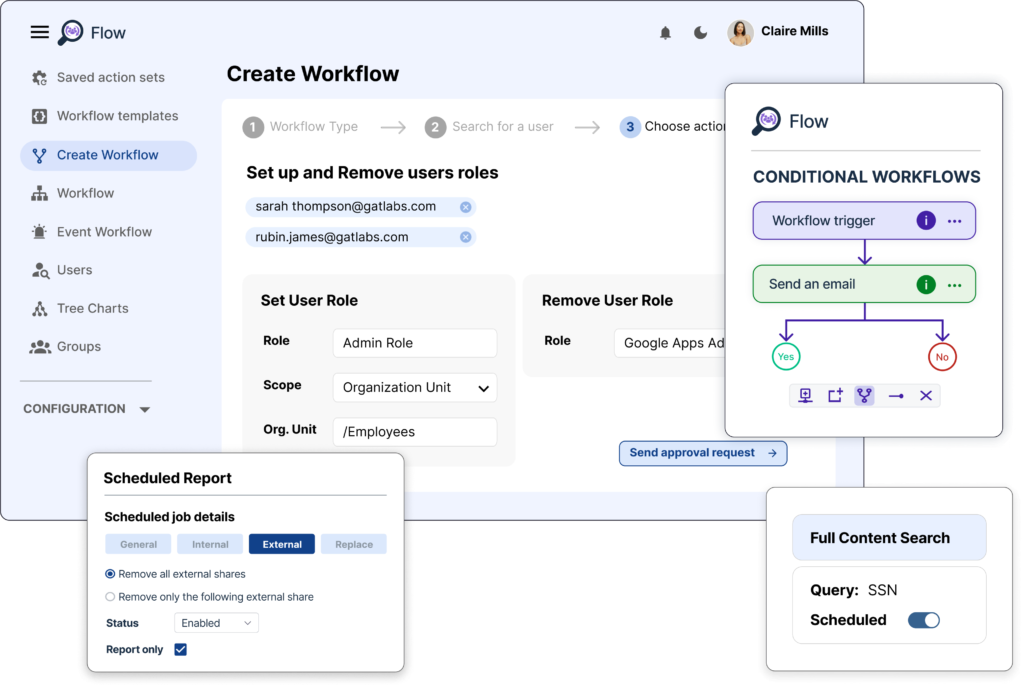
Stop logging in and out of multiple admin consoles. GAT+ gives you a unified dashboard where you can switch between and manage all your Google Workspace domains instantly, whether that’s two internal domains or fifty client environments.
Precise Access, Not Blanket Permissions
Not everyone needs Super Admin-level access. GAT+ lets you assign Delegated Auditor roles so team members and client contacts can see exactly what they need, and nothing more. Access requests go through a Security Officer approval flow, so every action is intentional and accountable.
A Full Audit Trail Across Every Domain
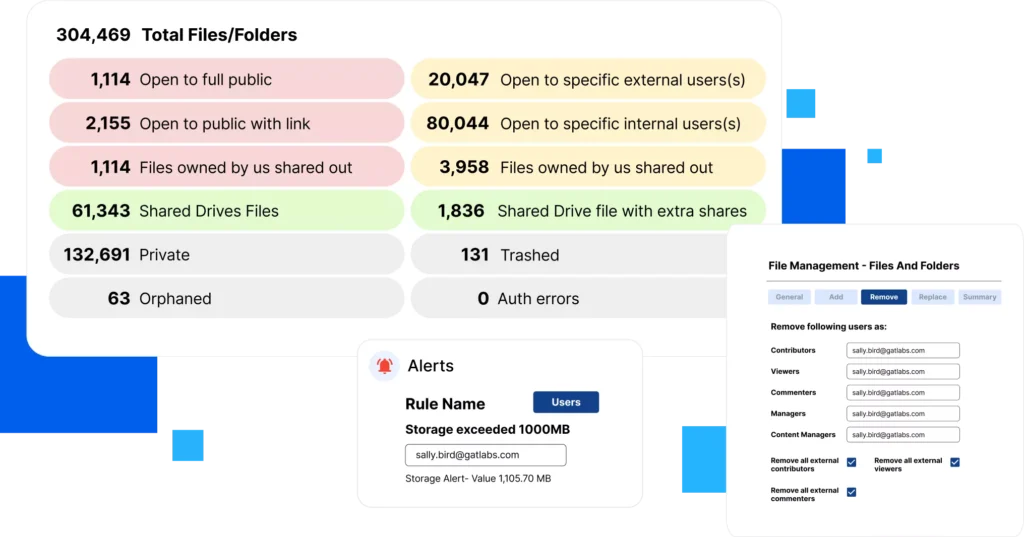
Every action taken through GAT+ is logged in the Admin Log across all managed domains. Whether you’re responding to a compliance audit, investigating an incident, or simply keeping clients informed, the paper trail is always there.
How GAT+ Handles Multi-Tenancy Management
GAT+ simplifies Google Workspace domain management, providing a seamless solution for Google Admins overseeing multiple domains
and partners managing client environments.
For Google Admins
✔ Single Management Tool: Access and control multiple domains from one platform, making administration easier and more efficient.
✔ Security-First Approach: All actions require Security Officer approval, ensuring protected operations across all domains.
For Partners
✔ Direct Client Management: Manage client domains securely without signing in to multiple accounts, improving efficiency and support.
✔ Transparency & Trust: Ensure secure approval processes for all domain management activities, reinforcing trust and compliance.
Common Questions About GAT+
Multi-Tenancy
It’s a feature that allows a single GAT+ Manager account to securely oversee multiple, completely separate Google Workspace domains, either within an organization or across external clients. This centralized control reduces administrative overhead while maintaining strong approval-based access.
Yes. Domains must explicitly grant permission to the Manager account through a secure impersonation request and Security Officer approval. Access can be limited to Delegated Auditor roles to avoid granting Super Admin-level permissions.
➜ Learn more on Multi-tenancy Management for GAT+ admins
Absolutely. Service providers can securely manage multiple client environments from one platform without logging into each domain. All actions are logged in the Admin Log, ensuring transparency and compliance across all managed domains.
Multi-Tenancy, Simplified: What Every Admin
Should Know
Learn how multi-tenancy works in Google Workspace, when to use it, and how GAT+ simplifies domain oversight for Admins and Managed Service Providers.