Google Workspace Account Compromised?
Here's How to Investigate What Happened
Stop the Leak Beyond the Password Reset.
A password reset stops the immediate attack, but it won’t tell you what data was stolen, what files were exposed, or if the attacker left a back door open. Move past basic containment. Start a true forensic investigation.


The Questions Native Google Admin Logs Can't Easily Answer
When a Google Workspace account is compromised, security teams and IT admins need answers in minutes, not days.
What did the attacker actually access?
Tracking activity across files, emails, devices, and third-party apps can be slow and fragmented when relying on native logs alone.
Was data quietly exfiltrated?
Traditional sharing controls don’t show browser uploads. Did the attacker view, download, or upload data elsewhere?
When did the compromise begin?
Reconstructing activity across Drive, Gmail, devices, and OAuth events often requires stitching together multiple reports.
Did they leave a back door open?
Attackers commonly create forwarding rules, mailbox delegations, or authorize third-party apps that continue to provide access after a password reset.
What Attackers Commonly Do
After Compromising a Google Workspace Account
Access Sensitive Files
Review Drive activity and downloads.
Create Gmail Forwarding Rules
Maintain access to future communications.
Authorize OAuth Applications
Bypass future password changes.
Export Data Through the Browser
Move information to personal storage or AI tools.
Grant Additional Access
Create delegations or permission changes.
How Do I Investigate a
Compromised Google Workspace Account?
Contain the Threat
Stop the attack and secure the account. Force sign-outs, reset credentials, revoke OAuth access, and remove any persistence mechanisms that may allow continued access.
Build the Timeline
Determine when the compromise began and how the attacker gained access. Review login activity, OAuth events, device activity, and administrative actions to reconstruct the sequence of events.
Assess Impact & Remediate
Investigate activity across Drive, Gmail, applications, and devices to determine what was accessed or exposed. Remove unauthorized changes, close security gaps, and strengthen monitoring to reduce future risk.
What Evidence Should You Review?
Use this framework to evaluate your full risk surface, not just the obvious entry points.
|
Vector
|
What to Look For
|
Why It’s a Blindspot
|
|---|---|---|
|
Login & Access [Critical]
|
Unusual IP addresses, unexpected SAML/OAuth events, unmanaged devices.
|
Attackers use clean proxies to mimic legitimate user locations.
|
|
Google Drive [Critical]
|
Bulk file downloads, unauthorized sharing changes, ownership transfers.
|
Native visibility rarely flags a sudden spike in file views as an anomaly.
|
|
Gmail Vectors [Critical]
|
Silent forwarding rules, deleted sent items, unauthorized inbox delegation.
|
Email filters can be manipulated to hide the attacker's tracks from the victim.
|
|
Third-Party OAuth [High]
|
New applications granted broad read/write permissions to the domain.
|
Rogue apps bypass password changes entirely by holding persistent tokens.
|
|
Browser activity [Often Miss]
|
Uploads to personal cloud storage, AI tools, or disposable file-sharing services via the browser.
|
This channel is completely invisible to traditional file-sharing audit logs and DLP rules focused on Drive sharing.
|
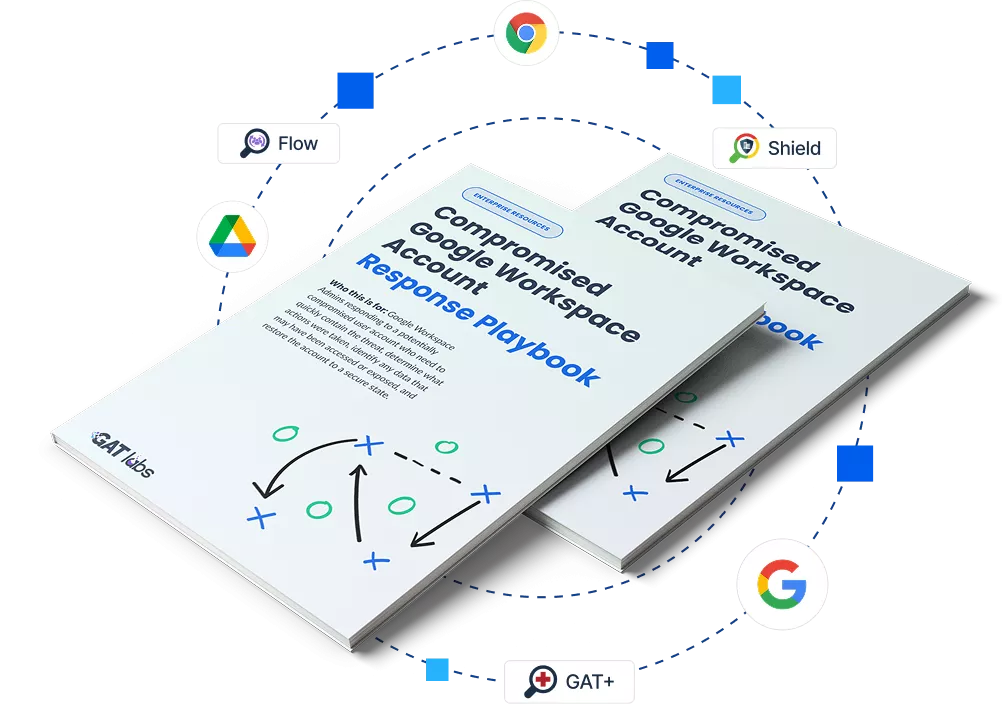
Google Workspace Compromised Account Playbook
A step-by-step incident response framework built for IT admins and security teams. From immediate containment to hardening your domain against the next attack.
- Immediate Containment: Isolate the account and terminate all active attacker sessions without disrupting business operations.
- Data Exposure Assessment: Determine exactly what files were downloaded, viewed, or transferred outside the company.
- Permanent Remediation: Close the gaps, remove persistent access hooks, and update your security posture for next time.
How GAT Labs helps
Forensic-level visibility,
built for Google Workspace
When a Google Workspace account is compromised, you need more than basic audit logs. GAT Labs helps security teams and Google Admins investigate incidents faster, understand what happened, and respond from a single platform.
Build Investigation Timelines Faster
GAT+ brings together activity across logins, Drive, Gmail, devices, third-party applications, and admin actions in a single view. Quickly determine when the compromise began, what actions were taken, and what data may have been affected.
Uncover Hidden Data Exposure
Shield extends visibility beyond traditional audit logs, helping you investigate browser uploads, downloads, AI tool activity, and data movement that may not appear in standard Google Workspace reports.
Respond Across Your Domain
Once you’ve identified the scope of the incident, Flow helps you take action at scale. Revoke OAuth access, terminate sessions, remove forwarding rules, reset passwords, and automate remediation tasks across your domain.
Investigate Sensitive Content Securely
When investigations require access to user files or emails, Unlock provides a multi-party approval process with a complete audit trail, helping maintain accountability and compliance.
Frequently Asked Questions
What IT admins ask after a compromise account
What should I check immediately after a Google Workspace account is compromised?
Beyond forcing a password reset and enabling MFA, you must immediately audit the user’s Gmail forwarding rules, mailbox delegation settings, newly authorized third-party OAuth apps, and sudden spikes in Google Drive file downloads.
Can attackers steal corporate data without creating external Google Drive shares?
Yes. Attackers frequently bypass file-sharing restrictions by opening files in a browser and uploading the data directly to personal cloud storage or AI tools. GAT Labs provides the granular visibility needed to track these hidden data leaks.
How do attackers maintain access after a password reset?
They use persistence mechanisms. If an attacker authorizes a malicious third-party OAuth app or sets up a silent email forwarding rule while they have access, changing the user’s password will not stop them from continuing to receive data.
Does native Google Workspace show exactly what files an attacker downloaded?
While basic logging tracks certain events, extracting a clean, chronologically accurate audit trail under pressure can be incredibly difficult. GAT Labs simplifies this by compiling comprehensive, multi-layered forensic timelines instantly.
Don't Piece Together the Next Breach From Scattered Logs
Equip your team with a structured investigation framework and the tools needed to investigate, contain, and harden your Google Workspace environment.