
GAT Flow vs Google Dynamic Groups
Smarter group automation, without limits. Google’s Dynamic Groups are restricted by SKU and flexibility. GAT Flow offers unlimited scalability, manual overrides, and deeper control—no upgrades needed.

What Are Dynamic Groups?
Dynamic Groups automatically update group membership based on admin-defined rules. This simplifies user management by:

Automate Membership:
Users are added or removed based on attributes like department, OU, or location.

Custom Rules:
Combine attributes with logical operators for granular control.

Automatic Updates:
Changes to user will trigger immediate group membership updates

Improved Security:
- Enforce strict security and IAM lists without manual intervention.
GAT Flow vs Google Dynamic Groups: Key Differences
|
Feature
|
Google Workspace
|
GAT Labs
|
|---|---|---|
|
Supported Workspace SKU’s
|
Only Enterprise Plus & Education Standard
|
All Workspace SKU’s
|
|
Predefined members
|
Not supported
|
Supported
|
|
Block specific users
|
Not supported
|
Supported
|
|
Add a Dynamic Group as a member to another Group
|
Not supported
|
Supported
|
|
Custom Attribute Support
|
Supported
|
Supported
|
|
Usage limits
|
Maximum of 500
|
No limits
|
Why Choose GAT Flow Dynamic Groups?
✔️ Available for all Workspace SKUs – no need for costly upgrades.
✔️ Manual Overrides – add or block users manually when needed.
✔️ Nested Dynamic Groups – add Dynamic Groups within other groups for flexibility.
✔️ Unlimited Usage – no group limit constraints.
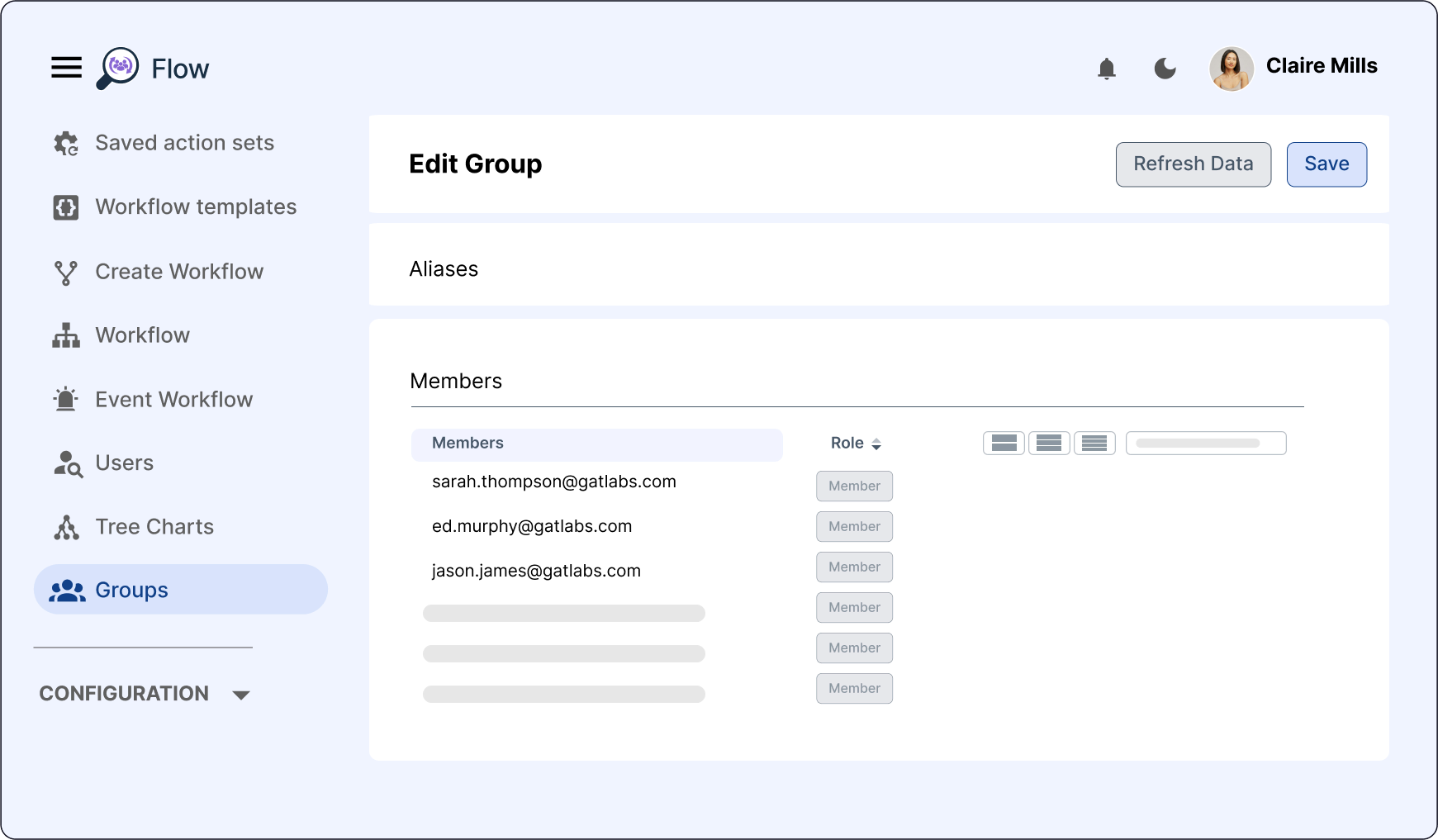
With GAT Flow, admins can set conditions for each Dynamic Group. For example, you can automate onboarding by creating rules for each office location, department, or team. When a new user is added to a location-specific Dynamic Group, Flow can trigger actions like assigning licenses, adding users to shared drives, or applying security settings automatically.
This is ideal for organizations with complex needs. For instance, if your company has offices in different regions with different IT policies, GAT Flow lets you apply location-based rules. Each region’s users get the right access and settings without manual effort.
Get Started with GAT Flow Dynamic Groups
Ready to simplify group management and boost automation?