
If someone asked you right now where your Google Workspace domain sits on a Zero Trust maturity scale, could you answer?
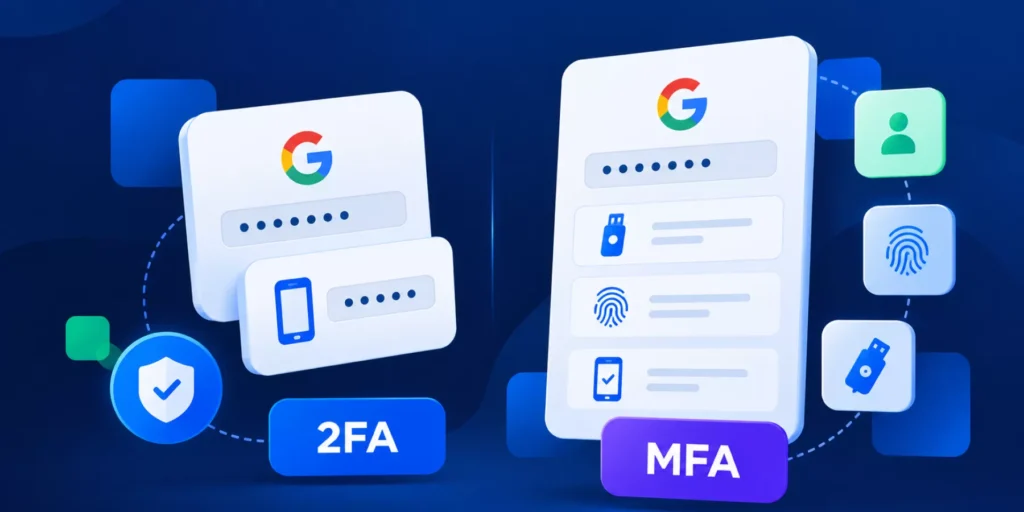
Most admins have a rough sense. MFA is on. There are some Drive sharing restrictions. Offboarding follows a checklist. But a rough sense is not a security posture. It is a starting point.
The CISA Zero Trust Maturity Model (ZTMM) gives organisations a structured way to assess how mature their security operations actually are. This guide translates that framework directly into Google Workspace terms so you can assess your domain operationally, not theoretically.
Why the CISA Zero Trust Model Matters for Google Workspace
The CISA Zero Trust Maturity Model was designed for modern cloud environments where users, devices, browsers, and third-party apps interact constantly outside a traditional network perimeter.
That applies directly to Google Workspace.
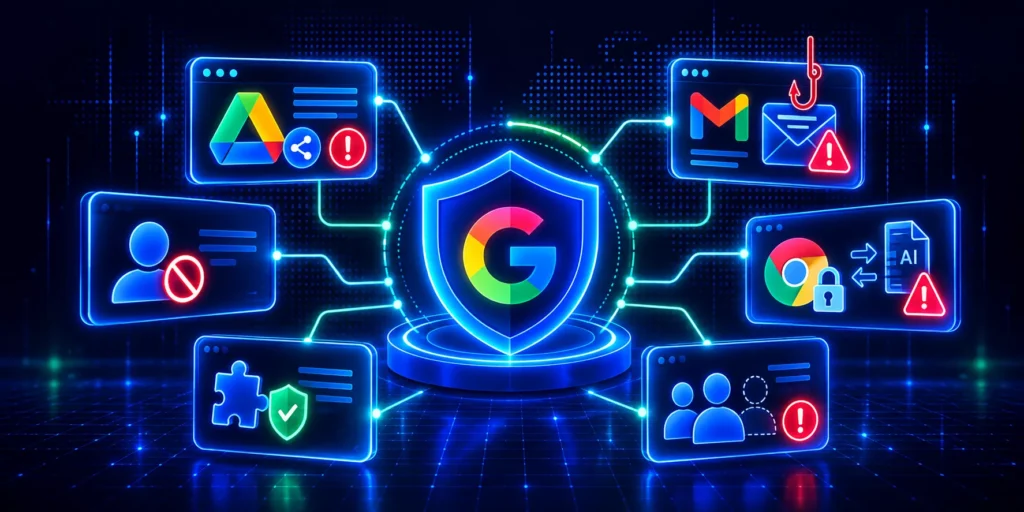
The framework evaluates five operational areas: Identity, Devices, Networks, Applications and Workloads, and Data. Across those pillars, organisations move through four maturity stages: Traditional, Initial, Advanced, and Optimal.
The most important shift in ZTMM 2.0 is simple: manual Zero Trust is not Zero Trust at scale.
Automation, visibility, and governance are no longer considered advanced capabilities. They are baseline expectations from the Initial maturity stage onwards. If your security posture still depends on someone remembering to review permissions, revoke app access, or complete an offboarding checklist correctly every time, your domain is still operating at the Traditional stage.
Pillar 1: Identity
Most Google Workspace domains sit somewhere between Traditional and Initial maturity on identity controls.
MFA is usually enabled, but not always enforced universally. Permissions get assigned during onboarding and are rarely reviewed again. Over time, privilege creep becomes the norm. Users who changed departments years ago often still retain access from previous roles.
Reaching Initial maturity requires more than authentication. It requires lifecycle consistency. Accounts should suspend automatically when users leave, delegated access should be reviewed regularly, and group memberships should not remain static for years without oversight.
Advanced maturity introduces continuous visibility into identity changes. Unexpected permission changes trigger alerts. Sensitive admin actions require approval before execution.
Assess this pillar: Can you produce a current list of every user with delegated Gmail or Calendar access, every super admin account, and every user whose permissions have not been reviewed in the last 90 days? If not, your identity controls are still operating closer to the Traditional stage.
Pillar 2: Devices
For Google Workspace environments, Chrome has effectively become the new corporate network perimeter.
Most modern data movement happens through the browser. Files move to personal storage, extensions gain access to sessions, and users paste sensitive content into AI tools, often without any visibility from the Admin console.
Native Google controls provide policy management for managed Chrome environments, but they do not provide continuous visibility into browser activity itself.
Initial maturity begins when organisations move beyond static Chrome policies and start actively monitoring browser behaviour. That includes managing extension installations, restricting risky downloads, and applying controls to uploads and browser-based transfers.
Advanced maturity introduces real-time browser visibility and enforcement. Admins can monitor uploads, downloads, extension activity, and browser-based exfiltration attempts as they happen. This remains one of the biggest operational Zero Trust gaps across Google Workspace today.
Assess this pillar: Do you have a record of what files users uploaded or downloaded across Chrome in the last 30 days? If not, your domain is still at the Traditional stage on Devices.
Pillar 3: Networks
This is the pillar where Google itself handles much of the heavy lifting.
Workspace traffic already runs through encrypted Google infrastructure, and Enterprise tiers provide Context-Aware Access controls that let admins restrict access based on device posture, IP ranges, or geographic location.
The problem is not usually Google’s network layer. The problem is what happens above it.
Most organisations still allow unmanaged devices to access sensitive Drive data with nothing more than MFA protecting the session. That creates a gap between identity security and operational control that network-level infrastructure alone cannot close.
Assess this pillar: Can an unmanaged personal device access sensitive corporate Drive folders with no additional restriction beyond login credentials and MFA? If yes, your network maturity has operational gaps even with Google’s infrastructure doing its job.
Pillar 4: Applications and Workloads
This is where many Google Workspace environments fall furthest behind the ZTMM model.
OAuth applications create one of the largest persistent access risks in modern Workspace environments. When users connect third-party apps through “Sign in with Google,” those apps can retain ongoing access to Drive, Gmail, Calendar, or Contacts long after the initial approval.
Most admins know connected apps exist. Far fewer know how many are connected, which ones carry high-risk scopes, or whether those apps still need access today. This is the operational reality behind what most security teams call Shadow IT.
Initial maturity starts with visibility. Organisations need a complete inventory of connected apps, clear allow/block policies, and ongoing review of high-risk permissions rather than periodic cleanups once or twice a year.
Advanced maturity introduces automated risk scoring, policy enforcement, and token revocation workflows that operate continuously rather than manually.
Assess this pillar: How many third-party apps are currently connected to your domain? How many hold full Drive or Gmail access? When were those permissions last reviewed? If those questions are difficult to answer quickly, your application layer is operating closer to the Traditional stage.
Pillar 5: Data
For most Google Workspace domains, Drive is the data layer.
The biggest risk is rarely a dramatic breach. It is cumulative over-sharing that builds quietly over time. Files remain shared externally for years. “Anyone with the link” permissions accumulate. Former employees still appear as collaborators long after leaving the organisation.
Most organisations already have sharing policies in place. Far fewer monitor sharing continuously.
Initial maturity begins when organisations move beyond static sharing restrictions and start continuously auditing Drive exposure. Advanced maturity adds real-time alerts for sharing changes, bulk remediation for over-shared files, and browser-level controls that stop exfiltration before data leaves the session.
This is where browser visibility and data governance begin to overlap directly. Monitoring what leaves Drive is not enough if you cannot also monitor what leaves Chrome.
Assess this pillar: How many files across your domain are currently shared with “anyone with the link”? If you do not know the answer, your data governance is still at the Traditional stage.
The Cross-Cutting Capabilities Most Domains Still Lack
The five pillars define what needs protection. The three cross-cutting capabilities determine whether your controls actually work at scale.
Visibility and Analytics mean continuous insight into user activity, app installations, sharing events, and browser behaviour. Not a quarterly report. A live feed you can query, alert on, and act on across all five pillars simultaneously.
Automation and Orchestration mean lifecycle processes like onboarding and offboarding run consistently through defined workflows rather than manual checklists. A process that depends on one person remembering every step is not a Zero Trust control. It is a risk.
Governance means sensitive admin actions require documented approval, a clear justification, and a time-limited access window. In many domains, admins can still access user’s Gmail or Drive with no formal oversight, no second approver, and no expiry on that access. That is a governance failure regardless of how strong your other controls are.
These three capabilities are where the gap between having Zero Trust policies and actually running a mature Zero Trust environment becomes most visible.

Questions Worth Asking Your Team
- Do you know every OAuth app currently connected across your domain?
- Can you monitor risky Chrome activity in real time?
- Are onboarding and offboarding workflows fully automated?
- Do sensitive admin actions require formal approval?
- Can you immediately identify all externally shared Drive files?
- Do you continuously review delegated access and privilege drift?
If several of these are no, your domain is likely still operating closer to the Traditional stage across multiple pillars.
Where Most Domains Should Start
For most Google Workspace environments, moving beyond the Traditional stage does not require a large infrastructure project. It requires operational consistency.
Start with visibility. Audit your connected apps, Drive sharing, user permissions, and delegated access. You cannot prioritise fixes for risks you cannot see.
Secure the application layer. Review and revoke high-risk OAuth app access. Set up alerts for new installations, so Shadow IT does not rebuild itself quietly. For a practical walkthrough, see our guide to Zero Trust offboarding.
Extend visibility to Chrome. Browser-level monitoring closes one of the largest operational blind spots in Workspace environments. Static policies are not enough at this layer.
Automate lifecycle management. Offboarding, onboarding, and role changes should be executed through structured, repeatable workflows. Manual checklists create gaps. Automation closes them.
Apply governance controls to sensitive admin actions. Every high-risk request should be approved, logged, and time-limited. If your admins can access user data without a second set of eyes, that is a gap worth closing before it becomes a problem.
Most organisations already understand the risks conceptually. The challenge is implementing controls that operate continuously across the areas where modern Workspace risk actually sits. For a full overview of how these layers connect, see our Zero Trust security guide for Google Workspace.
How GAT Labs Maps to the ZTMM
If you have run through this assessment and identified gaps, here is how our tools address each layer directly.
GAT+ covers Visibility and Analytics across Identity, Applications, and Data. It gives you a domain-wide audit of connected apps, Drive sharing, user permissions, and activity, with alerting and scheduled reports for compliance. This is the baseline that makes every other control actionable.
GAT Shield covers the Devices pillar. It provides real-time monitoring and enforcement across all Chrome sessions on your domain, including upload and download tracking, Shadow AI blocking, and extension management. The browser layer that the Admin console cannot see.
GAT Flow covers Automation and Orchestration. Onboarding, offboarding, role changes, and bulk permission updates run through defined, auditable workflows. Every step logged. Every approval captured. No checklist dependency.
GAT Unlock covers Governance. Every admin request to access sensitive user data requires approval from a designated Security Officer, is time-limited, and is fully logged. This is the accountability layer that the ZTMM requires from the Initial stage onwards.