This is the GAT Labs for Enterprise website. Go to the GAT Labs for Education solutions here.

Welcome to GAT Labs Blog

Manage your Google Workspace for Education domain from-the-inside-out with our content gurus’ tips and tools

Most Recent Blogposts

Zero Trust Offboarding in Google Workspace
Every departing employee leaves behind potential access risks. If your offboarding process relies on manual steps, you're trusting people to catch what Zero Trust is designed to prevent.
Zero Trust
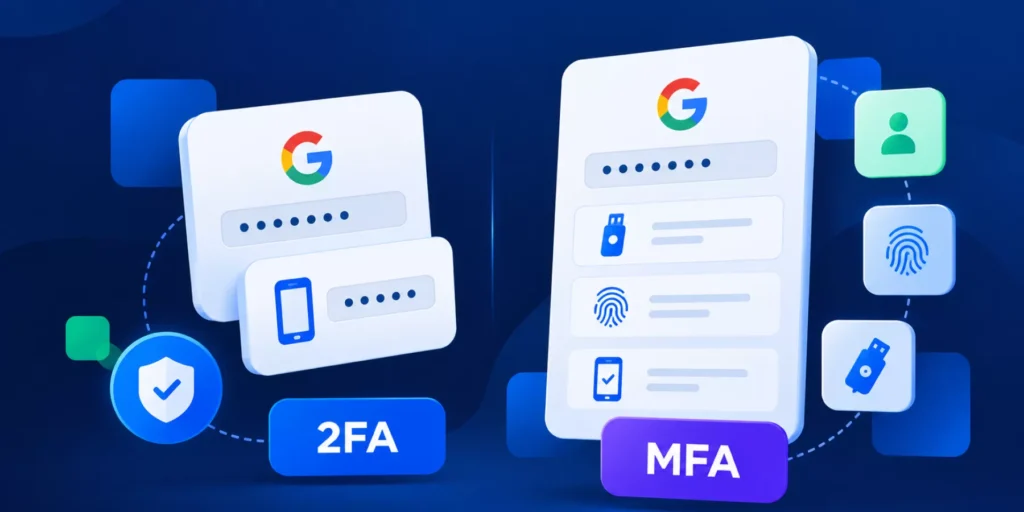
Zero Trust in Google Workspace goes far beyond MFA. Learn how to audit OAuth apps, monitor Chrome activity, control admin access, and automate secure offboarding across your domain.
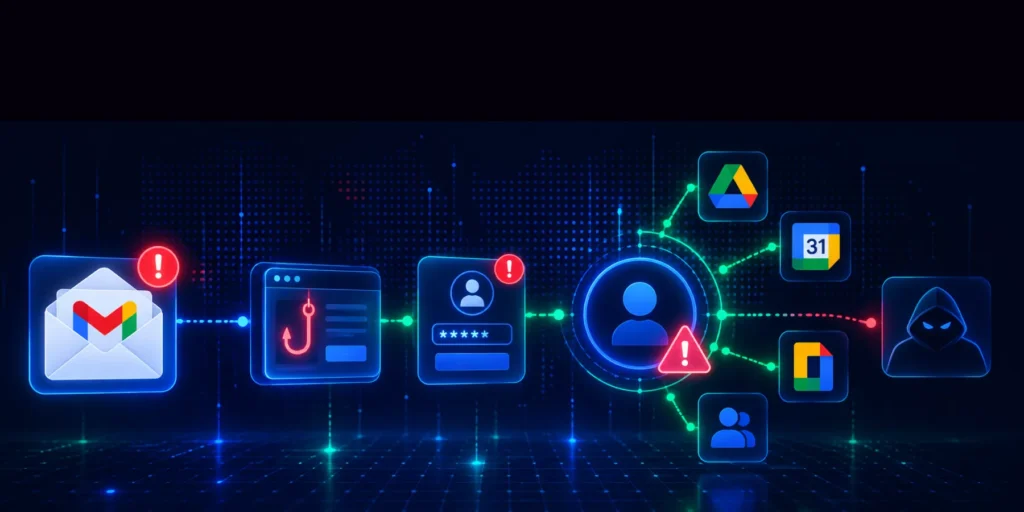
Access Controls in Google Workspace
Learn how Google Workspace admins can strengthen access governance using RBAC, contextual access policies, Zero Trust principles, and automated auditing across Drive, Gmail, Chrome, and third-party applications.
How Google Apps Manager (GAM)Scripts Create Hidden Audit Gaps
Google Apps Manager scripts create a forensic dead end by masking admin identities under service accounts. Learn why this 'Shadow Admin' risk fails SOC 2 audits and how to restore accountability in Google Workspace
Most Google Workspace breaches stem from over-permissioned accounts and unmanaged scripts. This guide explains why the Principle of Least Privilege is essential for enterprise security and how to replace risky "Shadow Admin" access with secure, automated governance and full audit trails.
DLP in Google Workspace
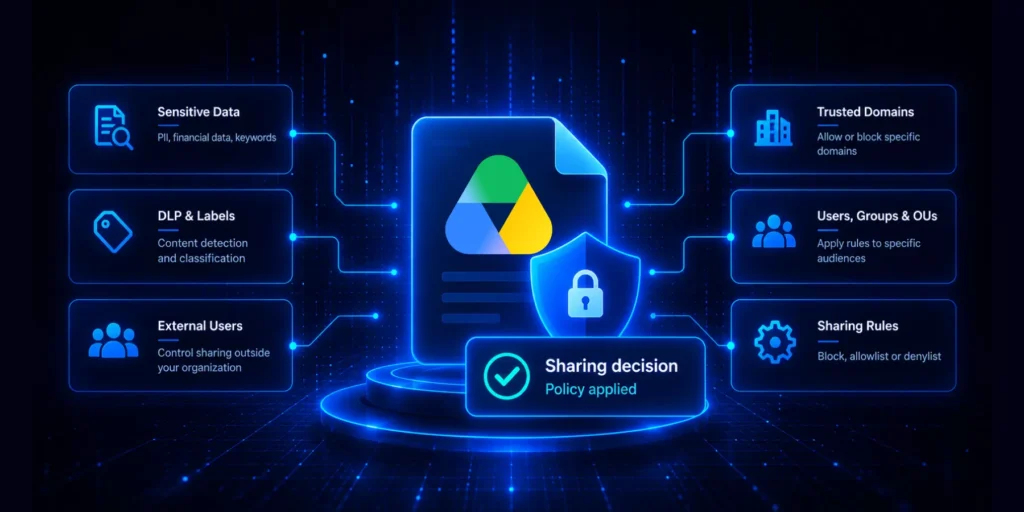
DLP in Google Workspace is not a single product or a one-time configuration. It is a combination of detection rules, access controls, audit practices, and automation that reduces your exposure across every data surface: applications, email, files, browser, and user lifecycle events.
What is Shadow IT? Its Impact on Google Workspace Domains
Shadow IT refers to any software, apps, or services used within your organization without IT approval. This includes SaaS tools, OAuth-connected apps, Chrome extensions, and AI tools accessing your Google Workspace data. In most enterprises, this activity operates at a much larger scale than expected, often outside IT visibility. This guide breaks down what shadow IT looks like today, why it keeps growing, and how you can take control of it.
Shadow IT Google Workspace
Shadow IT has been a problem since employees started using personal Dropbox accounts for work files. But in a Google Workspace environment in 2026, it looks very different, and it is harder to catch. This is not about obvious policy violations. It is about the hundreds of small decisions your users make every day that your admin tools do not log and cannot see.
Data Loss Prevention for Google Chrome
Chrome is where most of your users work. It is also where most data leaks start. A user pastes an internal document into an AI writing tool. Someone downloads a spreadsheet from Drive and uploads it to a personal account. None of these events generates an alert in your Admin console by default. If your users work in Chrome, your data risk lives there too.