- Google Workspace Studio lets users build AI agents that take direct actions across Workspace and connected applications.
- Dedicated security controls: Google provides agentic security controls including least-privilege agent identities, agent access management, auditing, and Data Loss Prevention (DLP).
- Third-party OAuth access: External AI tools connected through OAuth create an additional access layer that Google Admins need to evaluate.
- Shift in governance: Security is no longer just about who has access, but what can act with that access and whether those actions are traceable.
- Immediate actions: Admins should audit connected applications, review OAuth scopes, define clear AI approval processes, and establish investigation paths.
AI in Google Workspace is moving beyond generating content and answering prompts.
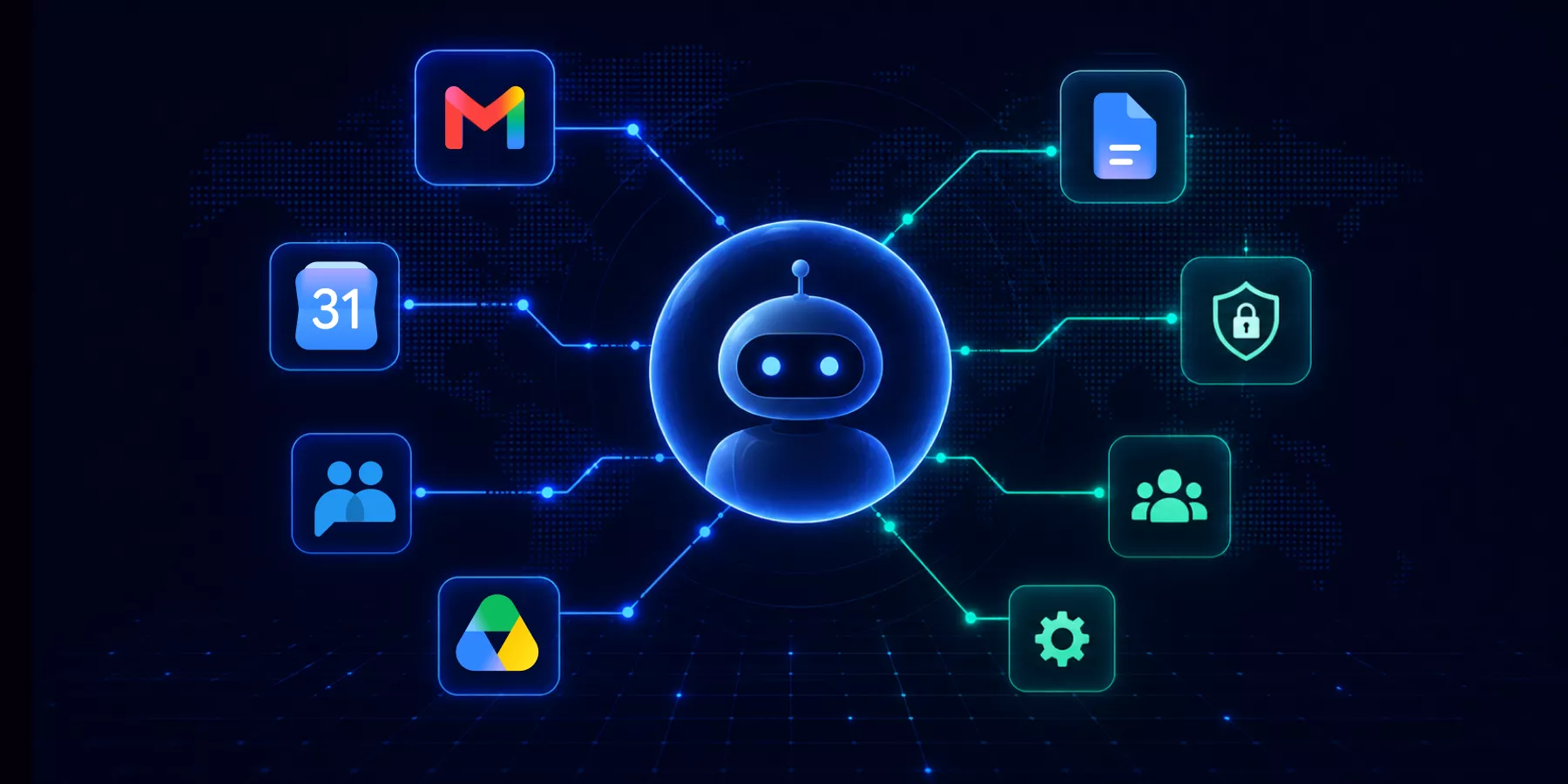
With Google Workspace Studio, users can build AI agents that work across Workspace and carry out multi-step processes. Third-party AI tools can also connect to Workspace data through OAuth.
For Google Admins, that changes the access question.
It is no longer only: Who has access to our Workspace data?
Increasingly, it is: What can act with that access, what data can it reach, and can you trace what it does?
That is where agentic AI governance begins.
What is Agentic AI in Google Workspace?
Traditional generative AI generally waits for a prompt and returns a response.
Agentic AI goes further. Given a goal or workflow, an agent can carry out a series of actions without requiring a person to manually initiate every step.
In Google Workspace, an agent might:
- – Monitor incoming emails and identify messages that require action.
- – Extract information from emails and attachments.
- – Work with data stored across Drive, Sheets, and other Workspace applications.
- – Generate or organize content based on that information.
- – Trigger actions in connected third-party applications.
- – Run multi-step workflows with limited user intervention.
Google Workspace Studio evolved from Workspace Flows and gives users a place to create and manage AI agents and automated workflows within Workspace.
Workspace-native agents are only part of the picture. Organizations may also have third-party AI applications connected through OAuth. These applications access Google services according to the scopes authorized by a user or administrator.
Google’s App Access Controls allow Admins to review and manage this access, including which Google services and OAuth scopes an application requests.
Agentic AI governance therefore needs to account for both Google’s native agent capabilities and the wider ecosystem of applications connected to Workspace data.
Why Agentic AI Changes the Workspace Security Model
The important difference is action.
An AI assistant that summarizes a document primarily returns information to a user. An agent that can act on that user’s behalf adds another layer between the user and organizational data. It may be able to process information, trigger actions, or interact with other applications as part of a workflow.
Google itself recognizes the additional risk this creates. Its Workspace Studio security guidance explains the risks associated with agentic flows that have the context, authority, and privileges to act on behalf of users.
For Google Admins, there are three areas to consider.
1. Access is no longer only about the user
An employee may legitimately have access to thousands of files, emails, calendar entries, and other Workspace resources.
If an AI agent or application operates using permissions granted by or associated with that employee, Admins also need to understand what the application itself can reach.
For third-party applications, OAuth scopes are particularly important. Google’s API controls let Admins review configured and accessed applications, the users accessing them, the Google services they request, and their OAuth scopes. Apps can also be classified as Trusted, Limited, Specific Google data, or Blocked.
The question to ask is simple: Does this application need everything it has been granted?
2. Agents can operate at machine speed
A person opens a file, reads it, makes a decision, and takes an action.
An agent can process information and execute several steps as part of the same workflow.
That is one of the reasons agentic AI can be so useful. But it also means a misconfigured workflow, excessive permission, or compromised agent could potentially affect data much faster than someone performing the equivalent actions manually.
3. Authorization and activity are different questions
Knowing that an application can access Google Drive is important. Knowing what it actually does with that access is another question.
A useful agentic AI governance model should connect five areas:
| Governance Area | Question for Admins |
|---|---|
| Authorization | What can the agent or application access? |
| Activity | What actions is it taking? |
| Data | What information is involved? |
| Identity | Which user, application, or agent is associated with the activity? |
| Response | Can you restrict or revoke access when something goes wrong? |
These are familiar access governance questions. Agentic AI makes connecting them increasingly important.
What Controls Does Google Provide for AI Agents?
Google is expanding Workspace administration to account specifically for agentic activity.
Google has introduced additional enterprise security controls for Workspace Studio, including dedicated agent identities, access management, auditing, and DLP protections.
| Google Control | What It Means for Admins |
|---|---|
| Least-privilege agent identities | Studio generates a dedicated OAuth client ID with a limited subset of the owner’s permissions and the OAuth scopes required by the flow. |
| Identity attribution | Admins can configure whether actions are attributed to the flow itself or its owner. |
| Agent access management | Admins can suspend flows and revoke targeted OAuth scopes for individual flows, such as Drive access. |
| Studio monitoring and auditing | Google provides management and monitoring capabilities designed to give Admins visibility into flow operations. |
| Studio DLP | Workspace Studio DLP policies can block an action or require user confirmation based on the data accessed or used and the visibility of the output. |
| Gemini DLP | Admins can restrict Gemini and Gemini-powered Studio steps from retrieving protected Drive data. |
For example, Google’s least-privilege model means a Studio flow configured to send Gmail messages does not automatically receive access to Drive or Chat simply because the flow owner has access to those services.
Google’s agent access management controls go further. Admins can view and suspend flows or remove specific OAuth access from an individual flow.
DLP adds another layer. Gemini DLP can prevent Gemini-powered steps from retrieving protected Drive files, while Studio DLP evaluates the data used by a flow and the visibility of its outputs to determine whether an action can proceed, requires confirmation, or should be blocked.
These developments matter because AI governance is becoming a distinct part of Google Workspace administration, rather than simply another application setting.
5 Governance Steps Google Admins Should Take Today
You do not need to wait until AI agents are widely deployed across your organization to put governance around them.
There are steps Admins can take today.
1. Review connected applications
Start in the Google Admin console:
Admin Console → Security → Access and data control → API controls → Manage App Access
Review both configured and accessed applications.
Google’s API Controls documentation explains how Admins can review app ownership, verification status, user counts, requested Google services, OAuth scopes, and current access settings.
Pay particular attention to applications accessing:
- – Google Drive
- – Gmail
- – Google Calendar
- – Google Chat
- – Other services containing sensitive organizational information
A small number of users does not necessarily mean low risk. An application used by one employee could still have broad access to that employee’s Workspace data.
2. Review OAuth scopes, not just app names
Knowing which applications are connected is only the beginning.
Look at what each application has actually requested permission to do.
There is a meaningful difference between an application that can work with specific data and one with broader, persistent access to a Workspace service.
Google also provides controls for restricting access to high-risk OAuth scopes. Its OAuth monitoring and restriction guidance provides more detail on monitoring grants and managing OAuth access.
Apply the same principle of least privilege to AI applications that you would to human identities:
Give them the access they need, not every permission they request.
3. Define who approves AI applications
AI adoption can become decentralized quickly.
One department finds a useful tool. An employee connects their Google account. Another team adopts a different AI application.
Before long, the organization may have multiple AI tools connected to Workspace data without a consistent approval process.
Define:
- – Who reviews new AI tools?
- – Who approves access to Workspace data?
- – Which OAuth scopes are acceptable?
- – Who owns the application after approval?
- – How often is that access reviewed?
- – What happens when the application is no longer required?
The objective is to make AI governance an ongoing access management process rather than an occasional cleanup exercise.
4. Establish an investigation path before you need one
Suppose an AI-enabled application accesses or shares information it shouldn’t.
Could your security team quickly determine:
- – Which account was involved?
- – Which application or agent was involved?
- – What activity occurred?
- – Which data was affected?
- – Did anything leave the organization?
- – Can the relevant access be restricted or revoked?
If answering those questions today would mean piecing together multiple consoles, logs, and reports for the first time during an incident, that process is worth addressing before agent usage grows.
For a deeper look at structuring data protection and response, read our Google Workspace DLP Framework.
5. Treat AI governance as continuous
AI governance isn’t a one-time application review.
New tools appear, existing applications request additional scopes, employees change roles, organizational data changes, and AI capabilities continue to develop.
Agent governance should become part of the same ongoing security cycle Admins already use for:
Identities → Applications → Permissions → Data → Activity
The important question isn’t simply whether an AI application was safe when it was first approved.
It’s whether its access is still appropriate today.
Agentic AI Doesn’t Mean Blocking AI
The goal isn’t to stop employees from using AI.
Agentic workflows can remove repetitive work and make Google Workspace considerably more useful.
The challenge for Admins is allowing that adoption without losing visibility or control over organizational data.
A practical framework is:
- Know what’s connected.
- Know what it can access.
- Know what it’s doing.
- Limit unnecessary access.
- Be able to investigate when something goes wrong.
None of these principles are new to Google Workspace security.
Agentic AI simply makes them more important.
How GAT Supports Agentic AI Governance in Google Workspace
Google’s agent-specific controls are an important part of AI governance. But agents still operate inside a much larger Google Workspace environment of users, applications, permissions, files, browsers, and sensitive data.
GAT helps Admins add visibility and control across that wider environment.
- – GAT+ provides visibility into Workspace activity, permissions, sharing, and data exposure across services such as Drive, Gmail, and Calendar.
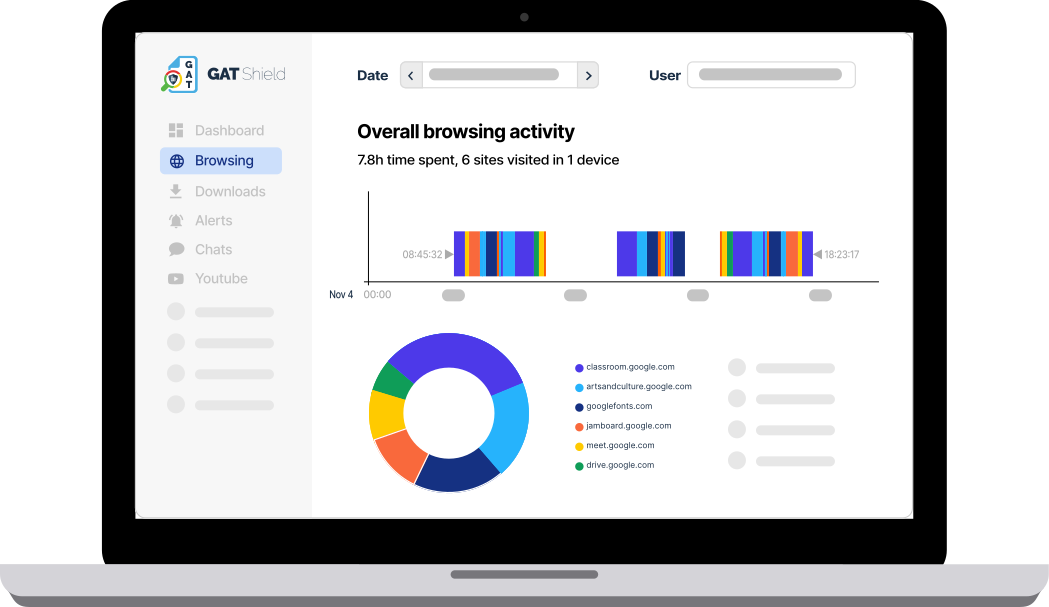
- – GAT Shield extends visibility into Chrome, including the web applications and AI tools users access.
- – GAT Unlock adds approval controls around sensitive administrative actions and access.
These capabilities don’t replace Google’s agent-specific controls. They help Admins understand and control the broader environment in which those agents operate.
Because knowing who has access is increasingly only half the question. You also need to understand what is acting with that access.
Frequently Asked Questions
What is agentic AI governance?
Agentic AI governance is the set of controls, policies, and review processes an organization uses to manage what AI agents can access, what actions they can take, how their access is approved, and how their activity can be investigated or restricted.
What is Google Workspace Studio?
Google Workspace Studio is Google’s environment for creating and managing AI agents and automated workflows that work across Google Workspace and connected applications.
Can Google Admins see what AI agents are doing in their domain?
For Workspace Studio, Google provides dedicated management, monitoring, and auditing capabilities that give Admins visibility into flow operations. Agent access management controls also allow Admins to suspend flows and revoke targeted OAuth scopes.
For third-party applications, API controls provide visibility into connected applications, users, requested services, OAuth scopes, and access settings.
Admins therefore need to consider both native Workspace agents and third-party applications connected to Workspace data.
Can Google Admins block AI agents from accessing Workspace data?
It depends on the type of agent and the access involved.
Workspace Studio provides controls for managing Studio flows, including the ability to suspend flows and revoke targeted OAuth scopes. Studio DLP can block certain actions or require user confirmation, while Gemini DLP can prevent Gemini-powered steps from accessing protected Drive data.
For third-party applications, Google API controls allow Admins to classify applications as Trusted, Limited, Specific Google data, or Blocked and restrict access to high-risk OAuth scopes.
Do OAuth-connected AI tools pose a different risk from Google’s native AI features?
They create a separate access layer to review.
Third-party applications request their own OAuth scopes and are not necessarily governed by the same Workspace Studio-specific controls as Google’s native agentic features.
Both should be included in the organization’s broader AI governance process.
Where should I start reviewing AI agent access in Google Workspace?
Start in your Google Admin console:
Admin Console → Security → Access and data control → API controls → Manage App Access
Review connected applications, the Google services they can access, and their requested OAuth scopes. Then confirm whether each application’s access level matches what it actually needs.
Google provides detailed instructions in its App Access Controls documentation.
Insights That Matter. In Your Inbox.
Join our newsletter for practical tips on managing, securing, and getting the most out of Google Workspace, designed with Admins and IT teams in mind.