What do the latest Google Workspace security statistics show?
| Metric | Reported Figure | Period |
|---|---|---|
| OAuth abuse | ~2,000% increase | Oct 2025 – Jan 2026 |
| OAuth consent events | 45% increase | Oct 2025 – Jan 2026 |
| SIM swapping campaigns targeting Workspace users | 45% increase | 2025 |
| Average time to account takeover after a SIM swap | 2.3 hours | 2025 |
| Malicious external sharing link creation | 56% increase | 2025 |
| Average time external sharing configurations stayed active before detection | 43 hours | 2025 |
| MFA bypass success rate against SMS-based MFA | 23% | 2025 |
Note: Statistics are from SQ Magazine’s Google Workspace statistics report.
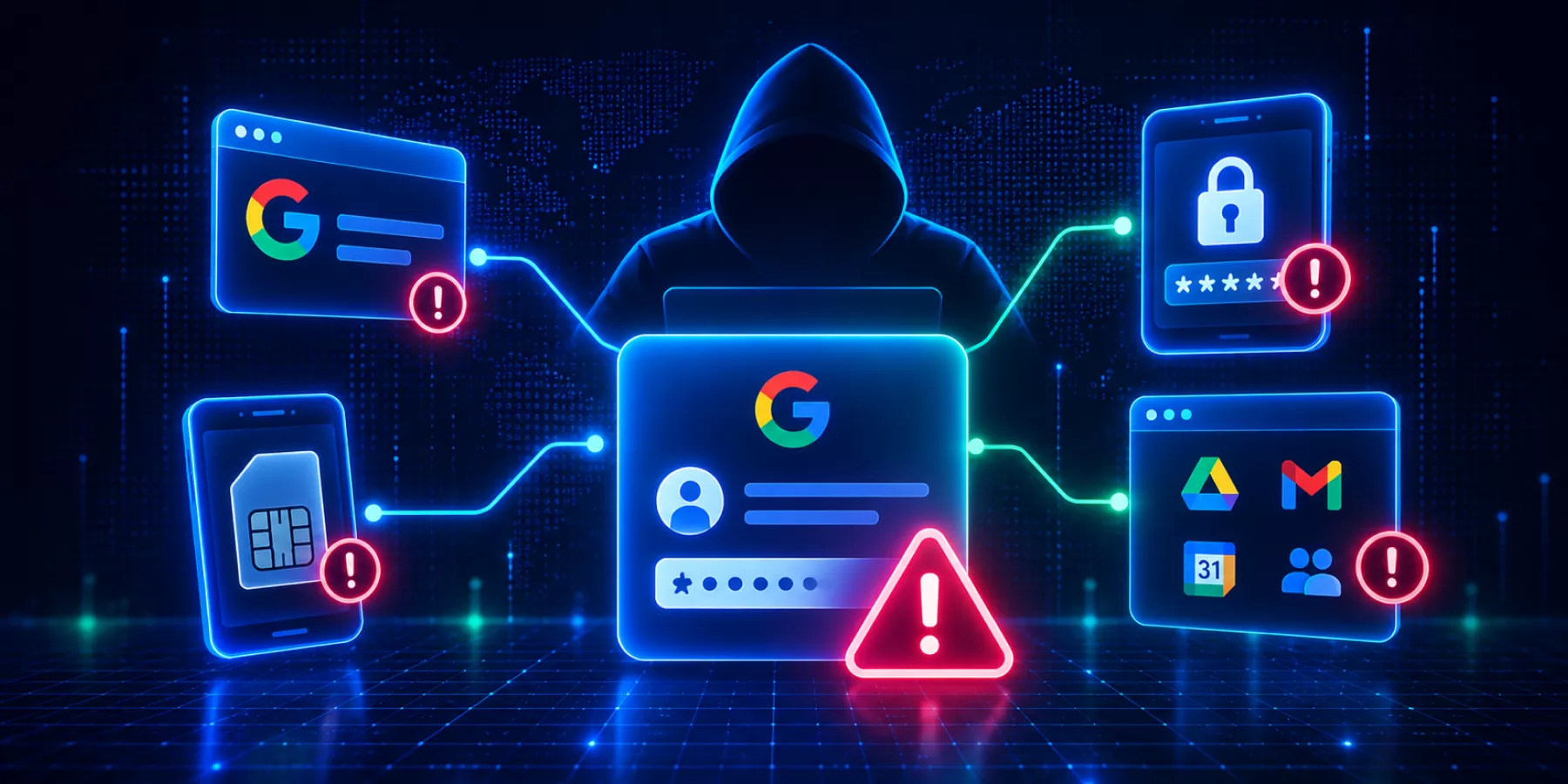
These attacks use different methods, but they share one outcome: attackers can gain or abuse authorized access without simply guessing a password. A successful login alone does not always prove the legitimate user is behind the account.
How does OAuth abuse work in Google Workspace?
In an OAuth attack, the attacker convinces a user to approve a malicious app on a consent screen. The app then receives access to the scopes the user granted. No password is stolen, and the authorization itself is the attack path.
SQ Magazine reports OAuth abuse rose about 2,000% between October 2025 and January 2026, alongside a 45% rise in consent events.
Passwords and MFA alone do not address malicious OAuth authorization. Admins need to know which third-party apps users have authorized, what those apps can access, and whether they are still in use. Our OAuth app security guide covers the audit steps. If you want the wider picture, see our shadow IT guide for Google Workspace.
What is a SIM swap attack, and why does it affect Google Workspace?
In a SIM swap, an attacker moves a victim’s phone number to a SIM they control. SMS codes and calls then go to the attacker. Any organization that relies on SMS for authentication exposes that factor.
SQ Magazine reports SIM swapping campaigns against Google Workspace users increased 45% during 2025. The average time to account takeover after a successful swap was 2.3 hours.
Moving users from SMS-based authentication to passkeys or security keys reduces exposure to SIM-swap attacks. Our MFA guide for Google admins covers the options.
Can attackers bypass MFA in Google Workspace?
Yes, depending on the method. SQ Magazine reports a 23% success rate for MFA bypass techniques against SMS-based implementations. Attackers use phishing, adversary-in-the-middle proxies, session theft, and social engineering.
This does not make MFA ineffective. It makes the method matter. Use phishing-resistant authentication where you can, and reduce reliance on SMS.
How does external sharing turn a compromised account into a data breach?
An attacker with access to a Drive account does not need malware. They can share files externally using native features.
SQ Magazine reports malicious external sharing link creation rose 56% during 2025, and those sharing configurations stayed active for an average of 43 hours before security teams detected them.
That window is the exposure. You need to see external shares as they are created and remove them quickly. GAT+ reports on externally shared files and lets you remove shares in bulk.
Why is authentication at login not enough?
Passwords, MFA, passkeys, and security keys answer one question: can this person prove they are authorized to access the account?
Once authentication succeeds, the session continues beyond the initial identity check. Google provides protections against threats such as stolen session cookies, but login authentication does not continuously verify the identity of the person physically using the browser.
That distinction matters. An authenticated session can still become a target for account takeover, session hijacking, or unauthorized use.
What should Google Workspace admins review?
Use Cybersecurity Awareness Month to review controls across the full session:
- – OAuth access: Review third-party apps, requested scopes, connected users, and dormant authorizations.
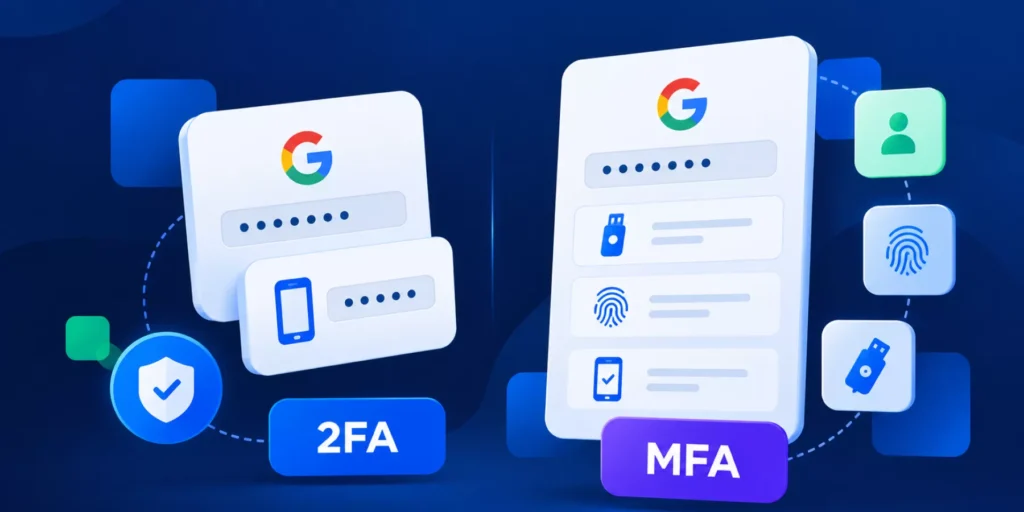
- – Authentication methods: Move users from SMS to passkeys or security keys.
- – External sharing: Monitor Drive permission changes and investigate unexpected external access quickly.
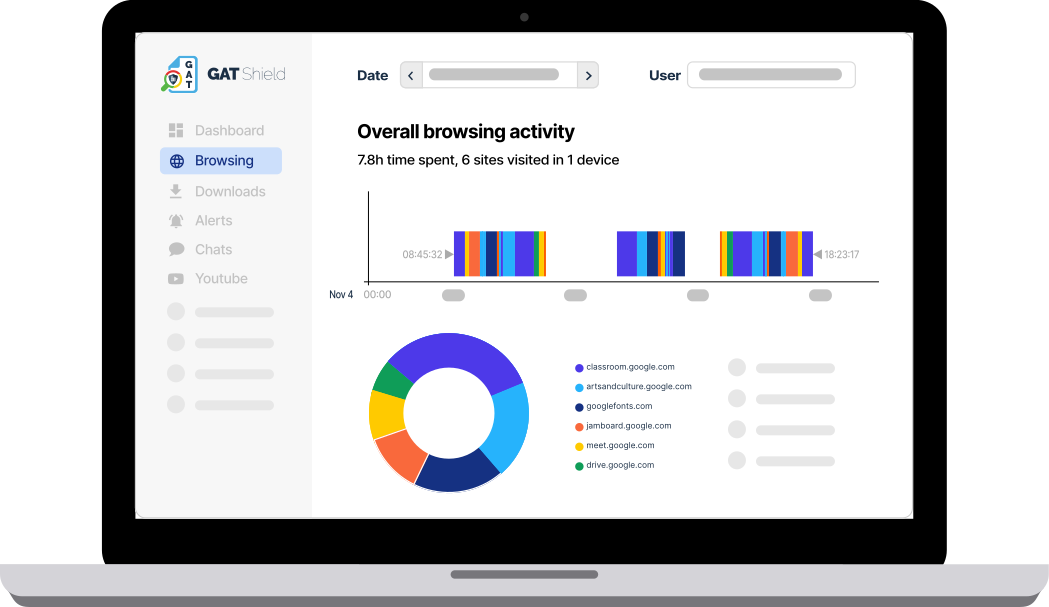
- – Browser activity: Look for unusual browsing, downloads, or app access after login.
- – Session identity: Decide how you will confirm the person using an authenticated account is the legitimate user.
What is GAT Shield+ ActiveID?
GAT Shield+ adds continuous identity verification inside Chrome. Its ActiveID feature measures the timing of a user’s keystrokes. It does not record what they type. Machine learning models compare that timing against the user’s established profile throughout the session.
When typing behavior does not match the expected user with sufficient confidence, Shield+ alerts the admin and triggers the response you configured. Depending on policy, that can be a passkey challenge or clearing browser cookies to end active sessions. The Shield+ overview covers setup.
FAQs
Which Google Workspace identity threat showed the fastest growth?
In the SQ Magazine data, OAuth abuse showed the sharpest reported increase, at approximately 2,000% between October 2025 and January 2026.
Is SMS-based MFA safe for Google Workspace?
It is weaker than phishing-resistant alternatives. SQ Magazine reports a 23% bypass success rate against SMS-based MFA, and SIM swaps can put the SMS authentication factor in an attacker’s hands. Passkeys and security keys provide stronger, phishing-resistant authentication.
How can admins detect a hijacked session in Google Workspace?
Monitor post-login browser activity, watch for unexpected external shares, investigate suspicious session activity, and consider continuous identity verification such as GAT Shield+ ActiveID.
Does ActiveID record what users type?
No. It analyzes typing timing, not the words typed.
Verify identity after login
They can perform a SIM swap. They can bypass MFA. But the one thing an attacker can’t do is become you.
GAT Shield+ ActiveID continuously checks your unique user traits to verify that the person using your account is you.
Insights That Matter. In Your Inbox.
Join our newsletter for practical tips on managing, securing, and getting the most out of Google Workspace, designed with Admins and IT teams in mind.