
Quick Answer
The Principle of Least Privilege in Google Workspace means giving users, Admins, apps, and service accounts only the access they need, for only as long as they need it. This includes limiting admin roles, reviewing OAuth access, removing permissions when roles change, and using temporary administrator roles when elevated access is only required for a defined period.
Enterprise Google Workspace admins carry a heavy load. From user management to data protection, security is a constant balancing act. You’re the guardians of user identities, access controls, and company data, all while keeping day-to-day operations running without friction.
And that balancing act is exactly where most organizations go wrong.
Giving everyone broad access feels efficient until a misconfigured account, a departing employee, or an over-permissioned third-party app becomes the entry point for a breach. Locking everything down too tightly frustrates users and slows down real work. Neither extreme works.
The answer is the Principle of Least Privilege, and applying it correctly in Google Workspace is more nuanced than most guides suggest.
What Is the Principle of Least Privilege?
The Principle of Least Privilege (PoLP) was formally defined by Dr. Jerome Saltzer at MIT in 1974:
“Every program and every privileged user of the system should operate using the least amount of privilege necessary to complete the job.”
In practice, it means every person, app, and service account in your Google Workspace should have access to exactly what they need: nothing more, nothing less. And that access should be revoked as soon as it is no longer needed.
Google Workspace is a powerful, open-by-default platform. That openness is a feature, not a flaw, but without deliberate access governance, it quietly accumulates risk. Delegated admin roles, over-scoped third-party apps, and stale permissions from employees who changed roles are all forms of privilege sprawl that most admins do not see until it is too late.
Where Least Privilege Breaks Down in the Real World
Understanding PoLP in theory is straightforward. The harder part is recognizing where it fails silently in practice. Here are the three scenarios Google Workspace admins encounter most often:
1. The Over-Permissioned Super Admin
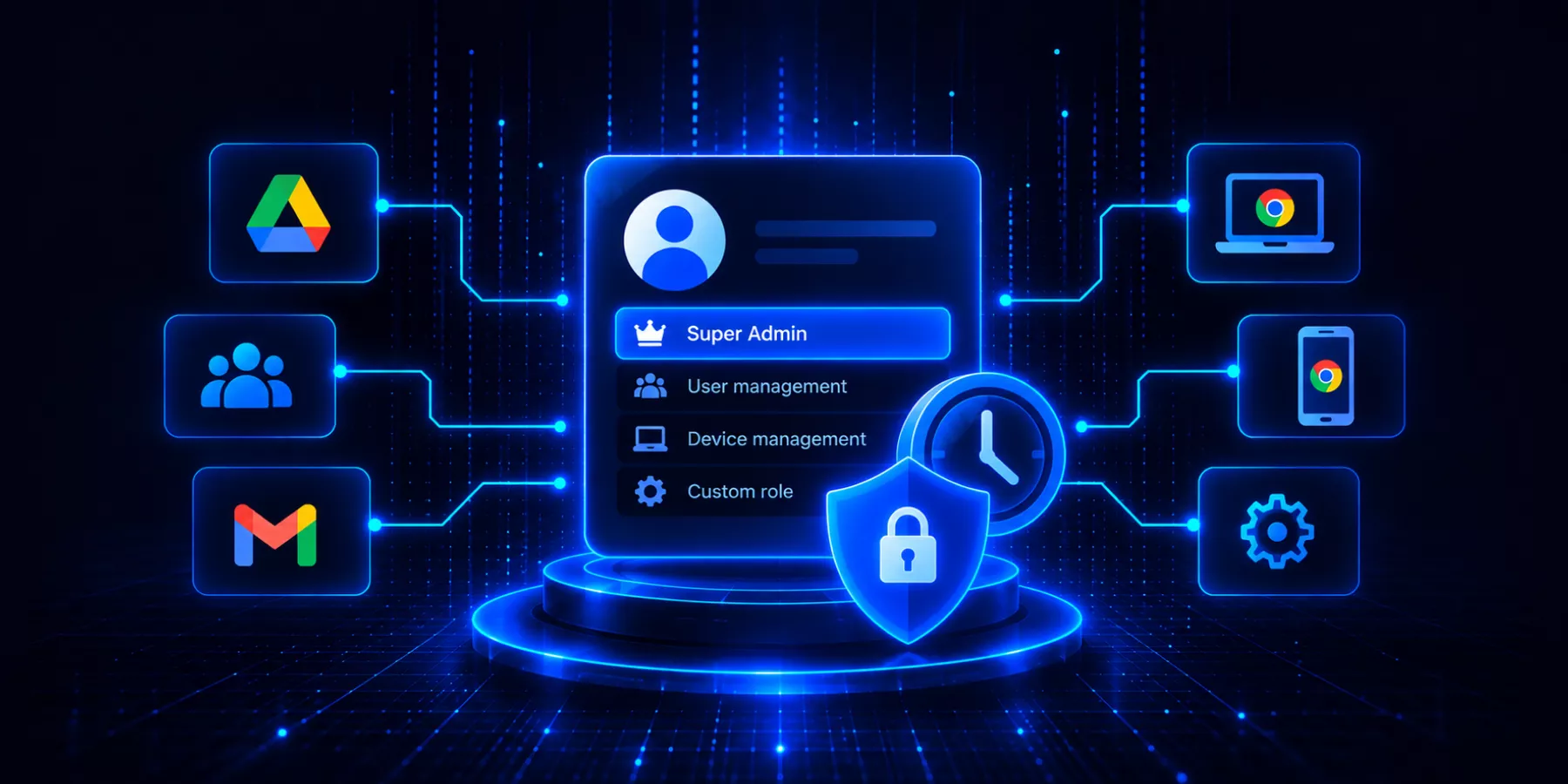
Google recommends organizations keep the number of Super Admins limited. In practice, organizations can end up with more privileged accounts than necessary, often because assigning broad access is easier than building a role around the administrator’s actual responsibilities.
A Super Admin can manage security settings, users, applications, and other sensitive controls across the domain. When a Super Admin account is compromised, or when an Admin makes an error under that role, the potential impact extends across the organization.
The principle of least privilege provides a better approach: give administrators the permissions they need, scoped to the resources they actually manage.
Google has been expanding its native controls to make this easier. Admins can create custom or delegated admin roles rather than relying on Super Admin access for everyday administration.
Google also now supports OU-scoped mobile device management privileges. An administrator responsible for devices in a particular department, region, or business unit can be given device-management privileges for the relevant organizational units without receiving the same access across every device in the domain. Google made this capability generally available in June 2026.
Combined with Google’s new temporary administrator roles, Admins now have more options to limit privileged access across two important dimensions:
Scope: Give an Admin privileges only for the OUs and resources they need.
Time: Give an Admin privileges only for as long as they need them.
Temporary administrator roles can be assigned to users, groups, or service accounts for a predefined duration or until a custom expiration date and time. Once the assignment expires, Google automatically revokes the access granted by that role.
For Google Admins, the practical question should no longer be simply “Does this person need admin access?” It should be: What do they need access to, and for how long?
That is a much stronger application of least privilege than granting broad, permanent administrative access by default.
2. Privilege Creep During Role Changes
An employee joins as a junior analyst. Over two years, they move to a senior role, then briefly cover for a manager on leave, then join a cross-functional project. Each move adds permissions. None are removed.
This is privilege creep, and it is one of the most common, least-visible security risks in any Google Workspace domain. The user may still have access to the manager’s Shared Drives, confidential project folders, or administrative privileges long after that access is needed.
Google now gives Admins a native way to reduce this risk for temporary administrator access. Super Admins can assign administrator roles to users, groups, or service accounts for a defined period. When that period expires, Google automatically revokes the privileges granted by the role. Admins can select a predefined duration or set a custom expiration date and time.
This is particularly useful when someone needs elevated privileges to cover an absent colleague, complete a short-term project, support an external audit, or perform another time-limited administrative task.
But temporary roles only address time-bound administrator privileges. Admins still need to review broader access across Drive, groups, third-party apps, Shared Drives, and other Workspace resources where privilege creep can accumulate.
A regular access permissions audit remains important, especially when tied to your user lifecycle management process.
3. Third-Party Apps with Excessive OAuth Scopes
This is the one admins see least clearly. A productivity tool gets installed via the Google Workspace Marketplace. The user grants it access to “read and modify all files in Google Drive.” That app now has a persistent OAuth token with broad Drive access, and it may retain that access for months or years, even after the user stops using the tool.
Google Workspace integrations frequently request scopes far broader than they functionally need. Admins should audit and manage third-party app access regularly, revoking unused OAuth grants, blocking high-risk scopes, and restricting which apps can access sensitive services like Gmail or Drive at the domain level.
The Benefits of Getting This Right
A well-enforced least privilege model across your Google Workspace delivers compounding benefits:
- Smaller attack surface. Every excess permission removed is an entry point eliminated.
- Contained breach impact. When an account is compromised, scoped permissions limit what an attacker can actually reach.
- Clearer accountability. Role-specific access makes it easier to trace actions back to individuals during an audit.
- Stronger compliance posture. Frameworks like GDPR, SOC 2, ISO 27001, and HIPAA all mandate strict access controls, and PoLP is foundational to meeting those requirements.
- Reduced human error. According to recent research, 95% of data breaches involve a human element. Scoping access reduces how much damage an honest mistake can cause.
Best Practices for Applying PoLP in Google Workspace
Start with a privilege audit, not a policy. Before setting new rules, understand what access actually exists. Map admin accounts, service accounts, and OAuth-integrated apps. Flag Super Admin holders, dormant accounts, and apps with broad scopes such as gmail.modify or drive.full. You cannot apply least privilege effectively without knowing where excess access already exists.
1. Use predefined roles as a starting point, not an endpoint. Google Workspace provides predefined admin roles for common IT functions. Use these where they fit. When they do not, create custom roles with only the privileges required for the task. Where supported, scope delegated administrative privileges to the relevant organizational units rather than granting broader domain-wide access.
2. Use temporary admin roles for temporary responsibilities. If someone needs elevated administrator privileges to cover an absent colleague, complete a short-term project, support an audit, or perform another time-limited task, avoid granting permanent access that someone must remember to remove later. Google now lets Super Admins assign administrator roles to users, groups, or service accounts for a defined period. Once the assignment expires, the privileges granted by that role are automatically revoked. Admins can use predefined durations or set a custom expiration date and time.
3. Temporary roles reduce one common source of privilege creep, but they only address time-bound administrator privileges. Access to Drive files, Shared Drives, groups, third-party apps, and other Workspace resources still needs to be reviewed separately.
4. Build PoLP into your onboarding and offboarding. New users should receive the minimum access their role requires from day one. Departing users should have access fully revoked, not suspended and forgotten. Tying access assignment to your user lifecycle workflow makes this systematic rather than manual.
5. Review access when roles change, not just on a schedule. Periodic reviews are useful, but the highest-risk moments often occur when someone changes teams, receives a promotion, covers for a colleague, or finishes a temporary project. Reviewing and updating access at those transition points helps prevent old permissions from accumulating. Where administrator access is temporary, use an expiration date instead of relying on someone to revoke it later.
6. Apply PoLP to apps, not just people. Every third-party integration is an identity with permissions. Restrict app access at the domain level through the Admin Console’s API Controls, and establish a process for reviewing and revoking OAuth grants that are no longer required. Pay particular attention to applications with broad access to services such as Gmail and Drive.
7. Protect Super Admin accounts separately. Super Admin credentials should not be used for routine administration. Enforce strong authentication, use dedicated Super Admin accounts separate from regular user accounts, and monitor activity under those accounts closely. Where a task can be completed with a narrower predefined, custom, delegated, or temporary role, use that instead.

How GAT Labs Helps You Enforce Least Privilege at Scale
Enforcing PoLP across a large Google Workspace domain is difficult to do manually, especially with frequent role changes, multiple OUs, and a growing stack of third-party integrations. GAT Labs gives admins the tools to do it systematically.
– Granular delegated access control: GAT+ Delegated Auditors lets you create admin roles with more precise permission scoping than Google’s native console allows, so you can give each admin exactly the access their function requires without over-provisioning.
– Dual-approval for sensitive actions: Security Officers in GAT add a second layer of human oversight to high-risk admin actions. Any change that could affect security settings, data access, or user permissions requires explicit approval before it executes, protecting against both compromised accounts and internal errors.
– Real-time access monitoring and alerting: GAT+ lets you continuously monitor access permissions for users and admins, and set up login alerts to flag unusual activity as it happens, not days later in a log review.
– Automated role assignment through lifecycle workflows: GAT Flow automates the assignment and removal of roles as part of onboarding, role-change, and offboarding workflows. You can also set and remove admin roles in bulk when reorganizations happen at scale.
– Third-party app visibility: GAT+ gives you a clear view of which apps have access to your domain, what scopes they hold, and which ones are dormant, so you can make informed decisions about what stays connected and what gets revoked.
Explore the full GAT Labs Knowledge Base or book a demo to see these capabilities in your environment.
Frequently Asked Questions
1. What is the Principle of Least Privilege in Google Workspace? It is the practice of ensuring every user, admin, app, and service account only has the access permissions they genuinely need to do their job, and that access is removed when it is no longer required. In Google Workspace, this applies to admin roles, Shared Drive permissions, third-party app OAuth scopes, and service account configurations.
2. How many Super Admins should a Google Workspace domain have? Google recommends keeping the number of active Super Admins to 1-3. Super Admin accounts should be reserved for emergency and recovery scenarios, secured with hardware-based MFA, and kept separate from day-to-day admin accounts.
3. What is privilege creep and how does it happen in Google Workspace? Privilege creep is the gradual accumulation of access permissions over time as users change roles, join projects, or cover for colleagues without having old permissions removed. It is one of the most common access control failures in Google Workspace domains and is best addressed through regular access audits tied to role-change events.
4. How do third-party apps affect least privilege in Google Workspace? Third-party apps connected via OAuth can hold broad access to Gmail, Drive, Calendar, and other services, often requesting more than they need and retaining that access indefinitely. Admins should audit connected apps regularly, revoke unused OAuth grants, and restrict high-risk scopes at the domain level through the Admin Console’s API controls.
5. What is the difference between a predefined admin role and a custom role in Google Workspace? Predefined roles are templates created by Google that cover common IT functions (user management, help desk, groups admin, etc.). Custom roles let admins define precisely which privileges are included, allowing for tighter access scoping in cases where predefined roles are either too broad or too narrow.
6. How often should Google Workspace admins review access permissions? At a minimum, a full access audit should happen quarterly. More importantly, permissions should be reviewed immediately when a user changes roles, moves teams, completes a temporary project, or leaves the organization. Treating access review as an event-driven process rather than a calendar task is more effective at preventing privilege creep.
7. Can Google Workspace administrator roles expire automatically? Yes. Google Workspace now allows Super Admins to assign administrator roles to users, groups, or service accounts for a defined period. Admins can select a predefined duration or specify a custom expiration date and time. Once the assignment expires, Google automatically revokes the privileges granted by that role. The feature is available to all Google Workspace customers.
8. Can GAT Labs help enforce least privilege automatically? Yes. GAT Labs tools, including GAT+, GAT Flow, and GAT Unlock, let admins build automated workflows for role assignment and revocation, set real-time alerts on suspicious access activity, and apply dual-approval controls to sensitive admin actions. This shifts least privilege from a policy on paper to an enforced operational reality.