

Introduction #
Monitoring user login activity is essential for identifying suspicious access and potential security risks in Google Workspace.
While Google provides alerts for unusual sign-ins, administrators often need broader visibility into login activity, failed logins, IP addresses, and access locations across their domain.
GAT+ provides this visibility through the User Logins audit area.
Analyze Google Workspace User Login Activity #
The User Logins audit area allows administrators to analyze login behavior across their Google Workspace domain using multiple metrics, including:
- Login source
- Login volume
- Successful logins
- Failed logins
- Login locations
- IP addresses
Events Generated by Google Workspace Users #
Clicking on this audit area lets you analyze the login behavior on your Google Domain by several metrics, source, volume, success, failures, etc.

The screenshot above shows the Events tab, which provides a high-level view of login activity across your domain.
Are there logins from unexpected locations?
Clicking on the map marker shows the Email address, and all related information to this account such as IP Address, City, Country, Event and Date.

Users Logins can also be checked by clicking on the “Apply custom filter” button.
Where an admin can narrow down the search and extract more detailed information regarding an event.
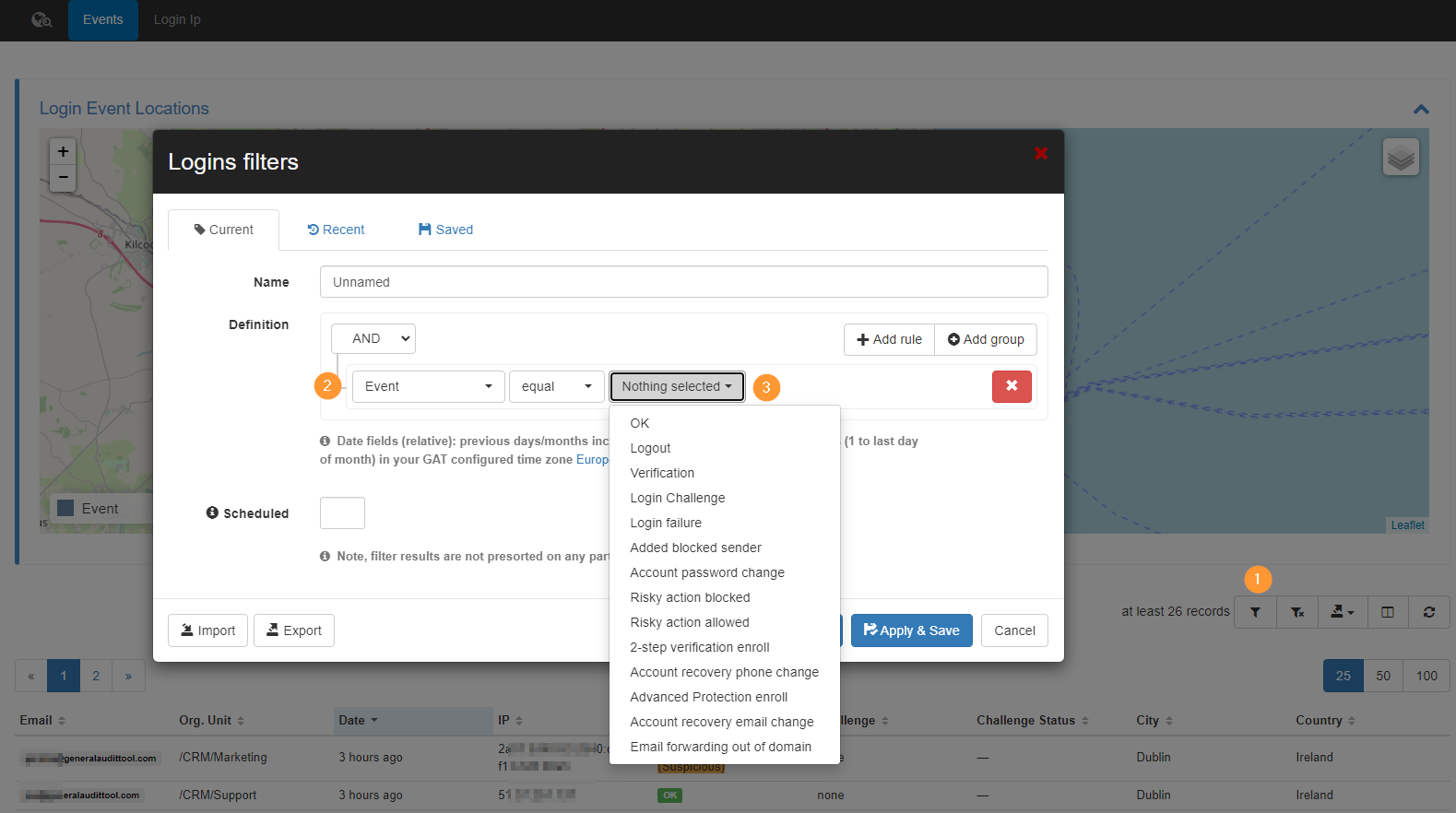
For example, an Admin can search for all events with status “Login failure” this will fetch all the metadata results and it will displayed them on the map where these events actually occurred and also generate table for this.
Login IP Analysis #
In this tab, you can analysis unique Login IP and their corresponding locations. Each location may have a number of users connected.

Correcting Location of an IP address #
If you wish to correct of a given IP to make it more accurate. Use this Post to learn how. User Logins IP/Location Correction


