

GAT Flow is an easy-to-use user management and automation tool for Google Workspace Admin. It provides solutions to manage domain-wide data efficiently and with less stress. It also helps Admins change individual Google Group settings.
GAT+ users can amend Google group settings as outlined here.
Search for Google Group #
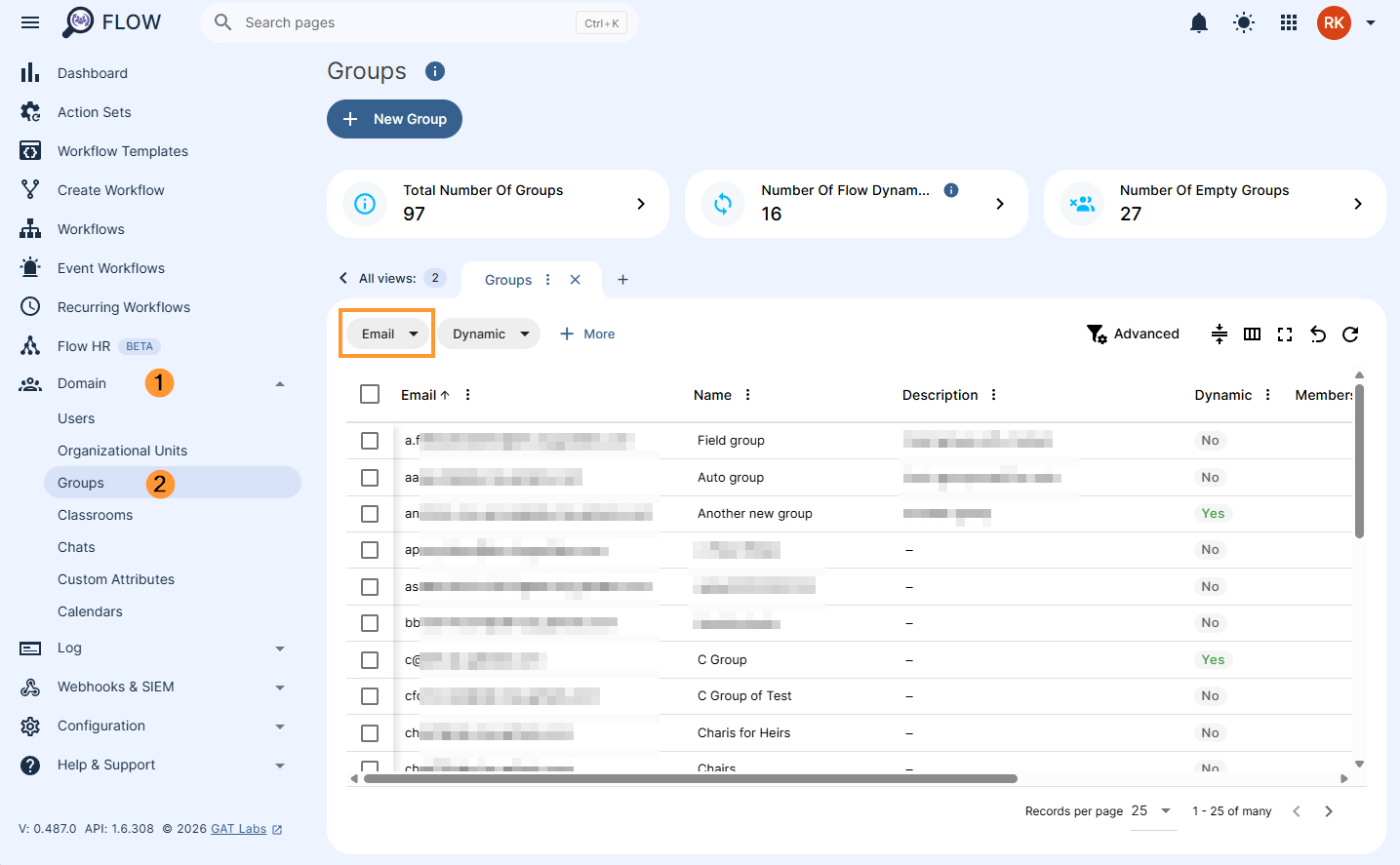
Navigate to GAT Flow > Groups
Enter the Google Group’s email that you wish to amend the details for.
Amend Group Settings #
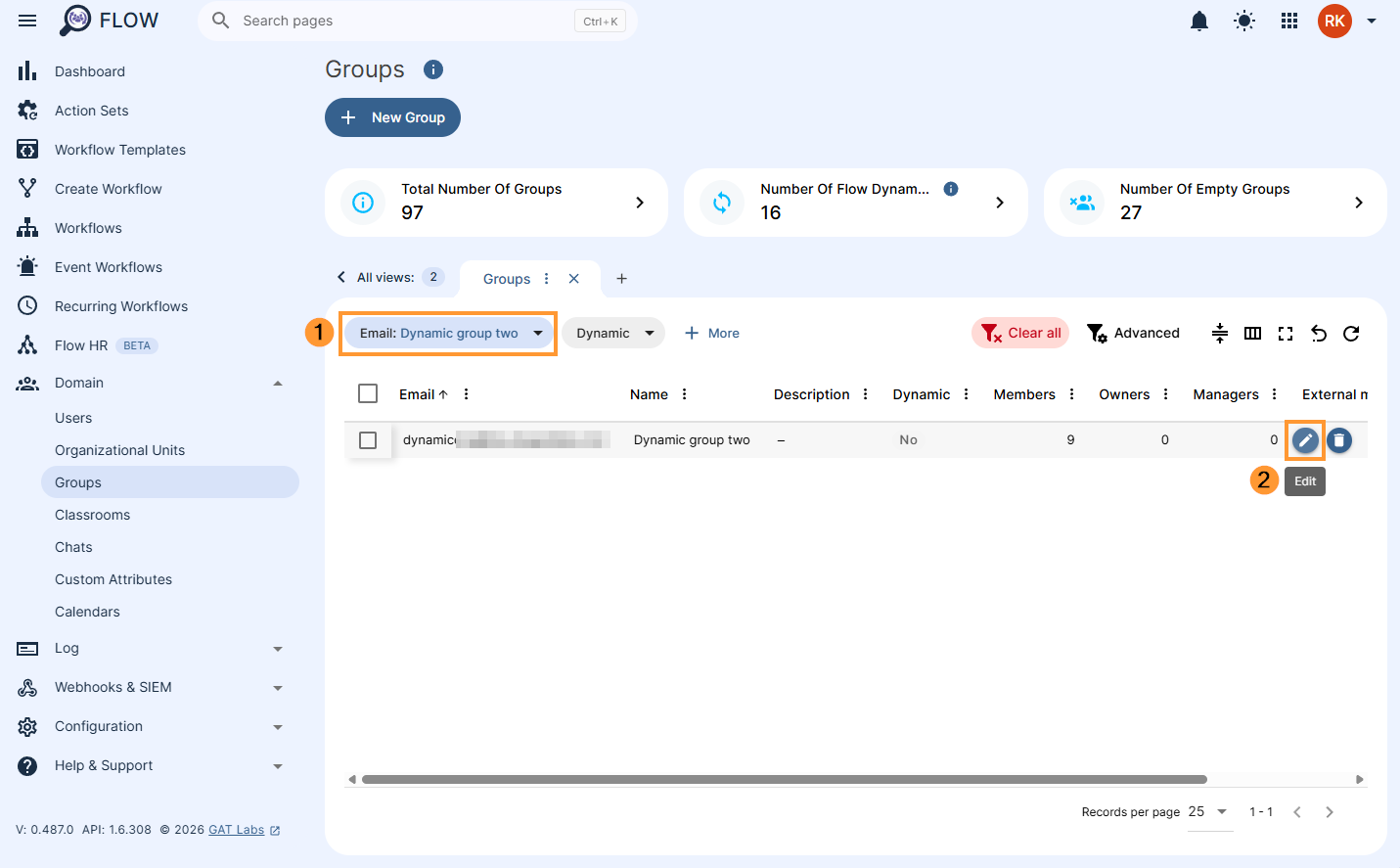
In the results, navigate to searched Google Group and click on the “pencil” icon to its right to edit the information.
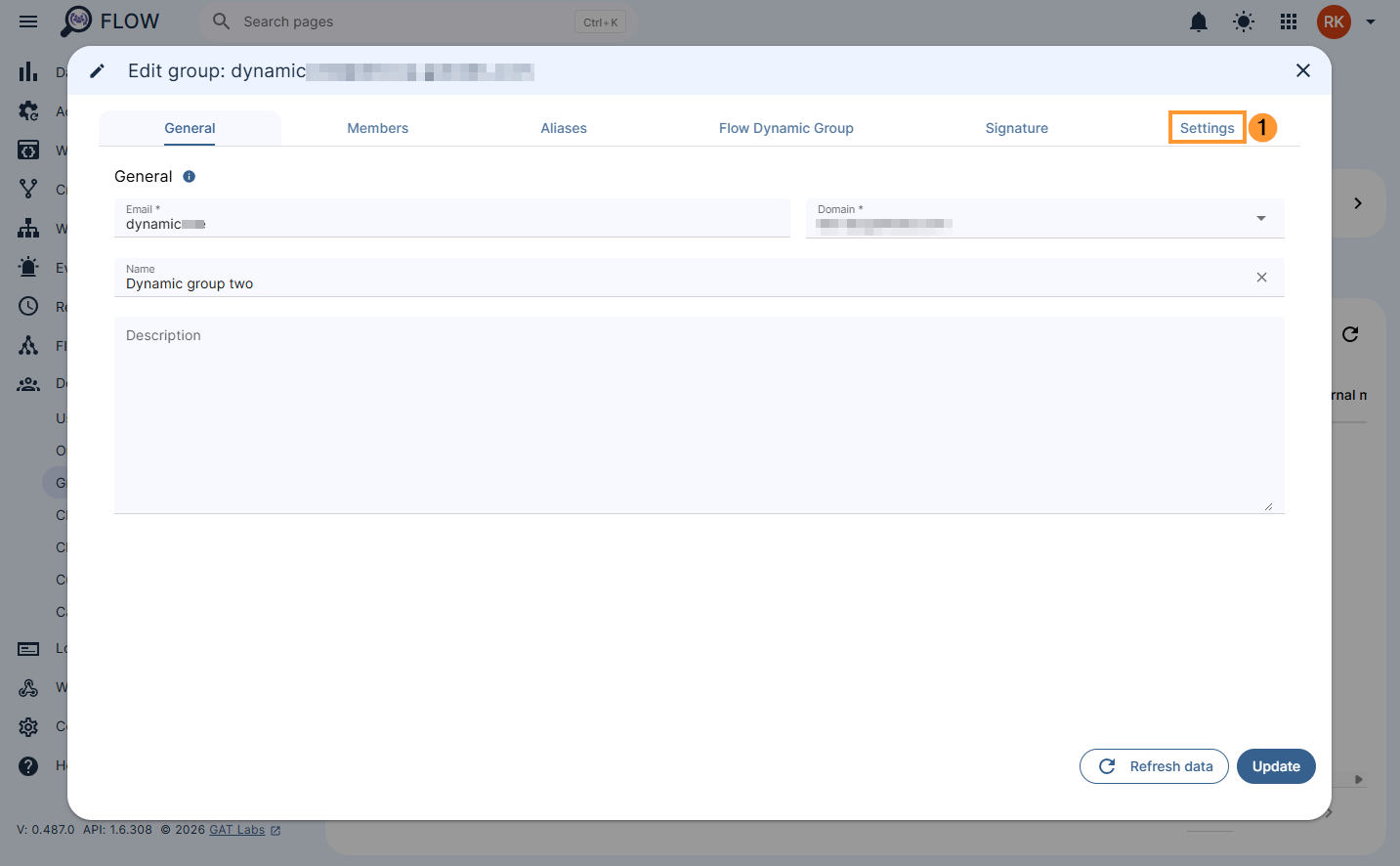
A new page will open with the selected Group information, click the Settings tab to adjust the groups settings.
Review and amend the settings according to the needs and hit Update.
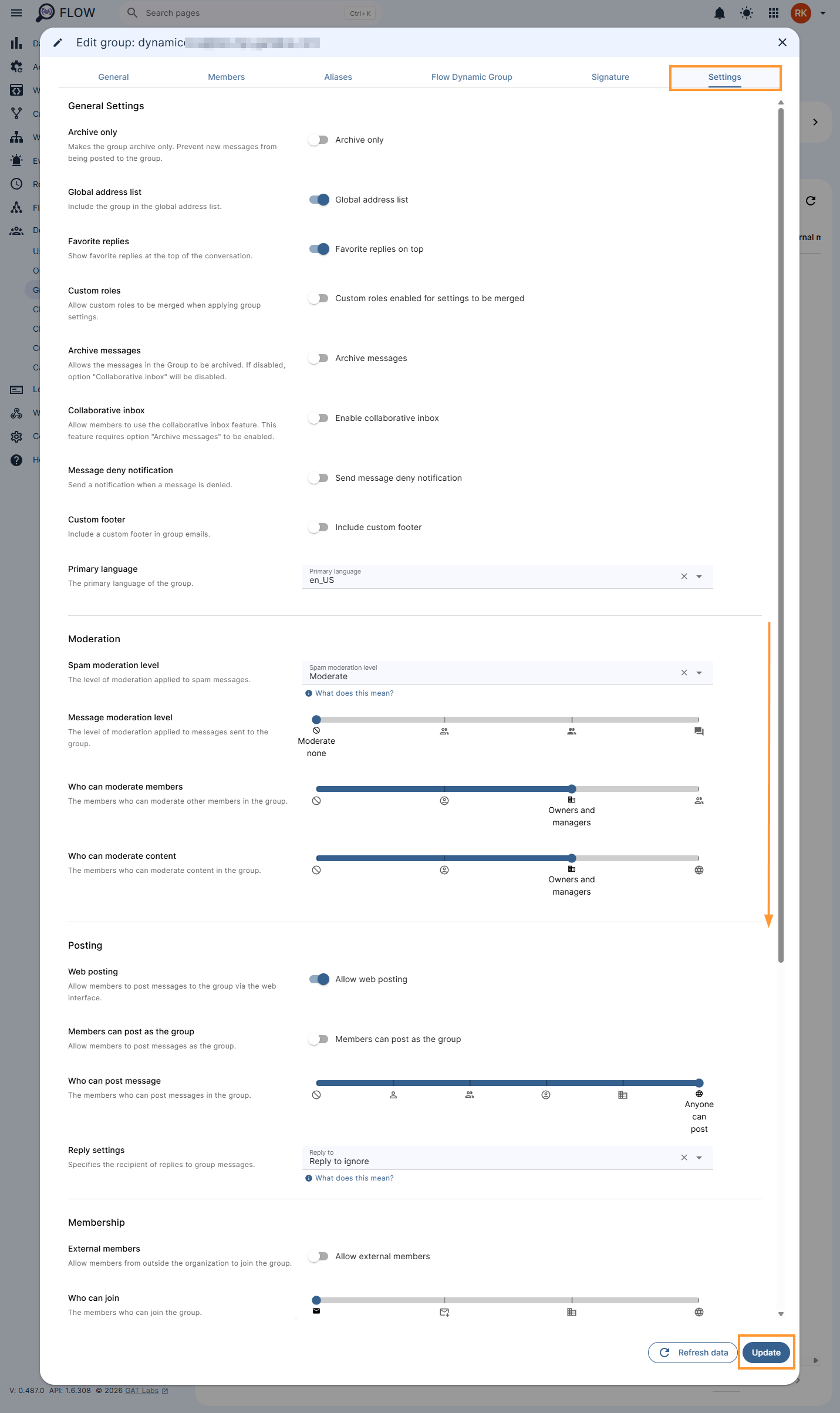
The applied changes to the Google Group will be updated immediately.


